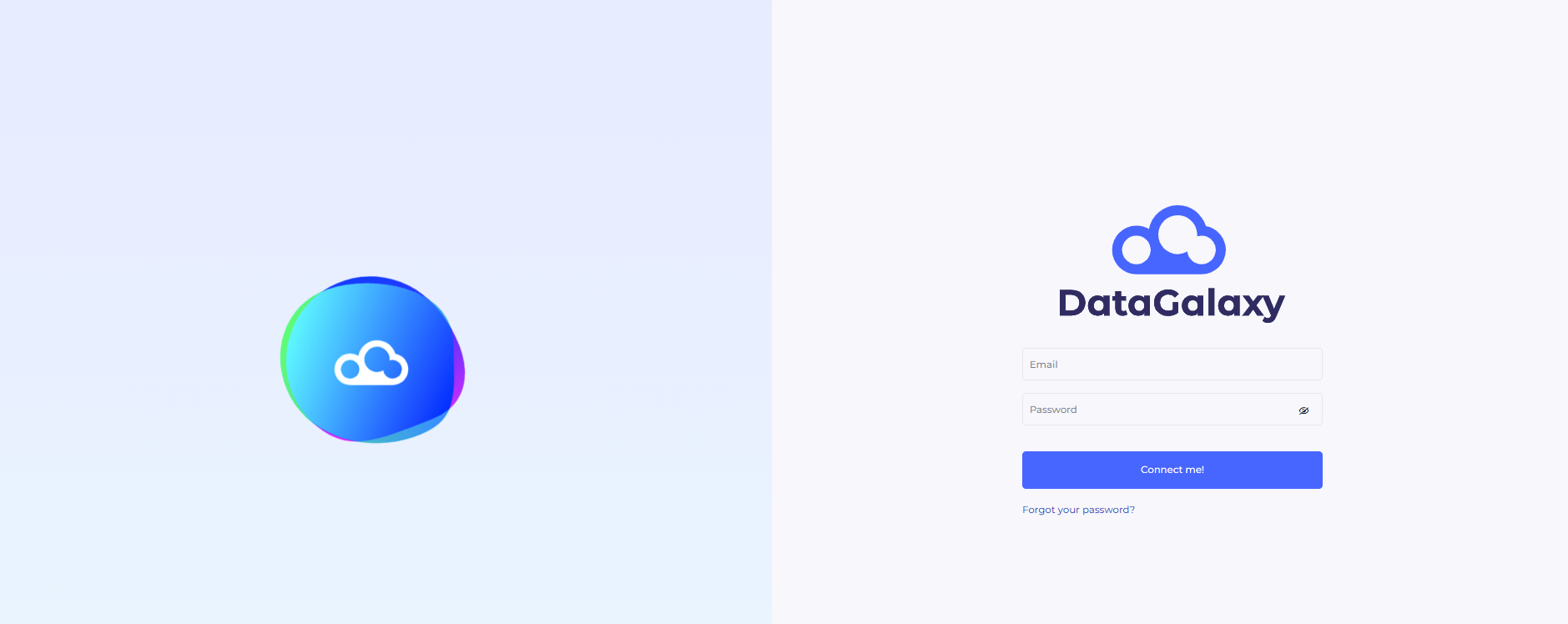
Connection to DataGalaxy is done through a browser with a username and password.
Two scenarios exist:
- Access is managed by DataGalaxy: In most cases, authentication is provided by DataGalaxy. The login ID is your email address and your initial password (sent to you by email).
- Access is managed by your teams (SAML protocol): It is possible to implement a connection associated with an authentication managed by your IT department. In this case, your username and passwords are those managed by your IT team.
In both cases, the DataGalaxy platform and all associated data are hosted on the Azure cloud in Germany and France.
Steps to connect:
- Enter your email address.
- Enter your password.
- Click on the button Connect me