The purpose of this article is to explain the different indicators available in the Analytics tab for monitoring global activity in the platform.
To learn more about how to access to Analytics and how to edit the global activity widget, please have a look at this article: [How to] Monitor global Activity.
The Global activity widget offers 8 key indicators as well as several analysis axes displayed as filters that can be applied on the widget.
The indicators :
Object creations : The number of object creations represents the number of objects impacted by the creation action. This includes the manual creations, the creations via CSV file imports as well as the creations via APIs.
Object updates : The number of object update refers to the number of times the user has updated an object. This includes manual changes, changes via CSV file imports as well as changes via APIs.
Object deletions : The number of object deletions refers to the number of actions of definitive object deletion. This includes the number of objects deleted in bulk.
Link creations : The number of link creations refers to the number of actions of creating links between two objects by users.
Search : The number of searches refers to the number of search actions made by users. This includes searches made on the global search page, as well as spotlight searches.
Object visualization : The number of object visualization refers to the number of times the user has consulted objects. This also includes previews of object cards.
Comments : The number of comment mesaures the number of new comments added by users.
Tasks : The number of tasks created refers to the number of actions taken by users to create new tasks.
Not all the filters shown are valid for all the indicators in the widget:
- The indicators are grouped by licence type. The indicators on the first line of the widget (Object creations, object updates, object deletions and link creations) match only the activity of Stewards and Explorers. Therefore, if a Reader filter is applied, the first line of the widget will disappear.
- The Searche indicator is not impacted by the filters on the module and object type.
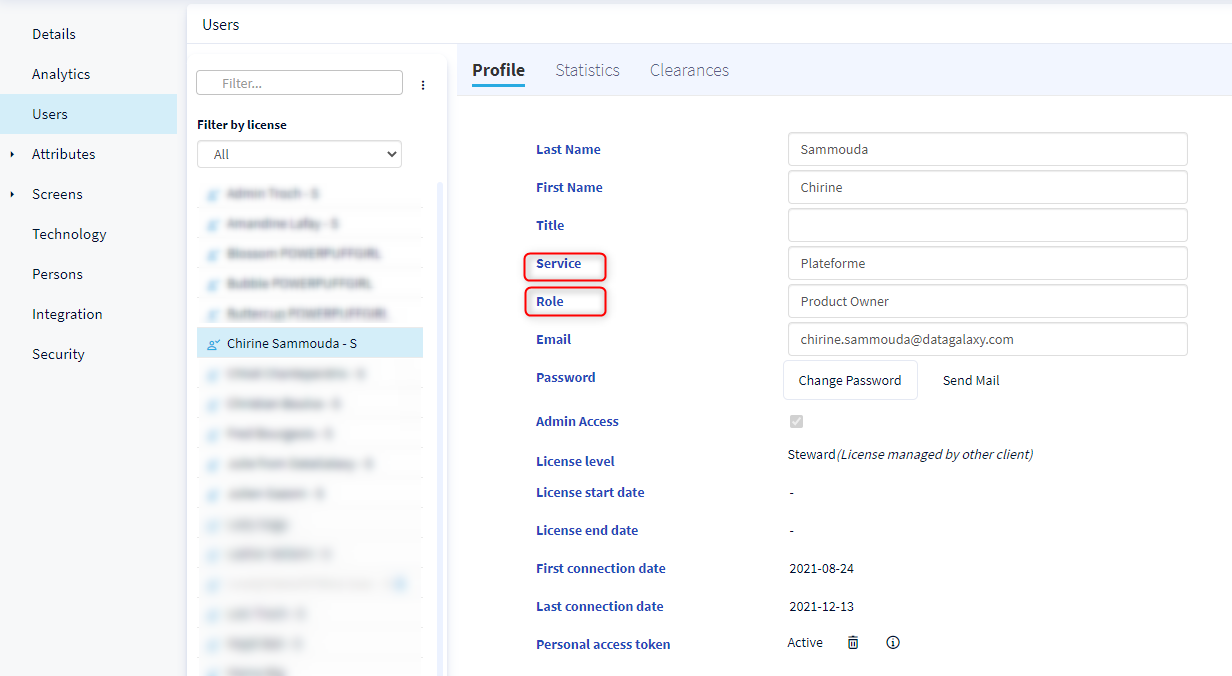
Filters on roles and services refer to those defined in the user profile.
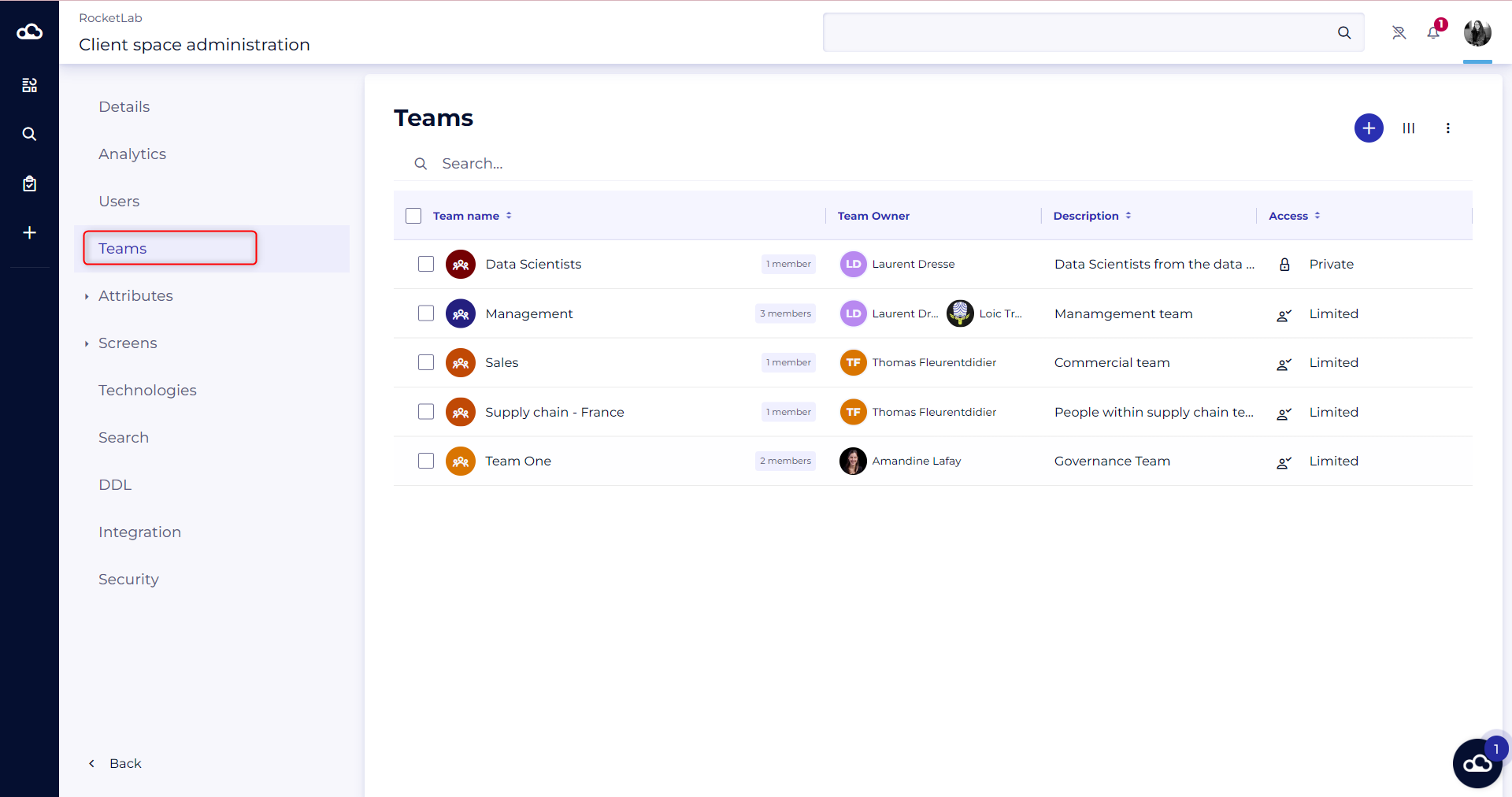
Filter on teams refer to the teams created in the administration of the client space. We enable to follow only the activity of public teams.