
Meet Blink: Your In-App AI Assistant
Say hello to Blink - your smart, friendly chatbot that helps you explore data and get quick answers about your workspace. Blink is here to make finding information easier, faster, and more conversational—right where you're working.
What is Blink?
Blink is your in-app chatbot designed for stewards and readers across all markets.
With Blink, you can:
Ask questions about your data and metadata
Search using natural language
Get quick, to-the-point answers—without leaving the app or extension
What Blink Can Do Right Now
✅ What Blink Can Do
Uses your workspace's existing metadata to answer questions
Understands general data-related queries
Recognizes your language automatically
Returns text answers (plus links to objects)
Searches only the version of the space you're working in
Loads data with a 1-day delay (so data added today shows up tomorrow)
Keeps your context lightweight
Blink can return linked objects, thus, can help you with understanding lineage
Please note, Blink works inside the app and extension.
We update the list on regular bases, as Blink is learning continiously
How to Start Using Blink
Launching Blink
You can open Blink by clicking chatbot icon in the top-right corner

First-Time Setup (One-Time Only)
If it’s your first time using Blink, you’ll go through a quick onboarding:
Welcome Screen – A short intro and a friendly mascot
AI Disclaimer – Review and either Accept or Cancel
Accepting launches the chat
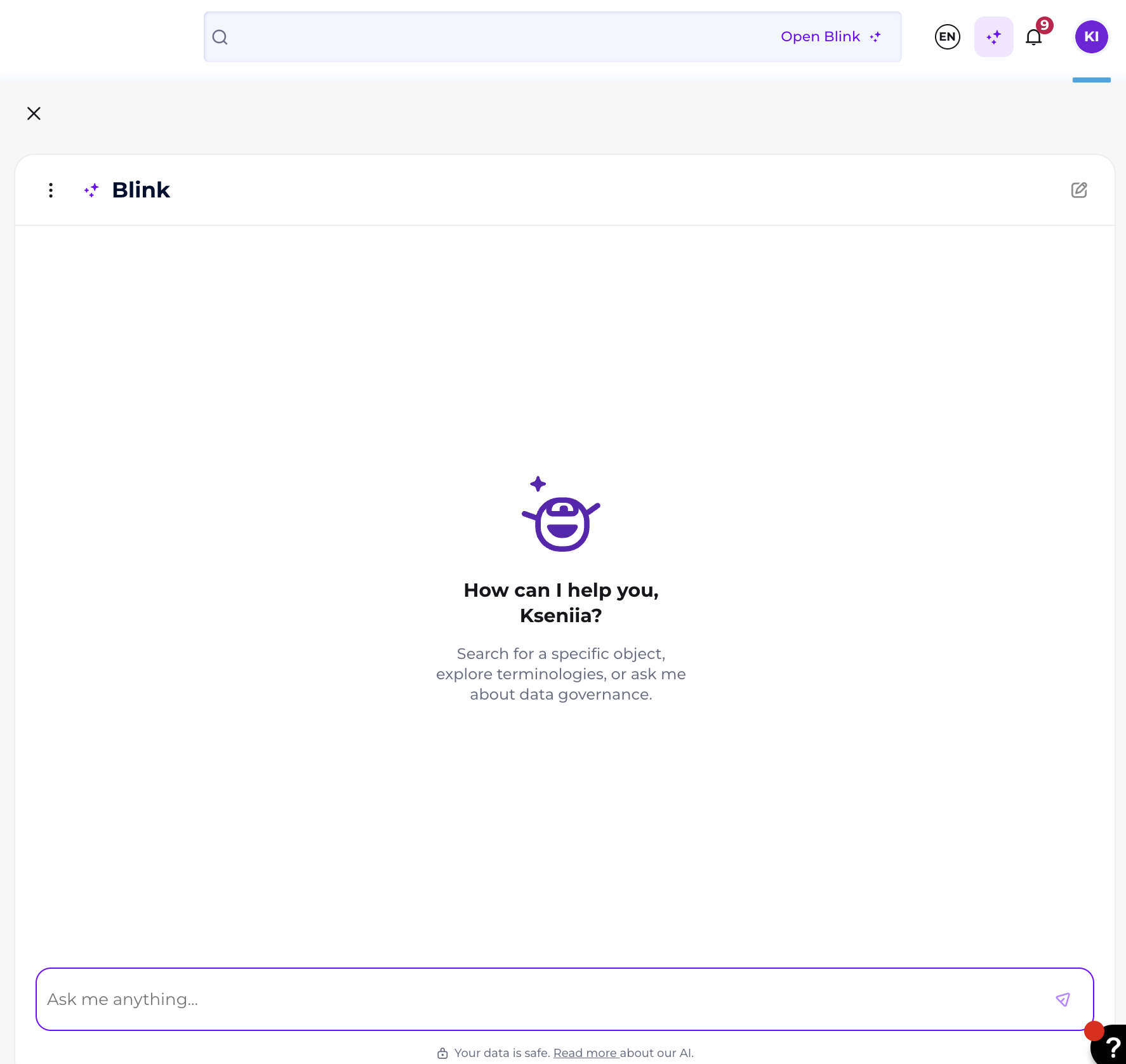
Chatting with Blink
How Conversations Work
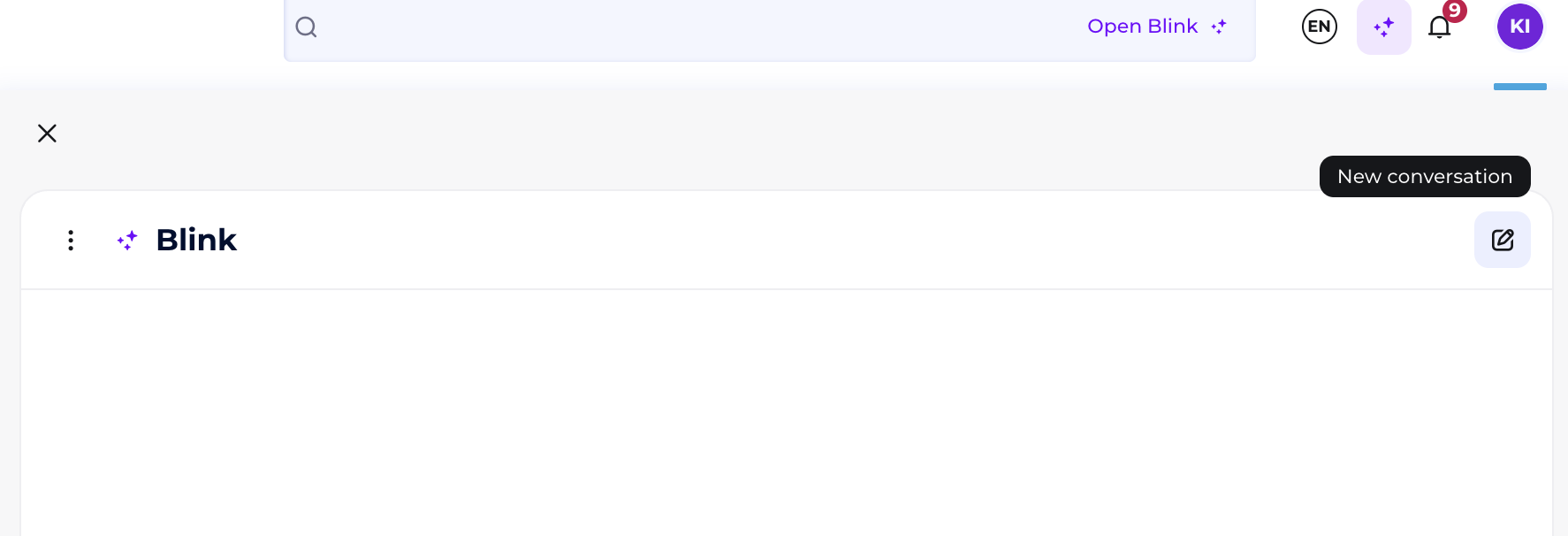
Start a new chat anytime when needed
Scroll to see previous messages - Blink always loads your chat history in batches
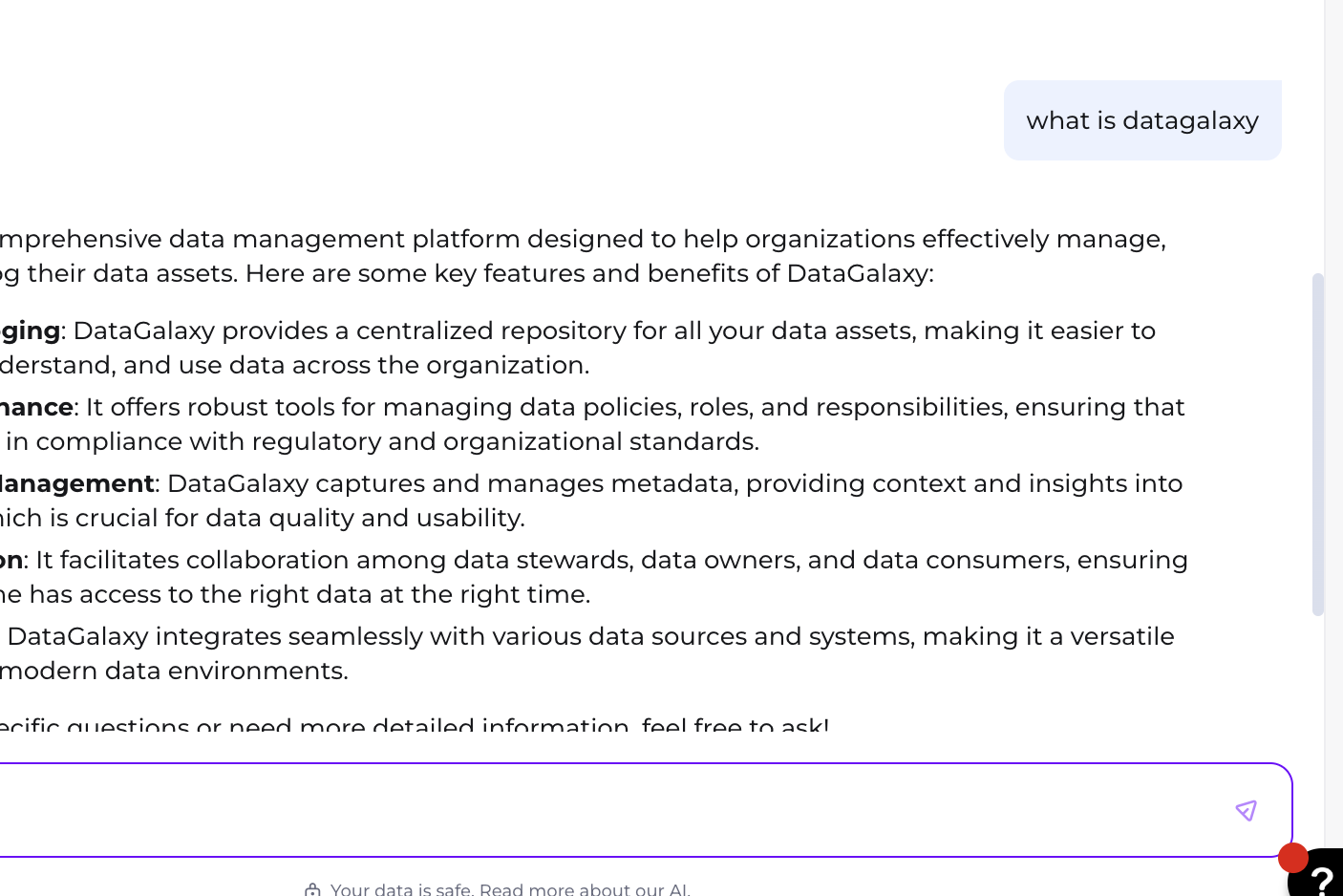
Rules of the Conversation
You can’t send a new question in the same conversation (but you can in the other one) until Blink answers the current one
Blink responds with clear, short messages (max 400 characters)
Only the last 50 messages are used to generate new response - Blink cannot remember longer conversations
History of Conversations
When you start a new conversation, a previous one is saved in your history of conversations
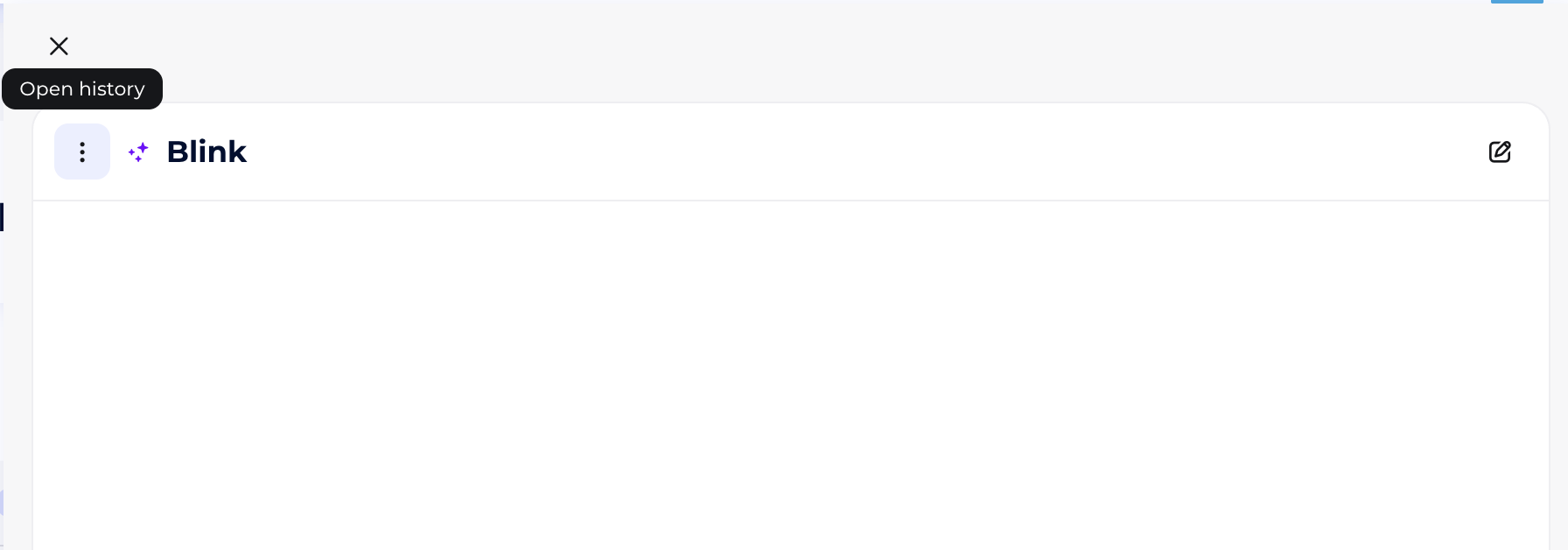
You can come back to a previous conversation when needed and ask the new question there
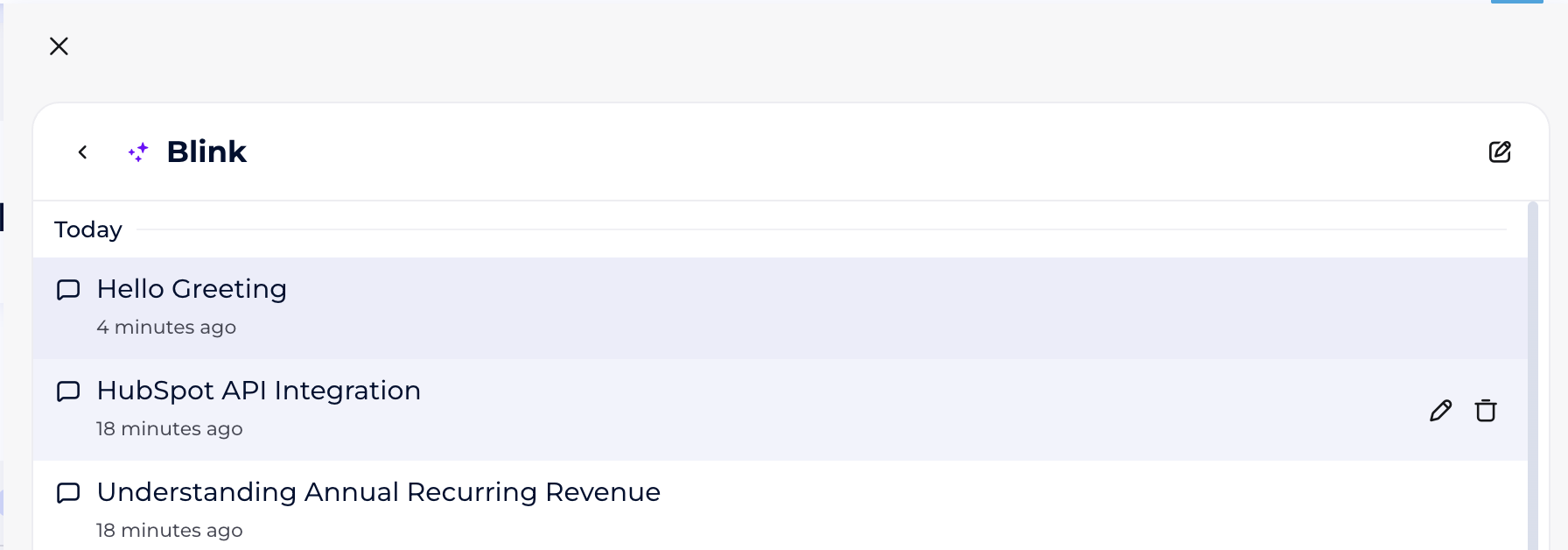
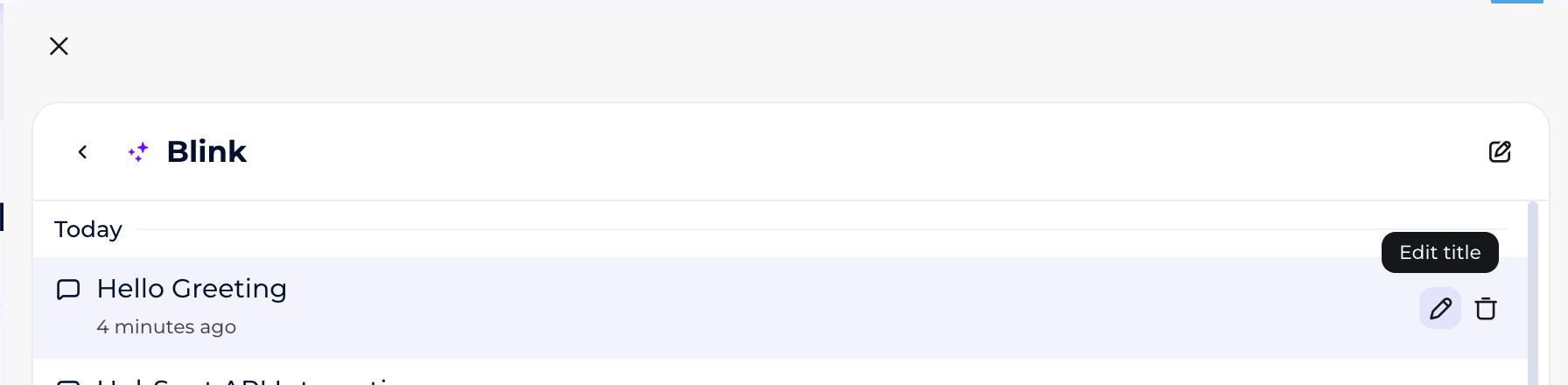
Convrsation's title is generated by Blink but you can rename it if it is neeeded
Your conversations are ordered by last modification
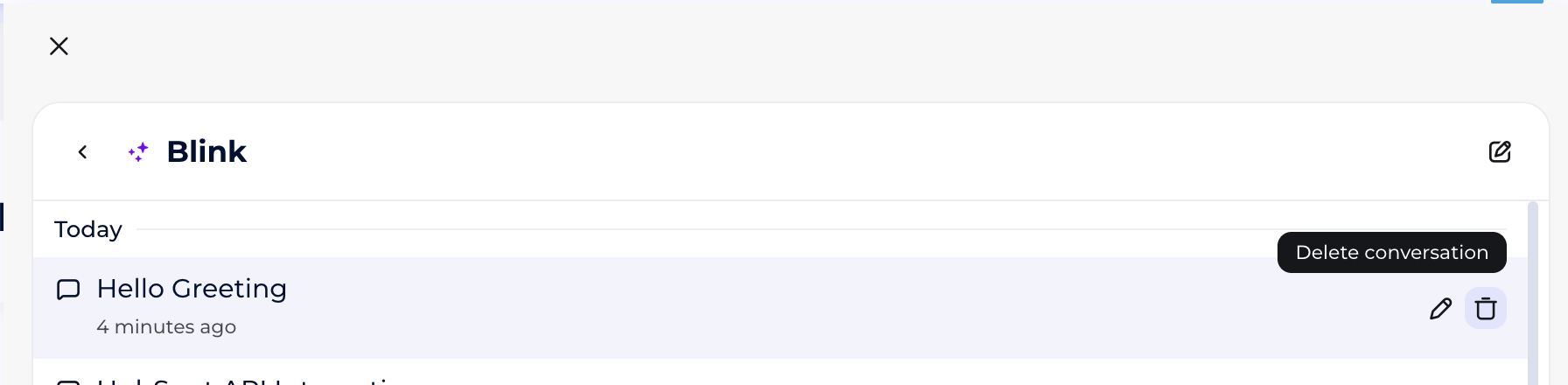
You can delete your conversation
Message Features
Blink’s replies include timestamps and are styled differently from your messages
When you hover over a message, you can:
Give positive feedback
Give negative feedback
Copy the message
Security & Permissions
Blink shows only the content you’re allowed to access.
When you ask about objects, Blink checks:
Who you are
What workspace and version you’re in
Whether you’re allowed to see the objects needed for answers
Note, answer will be build based on the permissions you have.