
Available as an option - contact your account manager to activate it.
The purpose of this article is to introduce you to the strategy module and to list the main useful links for this module.
The module is optional - contact your account manager to activate it. Once activated, it can only be accessed by workspace administrators. You can modify access rights using the user access rights management tool.
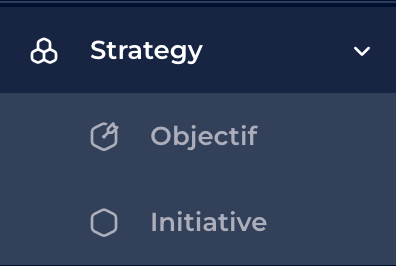
It is located in the main menu
The Strategy module is a centralised space where decision-makers define, align and share their strategic initiatives, and measure their impact on objectives. It enables data and technical teams to frame, refine and prioritise use cases. It encourages collaboration between teams.
The DataGalaxy strategy allows you to manage several types of objects:
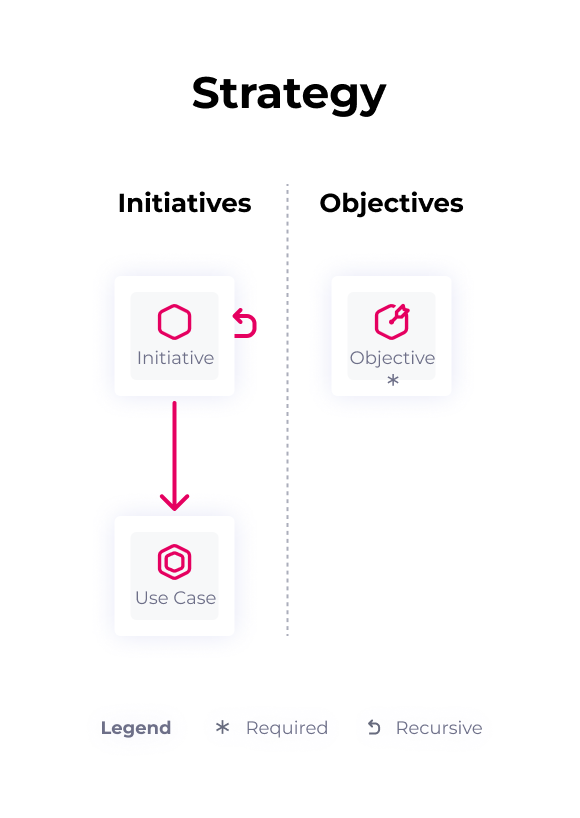
Their definition :
- Their name (mandatory - determines the uniqueness of properties in DataGalaxy),
- Description,
- Who is responsible for them,
- Any attribute relevant to your context of use. The customer area administrator can create custom attributes.
To find out more :