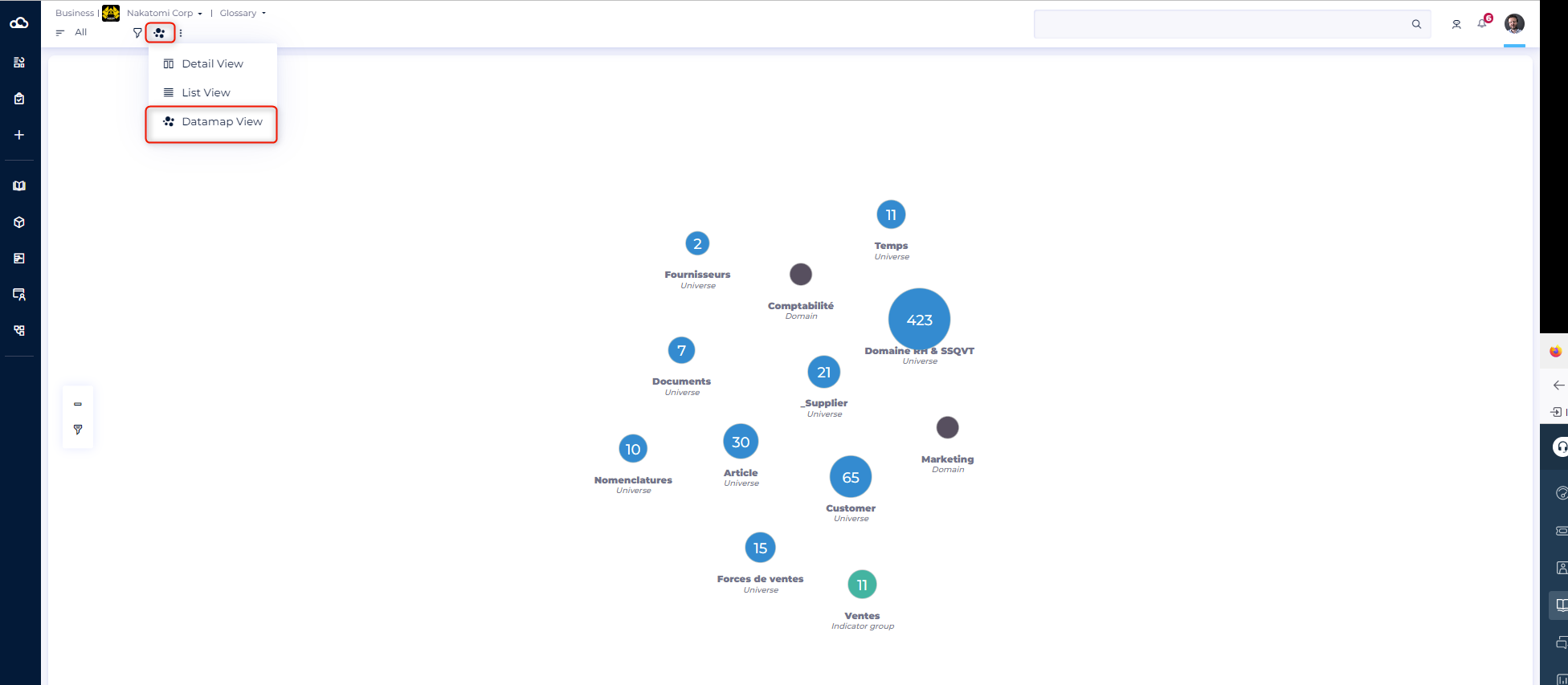
The purpose of this article is to explain how to change your view when you are in a module.
In all modules, you can display objects in a Detail view or in a List view. You can also use the Datamap view in the glossary, the data processing, and the uses modules.
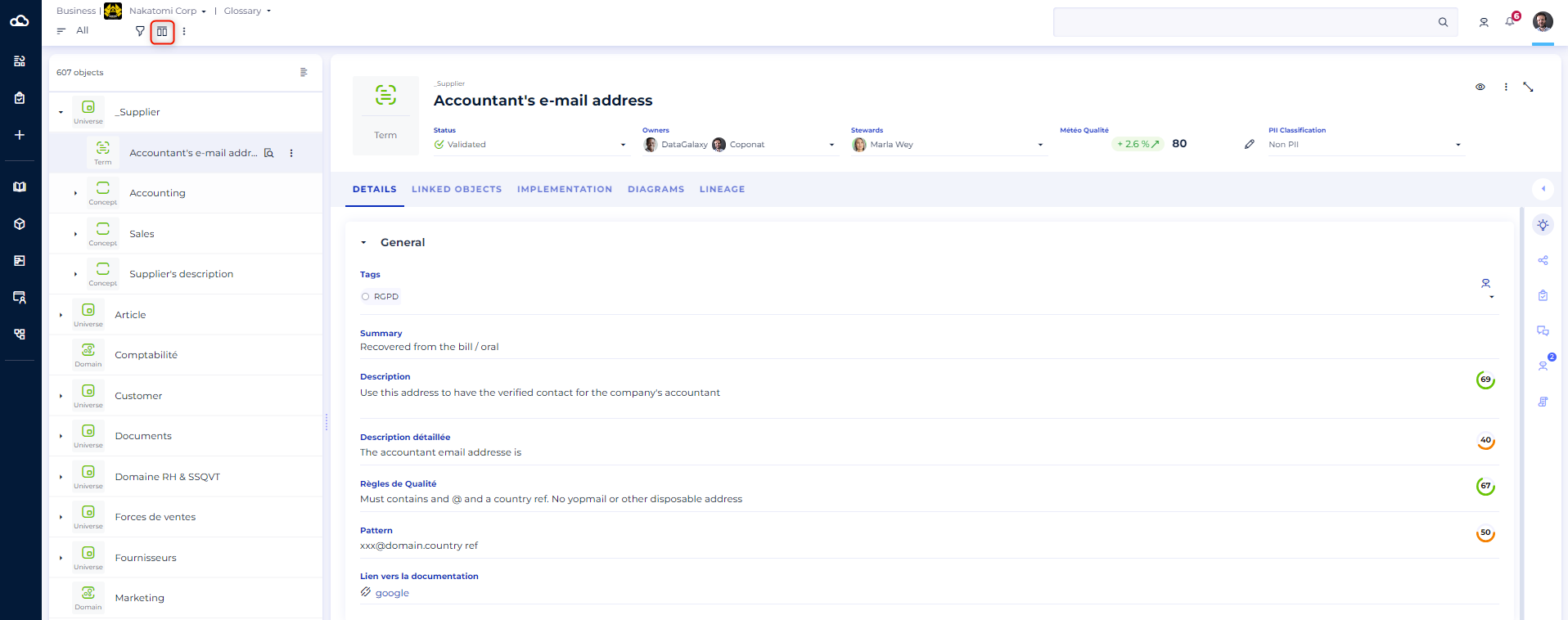
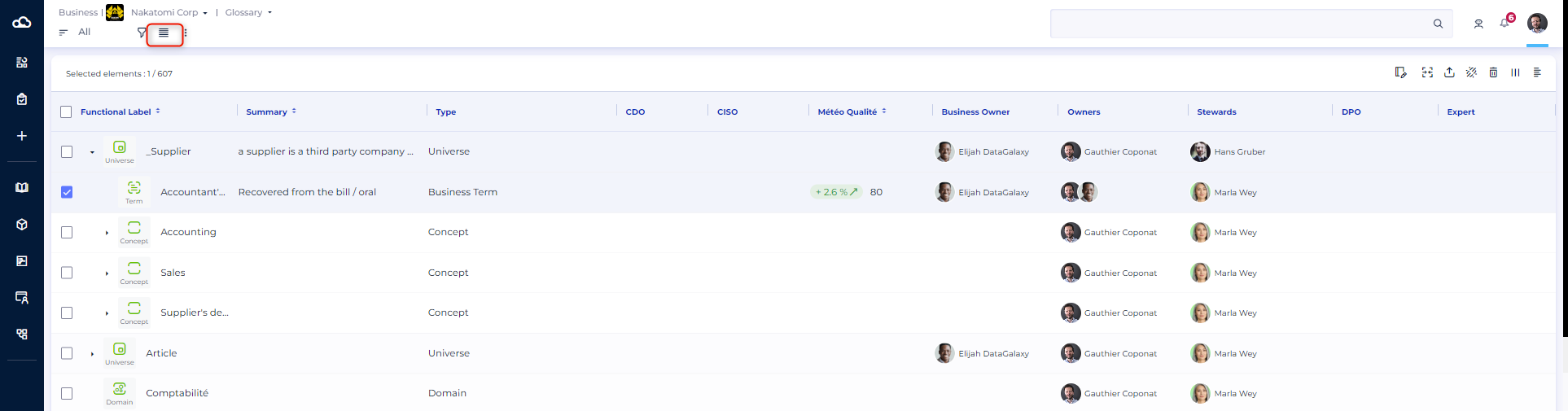
Detail View displays information for a single object whereas List View displays all objects in a table. The Datamap View allows you to view all the data of the module in a hierarchical way.
To learn more about the Datamap View, read this article.
- Go on the module of your choice
- The detail view is the default view
- Click on the button Detail View to switch to List view or Datamap view.
The screenshot below is the detail view of an object from the glossary.
The screenshot below is the list view of an object from the glossary. In list view you can change the columns (display and location).
The screenshot below is the datamap view of an object from the glossary.