
A list of connector's plugins and corresponding supported technologies is available in the application, from the import functionality that is accessible:
- From the "Import" button of the "Shortcuts" widget present on the home screen of a client space or a workspace
- From the "Import" button of one of the modules when it is empty
- From the contextual menu of one of the modules on the right of the filtered views
By filtering on the type of connection, you can access all the plugins supported by the Desktop connector:
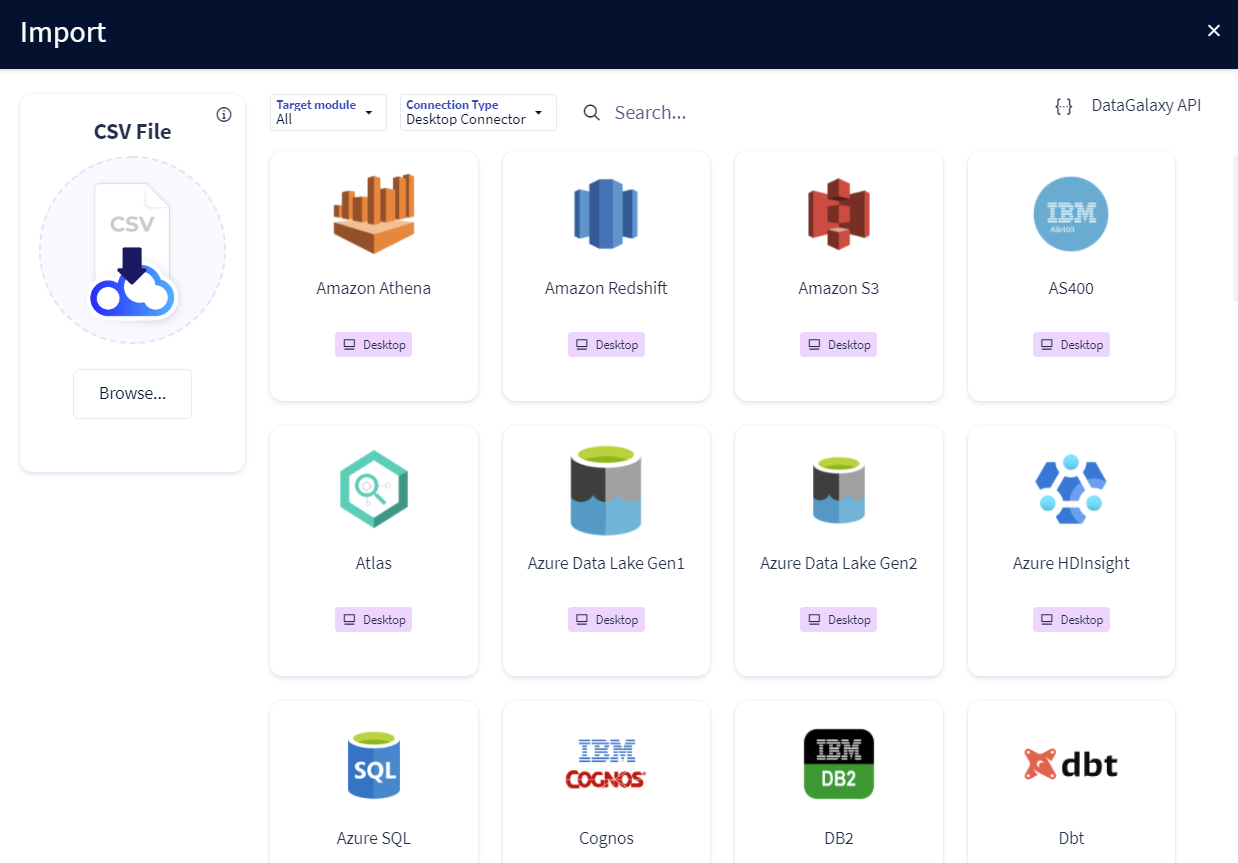
The supported technologies are listed on the following page: