The purpose of this article is to explain the relationships between your objects that appear in the lineage.
To learn more about all the links available between objects in DataGalaxy, please read this article.
Implementation links
It is possible to create implementation links between objects in the glossary and objects in the dictionary.
The implementation links allow you to identify where your concepts, business terms, etc. are stored in the data sources.
Here are the relevant links:
- Implements / Is implemented by
Example: The "Monthly sales revenue" indicator is implemented by the "MONTHLY_SALES_REVENUE" column.

Usage links
It is possible to create usage links between:
- Uses objects and glossary objects
- Uses objects and dictionary objects
The usage links allow you to find the meaning, the calculation rule, etc. of an indicator present in a dashboard for example, as well as to identify in which data source the data used in the calculation of this indicator is found.
Here are the relevant links:
- Uses / Is used by
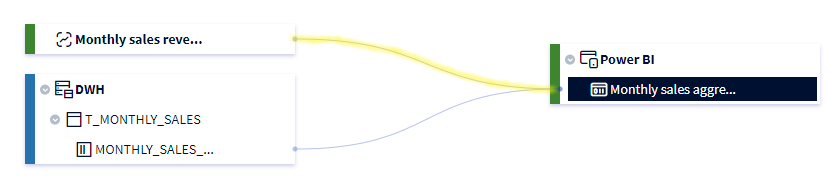
Example: The "Monthly sales aggregate" dataset uses the "Monthly sales revenue" indicator and the "MONTHLY SALES_REVENUE" column.
Input and output links
It is possible to create input and output links between processing objects and dictionary objects.
The input and output links are data mapping links between different objects present in the sources. This makes it possible to define how the data transits in the system, what possible transformations they undergo, etc.
Here are the links concerned:
- A for input source / Is an input source for
- A for output source / Is an output source for
- A for input / Is an input for
- A for output / Is an output for
Example: The data processing "T_SRC_REVENUE" has a data processing unit that has as input the "MONTHLY_SALES_REVENUE" column of the ODS source, and as output the "MONTHLY_SALES_REVENUE" column of the DWH source.

Call links
It is possible to create call links between objects in uses.
The call links allow to identify within the usages the application, dashboard, etc. that call each other and to be visible in the lineage.
Here are the links concerned:
- Calls to / Is called by
Example: The "Monthy sales report" report uses the "Monthly sales aggregate" dataset.

Direct links
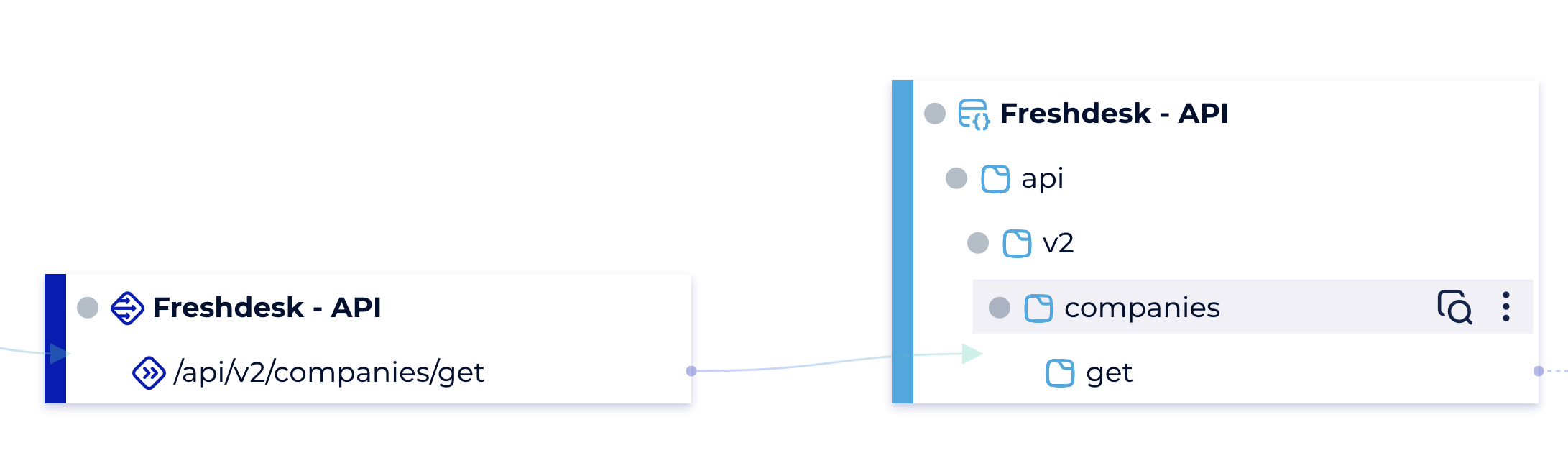
When 2 objects are directly linked (via one of the 4 previous link types) then the link is represented by a solid line.
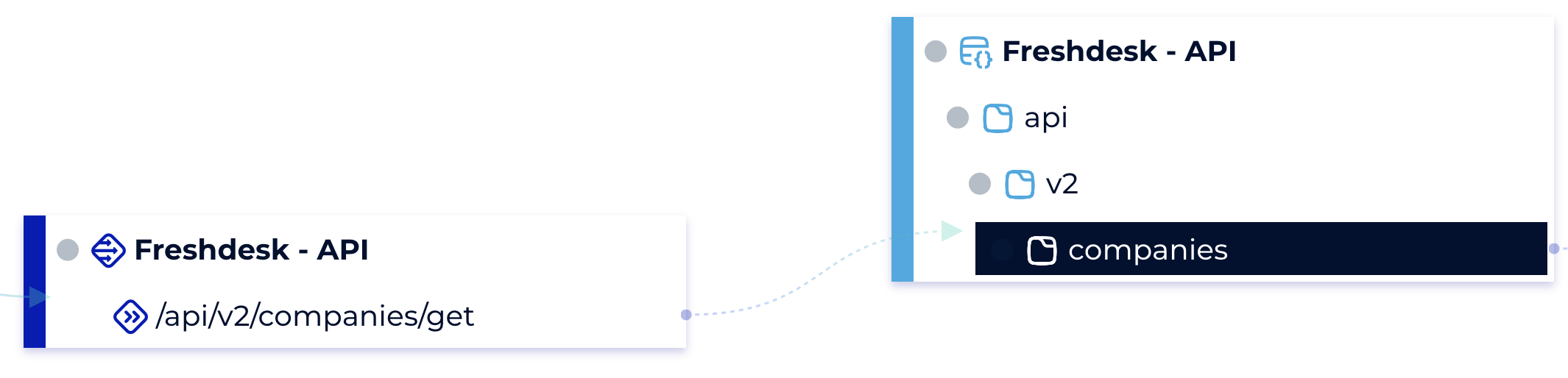
Example between "/api/v2/companies/get" and "get" we have a direct link
Virtual links
2 objects are virtually links if their descendants (or themselves) have a direct link then the link is represented by a dotted line. Example: between "/api/v2/companies/get" and "companies" we have a virtual link as there is a directly link between "/api/v2/companies/get" and "get" (descendant of "compagnies")