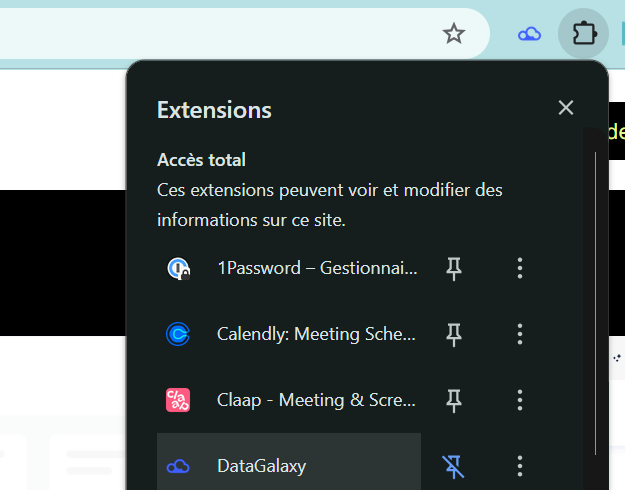
Open the extension
With the DataGalaxy extension, there's no need to log in to the platform—you can work with your data catalog directly from your browser.
Login
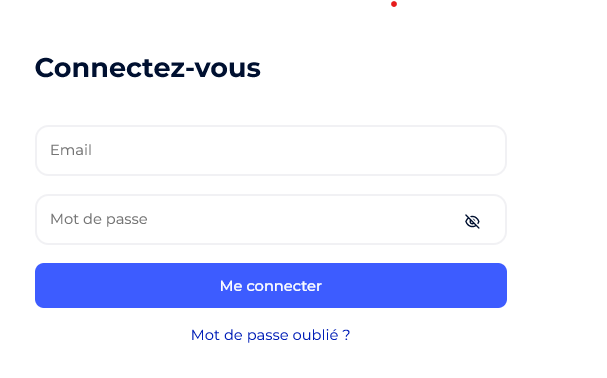
Simply enter your clientspace name, email and password to access the extension.
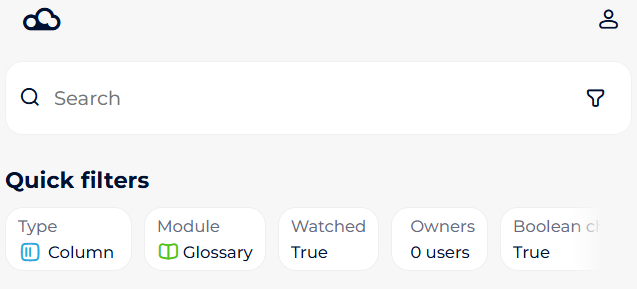
Refine Your Search with Quick Filters
Depending on the size and richness of your catalog, a basic keyword search may return many results. To make your searches faster and more precise, use the available quick filters. For configuring quick filters you need to have the administration rights and go to Administration->Search at the webapp. You can set different filters for the readers and stewards. Please, note, first 13 quick filters will be visible via Extension.
Access and Edit Essential Information About Your Data Assets
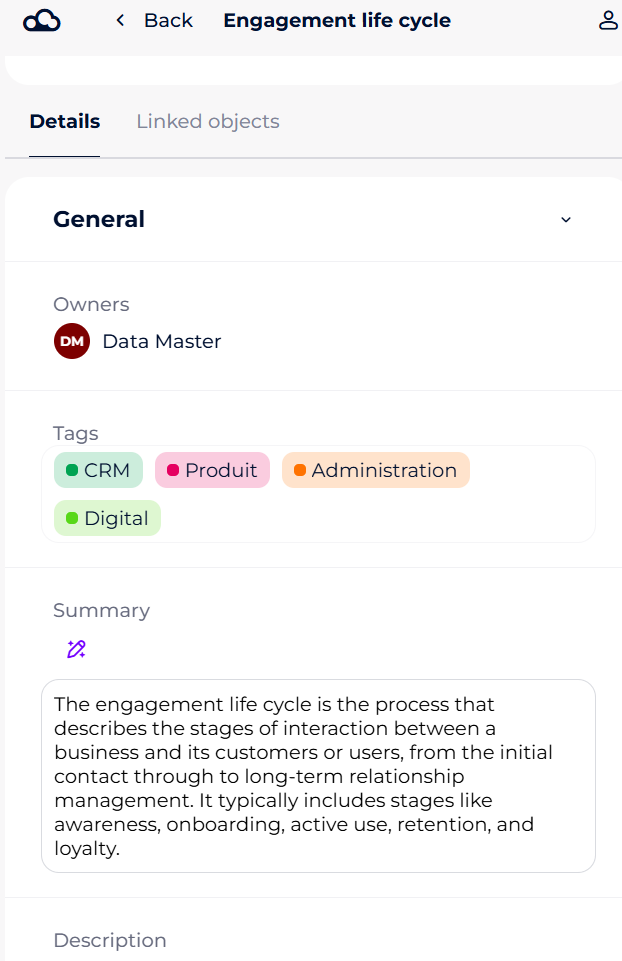
Click on any object to open its detailed object card, where you can view key information at a glance—description, tags, owners, context, and more. It’s just like browsing the platform, but directly within the extension.
If you have editing rights, you can also modify available attributes right from the object card, making your workflow even more efficient.
Easily Navigate to Related Assets
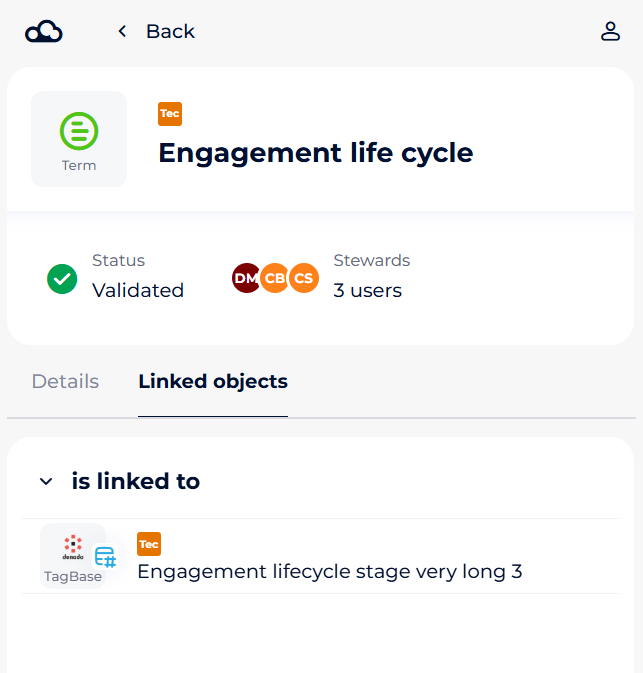
The Linked Objects and Descendants tabs provide instant visibility into the context and hierarchy of your data assets. With a single click, you can access all related objects.
For example, from a report field, you can directly jump to the source column in the data dictionary or view the defining indicator in the glossary.
Leverage AI Features in the Extension
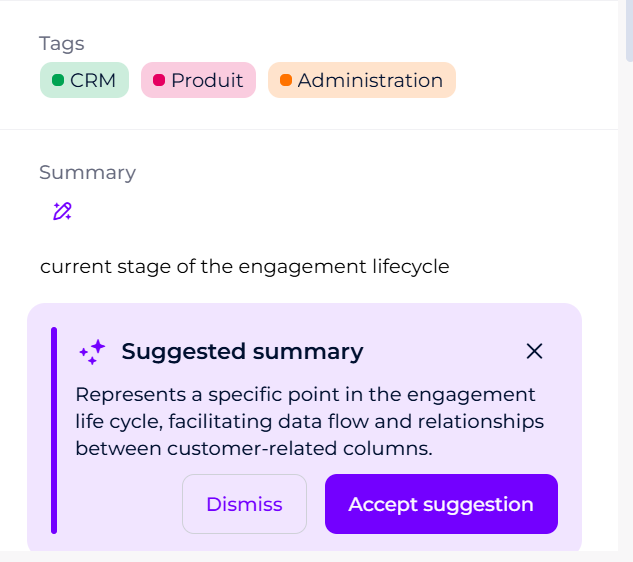
If AI features are enabled in your client space, you can also use them directly from the extension.