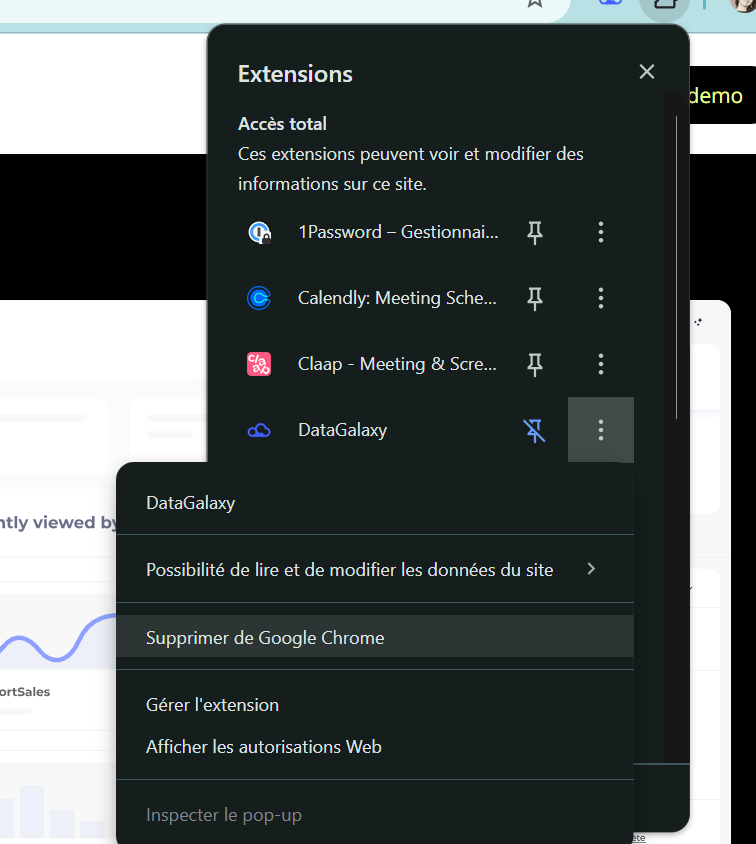
Where to find the DataGalaxy extension
The installation link for the extension is available from the platform or you can pick it directly from the Chrome Web Store.
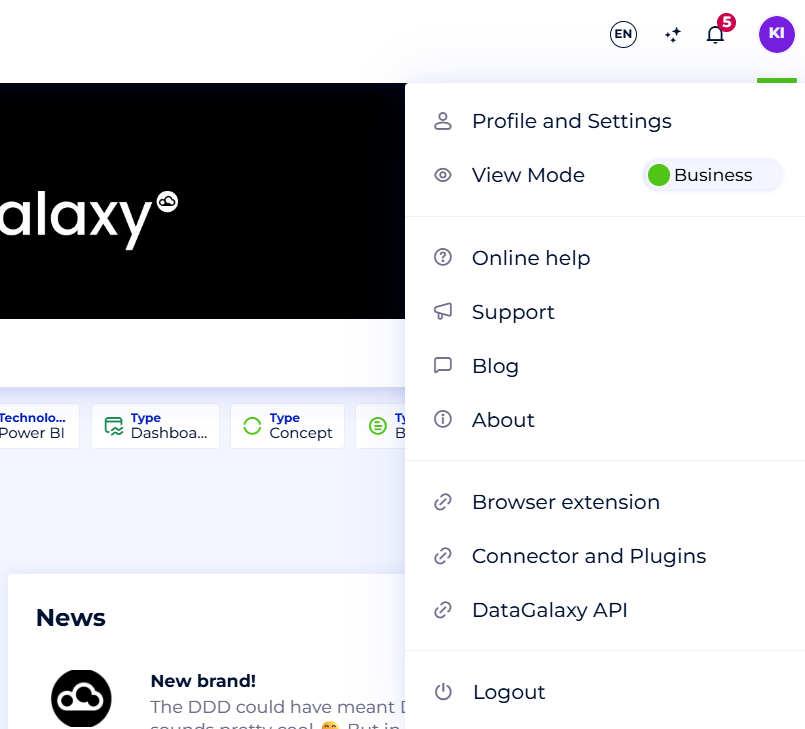
Install DataGalaxy's extension
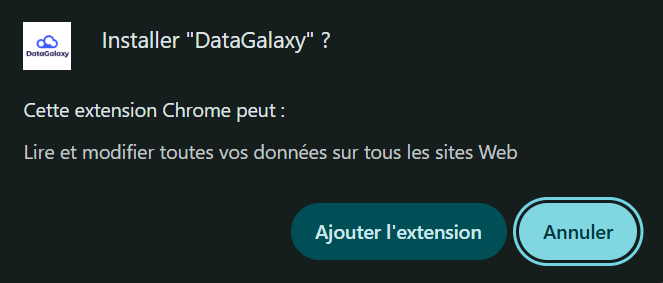
For installing the extension:
1. Open the Google Chrome Web Store in your browser (Chrome, Edge, etc.).
2. Search for and/or select the DataGalaxy extension.
3. Click "Add to Chrome" (or your browser) and confirm to install the extension.
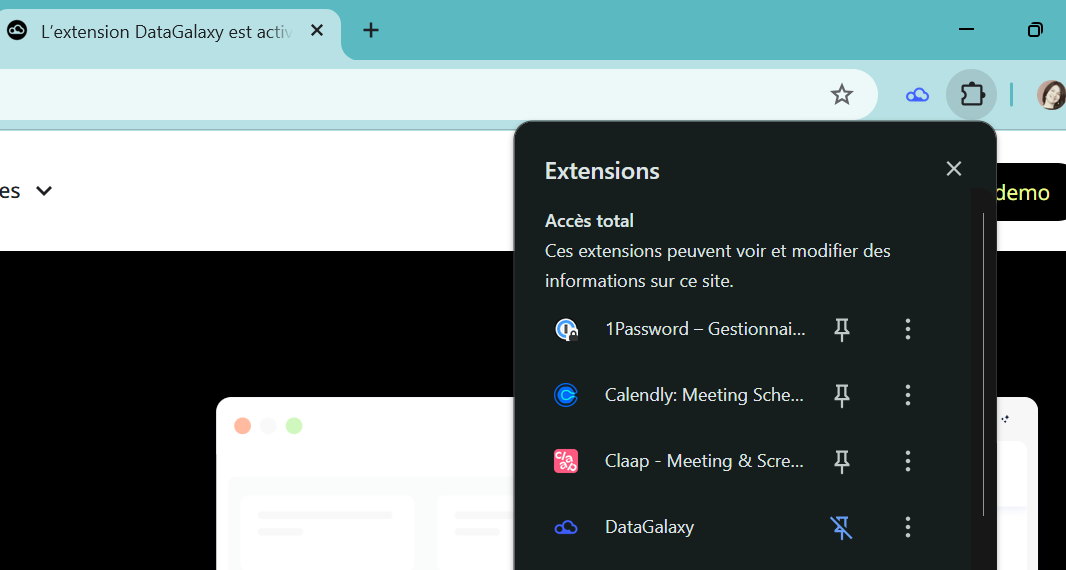
All set! You can start using the extension by launching it from your browser. You’ll need to log in with your email and password.
We recommend pinning the extension to keep it easily accessible in the top right corner of your browser.
Uninstall DataGalaxy extension
1. Open your browser’s extensions menu.
2. Find the DataGalaxy extension and open its options menu.
3. Click "Remove from browser" to uninstall it.