What is the Description Generation by Batch?
The Description Generation by Batch is a feature designed to automatically generate descriptions and summaries across your data catalog. It helps increase catalog completeness and reduce manual effort, especially for objects with missing metadata.
Key Benefits
- Saves time: Automatically generates missing descriptions and summaries.
- Improves catalog completeness: Fills in metadata gaps at scale.
- User-friendly: Workspace admins can easily initiate and manage batches.
- Reversible: Last batch can be reverted if needed, so no risk from generation!
Who Can Use It?
Only Workspace and ClientSpace Admins can initiate or revert a batch.
All other users can watch the generations history and progress.
How It Works
When is a description generated?
Descriptions are generated only if there is enough context at least two of the three neighbor types (parent, child, or linked objects) have already an object with descriptions.
If there's not enough data, the system:
Does not generate a description.
We use the same logic for the manually approved automated generation, so do not hesitate to start from there for checking if it suits your business case!
What gets processed?
- All objects with empty descriptions or summaries (more fields may be added in the future) from the workspaca chosen for generation.
- Only if the user has the relevant permissions.
- Read-only workspace versions are excluded from generation.
How to Use Autodescription Batch
1. Go to Main navigation panel -> Suggestions->Descriptions
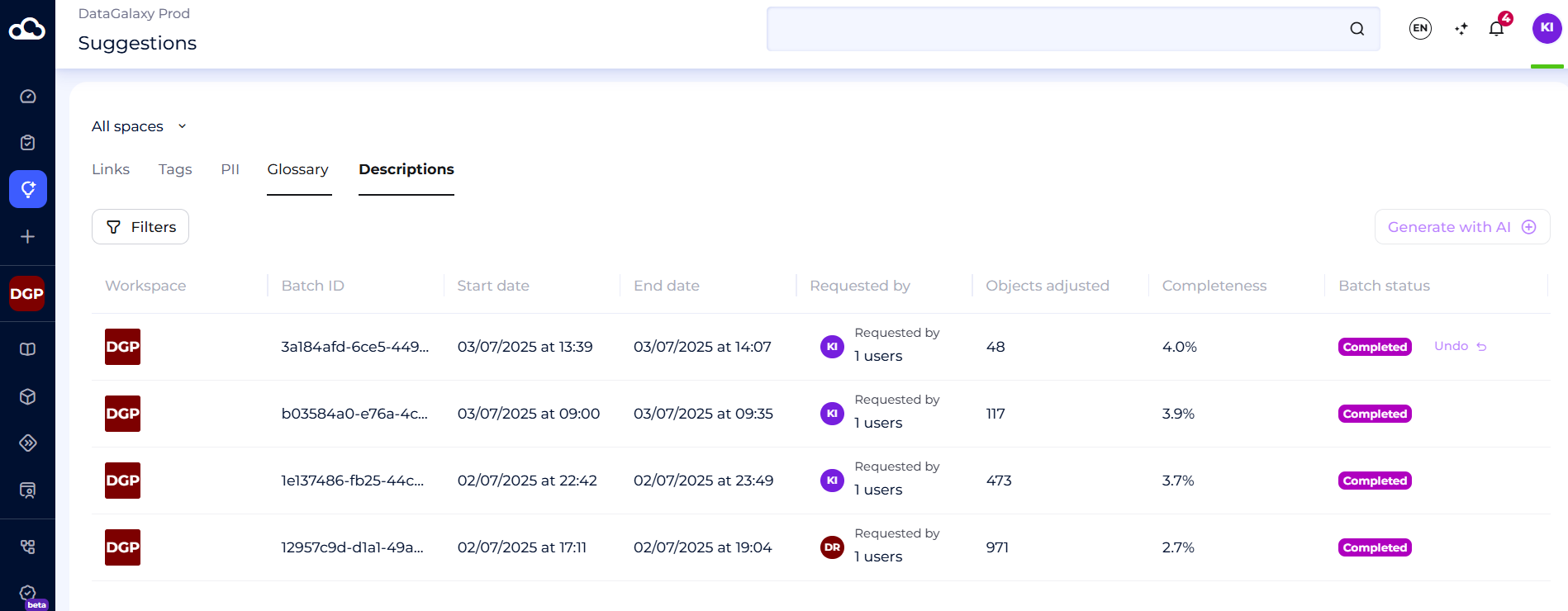
2. Choose the workspace for the automated generation of descriptions/summaries.
If your workspace has multiple versions - select one.
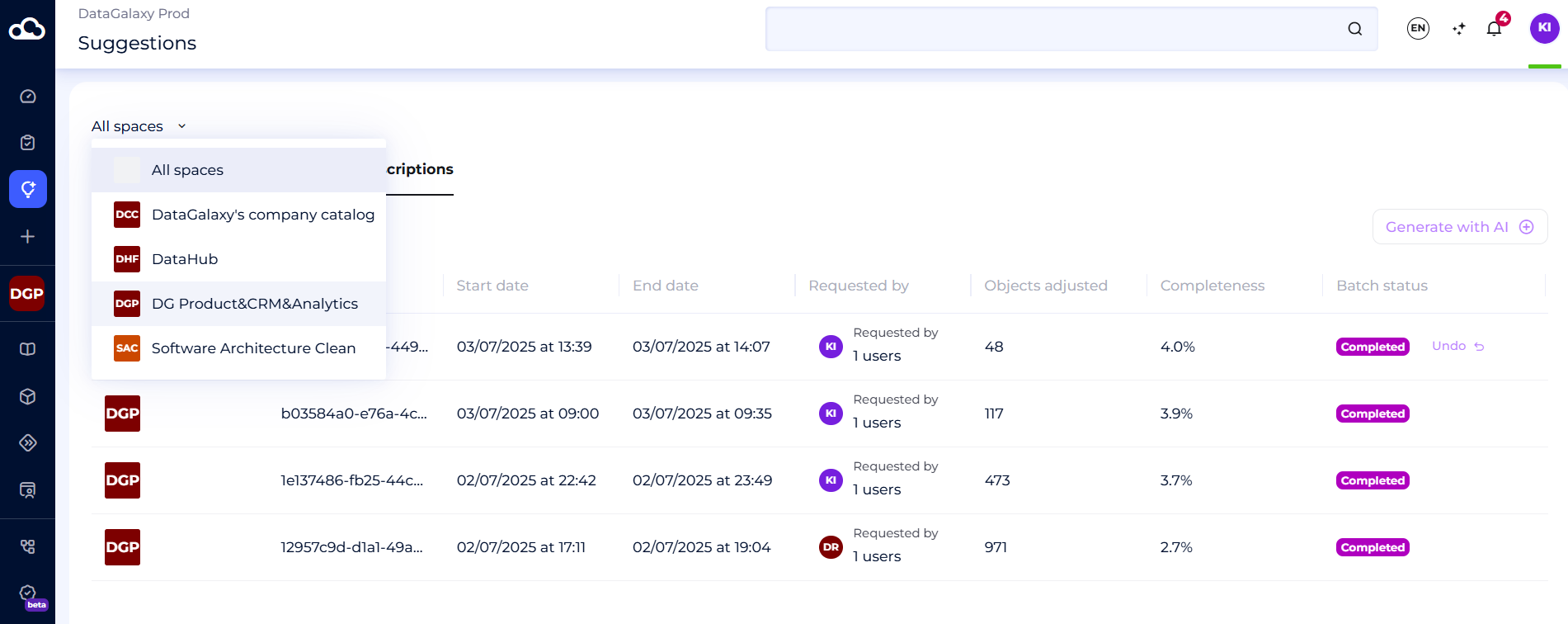
3. If no batch is in progress, click “Generate with AI”.

4. Cancelling and reverting
You can cancell a batch in progress
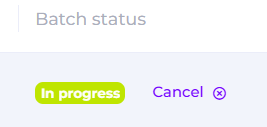
Also you can undo the last batch if no new one has started.
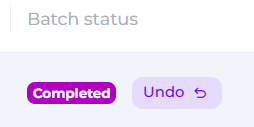
For these actions, use the buttons near the status of a batch.
Batch Statuses
| Status | Meaning |
|---|---|
Main statuses to follow | |
| In Progress | Batch is running. Can be cancelled. |
| Cancelled | User stopped the batch or it failed. |
| Failed | Batch was not completed due to technical reasons. Please, contact our support team, if it happens |
| Completed | Batch successfully finished. You can revert it unless a new one starts. |
Other statuses | |
| Created | User initiated a batch (usually this stage is fast, so not visible in the UI) |
| Expired | Batch is expired due to the long processing |
| Reverting | User initiated the revering and it is currently in progress |
| Reverted | Batch is reverted by user |
| Canceling | User initiated cancelation of the processing batch. Cancellation is in progres |
You can filter the list of generations by the status of batch.
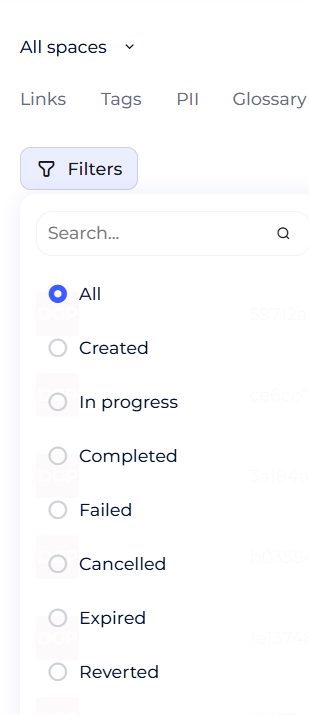
Description suggestions info
When you are at Description page, you can see information about each generation:
| Column | Description |
|---|---|
| Workspace | We keep the icon of your workspace - useful if you check all your workspaces |
| Batch ID | Unique ID of your generation |
| Start date | Start date timestamps shows when the generation was started |
| End date | End date timestamp is empty till the generation is not finished |
| Requestor | Who launched the batch |
| Objects Done | Number of objects with newly generated descriptions/summaries |
| Completeness | Proportion of described objects vs total objects in the workspace |
| Batch Status | In Progress / Cancelled / Completed/etc - shows the current status of a batch |
| Actions | “Cancel” or “Undo” buttons based on status |
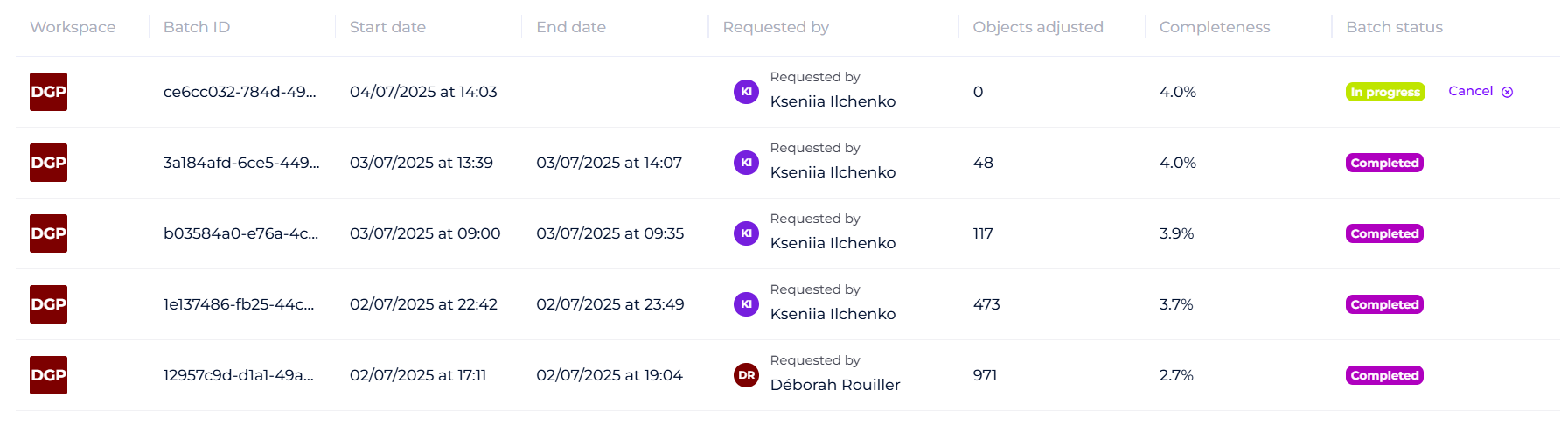
Useful tips
1. Use the metrics from the table to monitor your catalog completeness
2. If you want to check the objects with generations, use the filters: Description is not empty and Updated on with the date of batch generation. It will allow to see the latest updates.

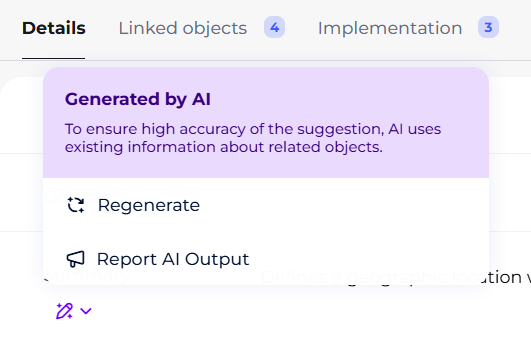
3. Please note, all AI-generated descriptions/summaries have the AI toggle, where you can regenarate or report this description/summary.