
Introducing MetaBot
MetaBot represents the next generation of our suggestion assistant, designed to enhance the way you describe your catalog. When building a catalog, the focus is often on identifying various objects to be mastered, such as business terms, indicators, tables, and fields. This approach leads to a comprehensive glossary or dictionary, which is a valuable first step. However, merely listing these elements reveals some limitations.
Take the example of the business term "customer name": as a marketing user, you might encounter this term three different times in the glossary. If an object hierarchy exists, it might offer some clarity on these terms. Without a hierarchy, though, you have to rely on the attributes within each object’s record, which can fall short. Questions may arise—Is the definition correct? How can you tag the objects to make them easier to identify and locate? Are there any specific compliance constraints for each object?
The challenge is to make object descriptions in the glossary both accessible and reliable. MetaBot addresses this need as a suggestion engine, guiding users in describing objects accurately and ensuring quality. The initial iteration of MetaBot focuses on three key areas:
- Object Tagging through suggested tags,
- Conformity by helping identify data sensitivity levels,
- Collaborative Quality of descriptive text through shared efforts and feedback.
These features enable more precise descriptions and better object management across your catalog.
Suggestions
MetaBot assists in data curation by providing automatic suggestions for enriching and completing object cards. For example, it offers:
- Tag Suggestions: MetaBot recommends tags, both standard and custom, that enhance categorization and searchability.
- "Personally Identifiable Information" Suggestions: It suggests appropriate classifications for personal data (PII), helping ensure accurate and compliant data management.
These features make it easier to fill in and maintain the necessary attributes for each object, streamlining data organization and quality.
How are suggestions generated?
The MetaBot analyzes the object's technical label, description, summary, tags and keywords to provide you with a list of suggested tags and PII values that may match the object. We also analyze the acceptance or rejection actions of the suggestions in order to offer new suggestions adapted to your object.
Suggestions and screen settings
In order to be able to see the suggestions of the MetaBot, it is important to first check that the attributes created appear in the screens. It is possible that you have attributes created in your administration area but that are not yet in the screen configuration. In this case, the suggestions cannot be visible.
To know more about the screen customization process, you can consult the following articles:
To learn more about the MetaBot's suggestions, you can consult this article :
The evaluation score
What is an evaluation score?
MetaBot offers you an evaluation score indicator that allows you to estimate the quality of the text indicated in the attributes rich text (example: Description). It also offers a voting system to evaluate the text typed. After the votes, the system recalculates the evaluation score. This indicator allows you to identify the level of confidence in the quality of certain texts, such as descriptions.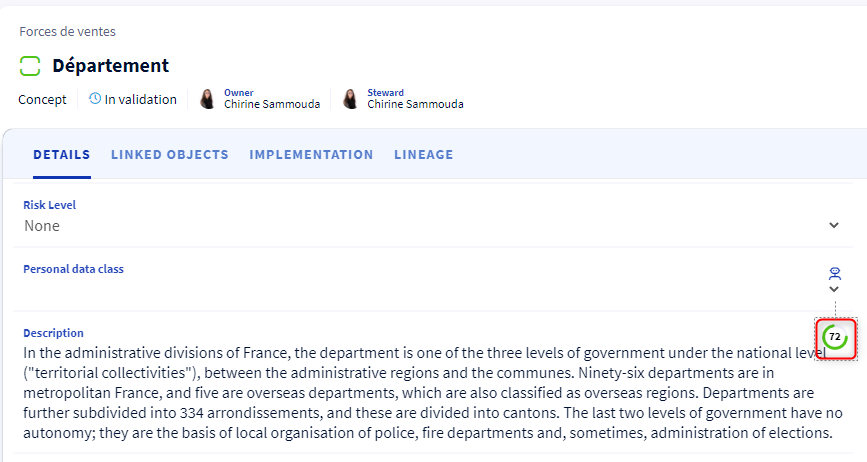 Voting system
Once the text is filled in, all users who have access to this object can vote by "Like" or "Dislike" to evaluate the semantic quality of the attribute. You can also cancel or change your vote. In case the text is updated, MetaBot takes this change into account in order to re-evaluate the evaluation score associated to this text, alerts you that your vote is obsolete, and invites you to vote again.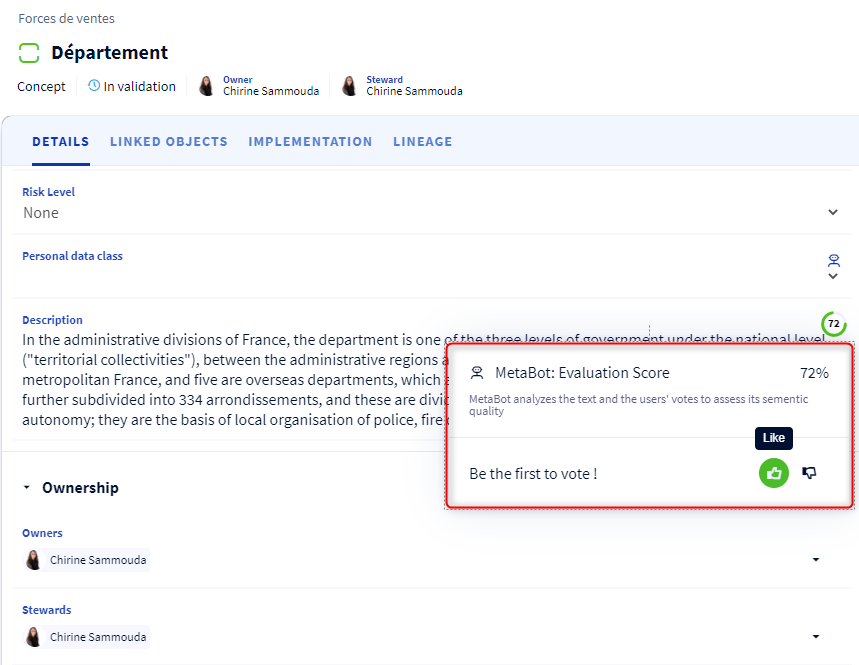 How the evaluation score is calculated?
When you enter a text in a rich text attribute, our MetaBot analyzes the text and gives you an evaluation score. This score appears in a small widget that is displayed next to your attribute.
If you update your text, a new evaluation score is recalculated by our MetaBot.
In case users vote for the entered text, this data will also be analyzed by our MetaBot to adapt the evaluation score.
How to check the suggestions?
To see the suggestions and the evaluation score proposed by MetaBot, simply go to the Suggestions at the Navigation panel.
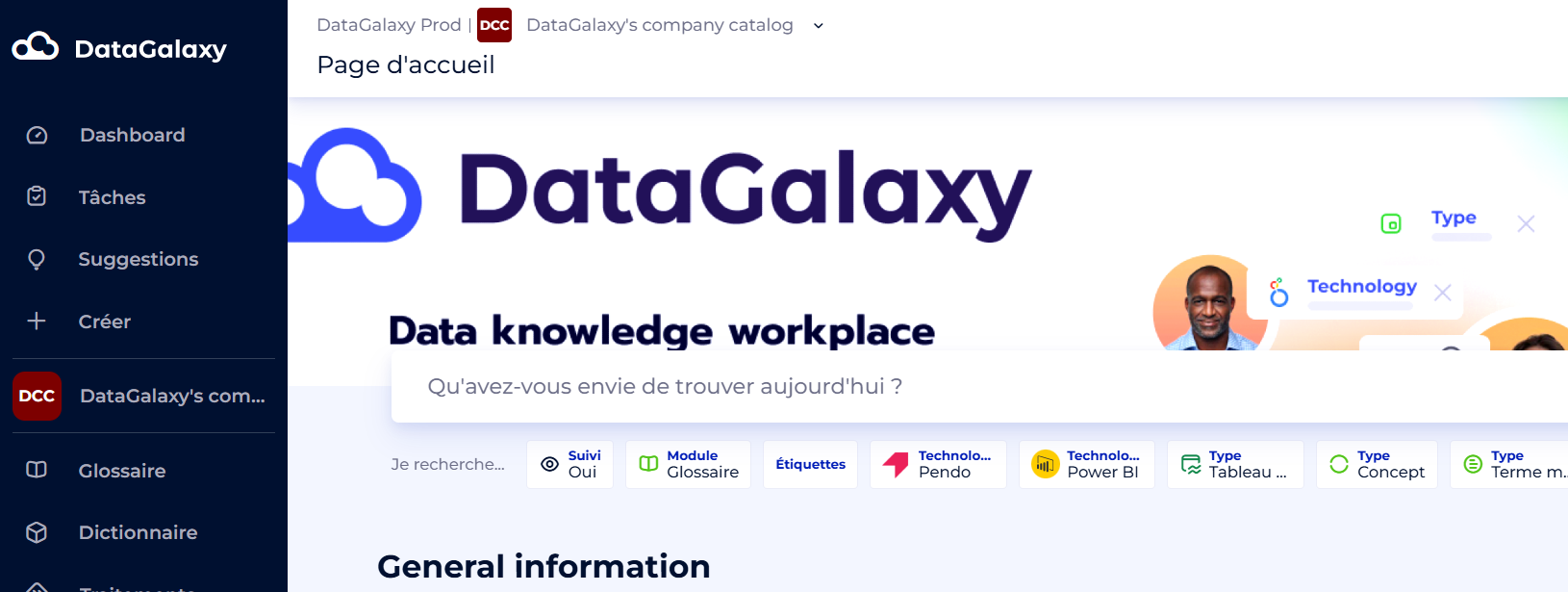
The Metabot's information is also visible from the object card.
When to use MetaBot?
The aim of this evolution is to facilitate the functional quality of your glossary and dictionary by relying on collaboration.
Therefore, this function will assist you in particular:
- When you need to harmonise and reconcile definitions: you have several formulas for an indicator or several descriptions for a business term and you want to refine them and gradually bring them closer together
- When you want assistance in tagging catalogue objects to make them more easily identifiable and searchable
- When you want to provide a first level of GDPR compliance by identifying the sensitive data you manage.