
This article explains how to use the Sifflet connector for DataGalaxy.
This connector is available in the following modes:
| Desktop mode ✅ | SaaS Online mode ✅ |
This connector suppports the following import modes:
| Standard mode ❌ | URN mode ✅ |
Technology
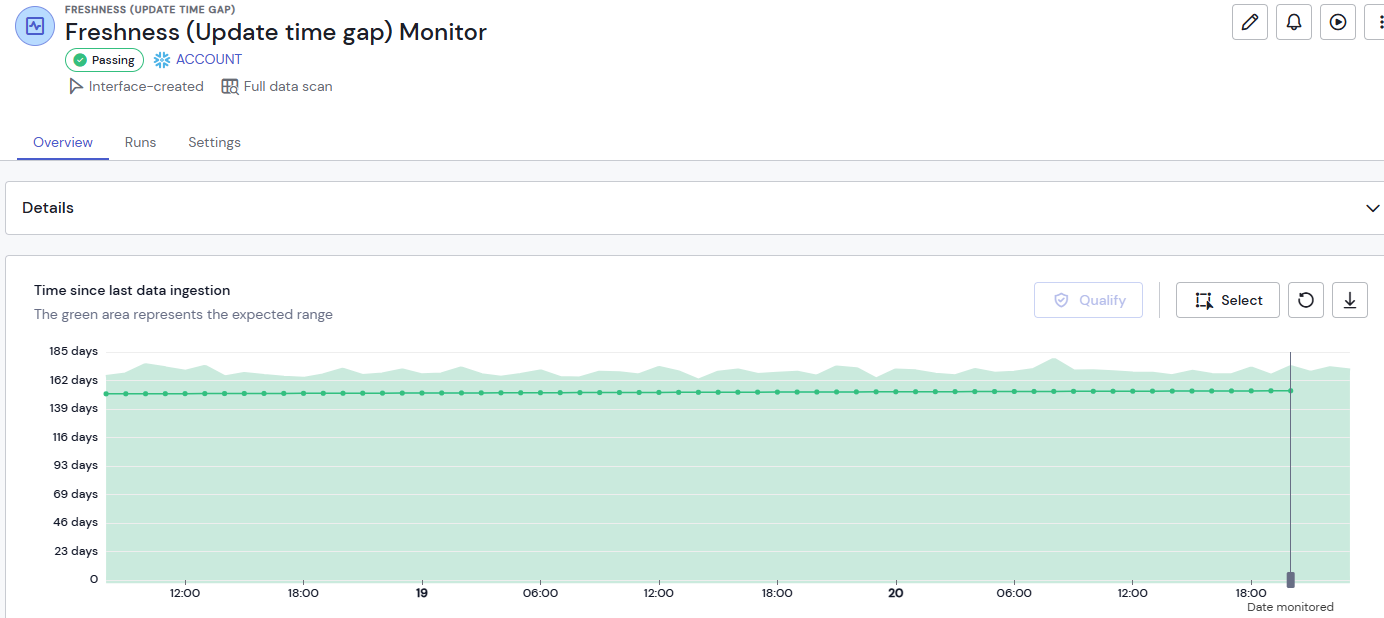
Sifflet Data is a data observability platform that enables you to follow the quality of your data and be alerted in case of an issue on these data.
Scope
⚠ Warning, this connector is available in URN mode only.
The connector provides you with the following metadata from Sifflet SaaS version:
- List of databases, schemas, tables, views for Snowflake, Databricks, Google BigQuery connections (only objects on which Monitors have been created)
- Observability Monitors on these objects
- Monitors Runs
Objects retrieved and corresponding ones in DataGalaxy are detailed in the following table:
Sifflet Object | DataGalaxy Object | Attributes |
| Snowflake account / BigQuery Project / Databricks Instance | Source | |
| Schema | Model (Container) | |
| Table | Table (Structure) | |
| Vue | Vue | |
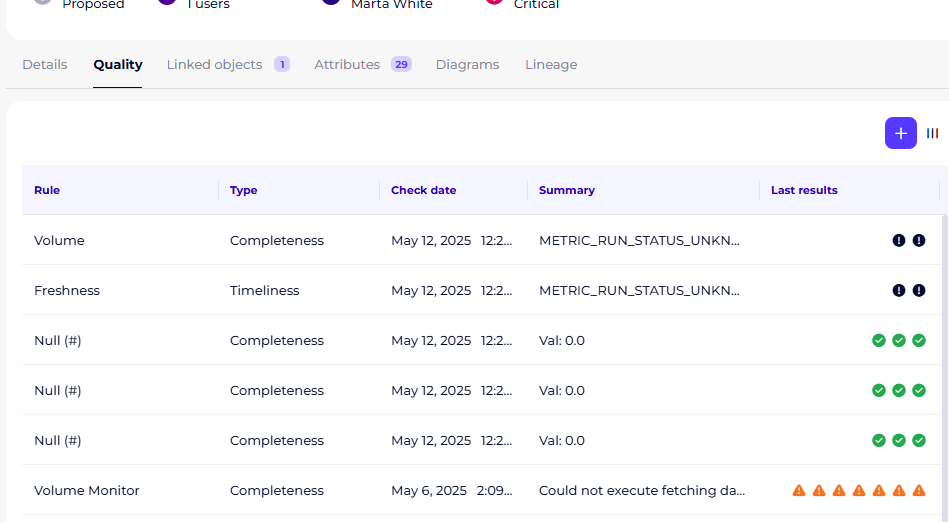
| Monitor | Data Quality Rule | code statement description severity URL category |
| Monitor Run | Data Quality Check | date/time status message detail |
Once imported, these observability metadata are available in the Quality tab of the corresponding objects:
Setting up a connection
Sifflet connector is built on Sifflet REST API.
The following information are necessary to setup a connection:
| Parameter | Mandatory | Description |
| Sifflet instance | Yes | Choose the connection mode based on your Sifflet environment: either provide the Sifflet tenant ID (Sifflet SaaS instance mode) or a custom URL (Sifflet instance with custom URL mode). |
| Sifflet tenant Id (Sifflet SaaS Instance mode) | Yes | Name of the Sifflet tenant, in general the first element of the URL xxx.siffletdata.com |
| Custom URL (Sifflet instance with custom URL mode) | Yes | The full URL of your Sifflet instance. |
| Password | Yes | Sifflet access token |
| Technology | No | Limit the scope to this technology |
| Database | No | Limit the scope to this database |
| Schema | No | Limit the scope to this schema |
| Days limit for checks | No | Depth of history for retrieving the Monitors Runs, to be configured according to Monitors' and DataGalaxy connector's scheduling |
| Import objects associated with rules | No | If checked, the connector will create objects before creating Data Quality Rules. Can be unchecked to speed up connector's execution only if object's creation is handled by other connectors. |
Execution of the connector
To create a connection via the Online connector, the entry points are as follows:
From the Import button of the "Shortcuts" widget on the home screen of a client space or workspace
From the Import button of one of the modules when it is empty
From the Import button in the contextual menu of one of the modules, on the right side of the filtered views
From the Add a connection button in the Connector tab available in the workspace setup screen
You can optionally filter (by module, connector type or by using the search bar), then click on the desired technology: 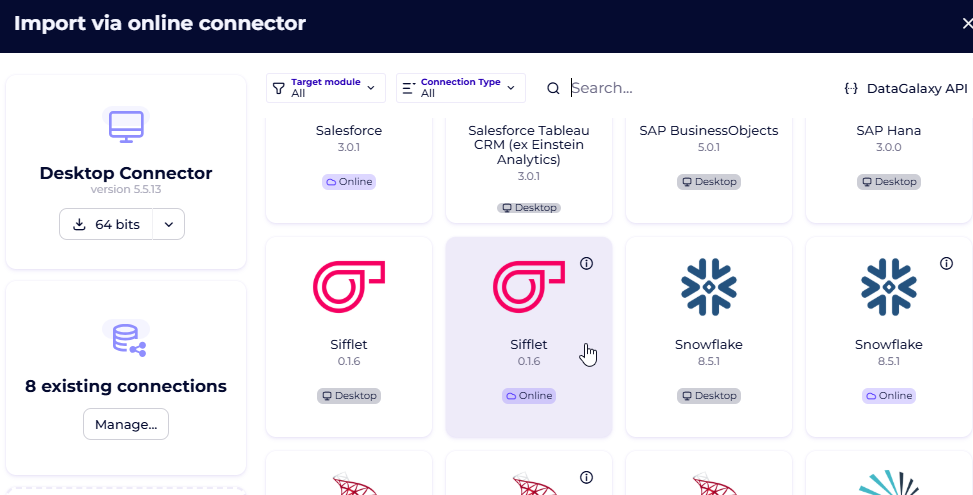
You then need to complete the login form using the login information described above to perform an import. For more details on the steps involved in running the Online connector, you can consult the following article: [HowTo] Running the Online Connector.
This technology is also available via the Desktop Connector, you can find more information on the procedure here: [How to] How to use the connector.
Releases
| Date | Version | DataGalaxy Version | Desktop Connector version (minimum) | Description |
| 13/08/2026 | 1.0.4 | v3.399.0 | 6.1.2 | Addition of objects paytload in the verbose logs. Import objects paramater can now be saved in parameters |
| 07/07/2026 | 0.3.2 | v3.376.0 | 5.18.2 | Type of the imported objects are now retrieved |
| 18/06/2026 | 0.3.0 | 3.358.0 | 5.16.1 | - Added the possibility to use a custom Sifflet instance URL - Added support for the new Sifflet dataset type parameter to correctly distinguish object kinds (e.g. table vs view) |
| 20/05/2025 | 0.1.6 | 3.171.0 | 5.5.13 | First GA version of the connector |