
Chatbot v2: Communications Improvements and Holiday Spirit
We’re rolling out several improvements to our chatbot, including:
Prompt engineering
- Better understanding of dictionary-related requests
- Improved ability to clearly say “no” when a use case is not yet supported
- Escalation flow: When an error occurs, Blink can now suggest starting a new conversation and guide users to contact support if needed
Natural language search
- Improved response messages when search results are close matches rather than exact ones
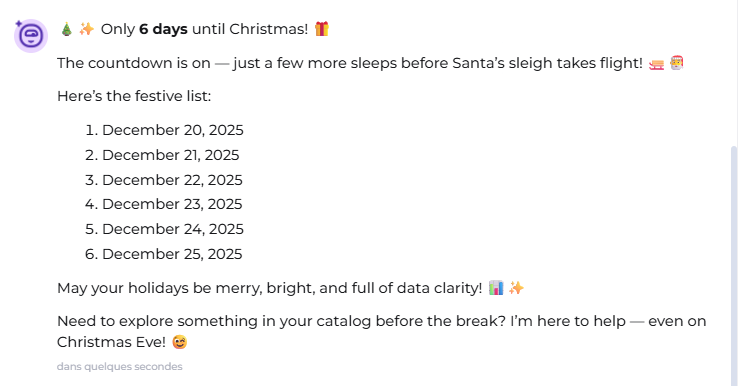
And to top it all off, Blink will be in a festive mood during the holiday season - ready to help with data discovery while spreading some holiday cheer
Happy holidays!
Chatbot v2: Smarter and Faster Blink
We’ve made Blink smarter, faster, and more powerful than ever. Here’s what’s new:
Better Search & Object Exploration
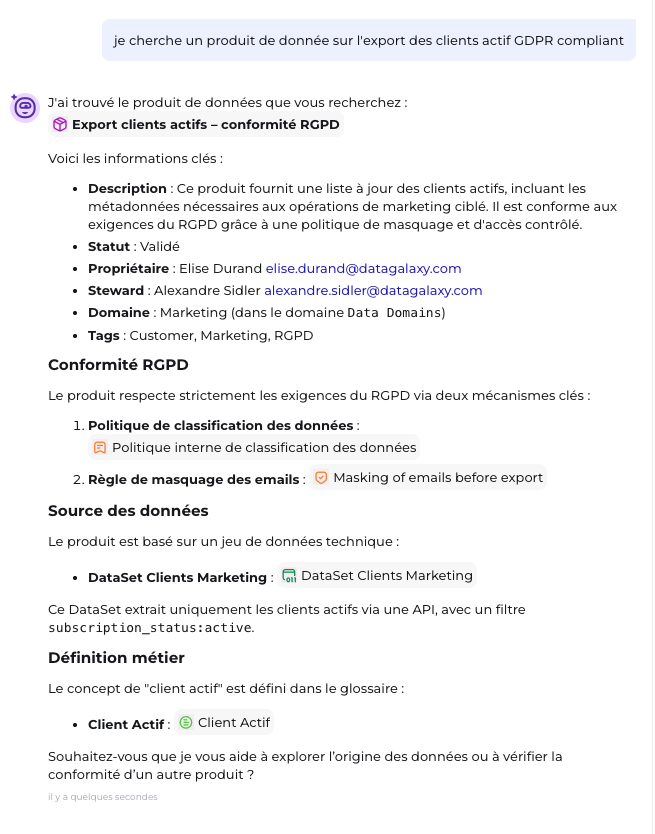
Enhanced natural language and semantic search for more accurate results
Improved lookup for users, tags, and object details
Ability to find related objects - including linked items and ancestors
Smarter AI Model
Now powered by the Qwen3-30B MoE model, delivering higher-quality answers with improved speed
Improved Knowledge Navigation
A new reasoning graph that helps Blink better understand and navigate your knowledge graph
Enhanced DataGalaxy context for more accurate, business-aware responses
Faster & More Reliable
Reduced latency: the answer is provided twice faster
DataGalaxy MCP Server is live!
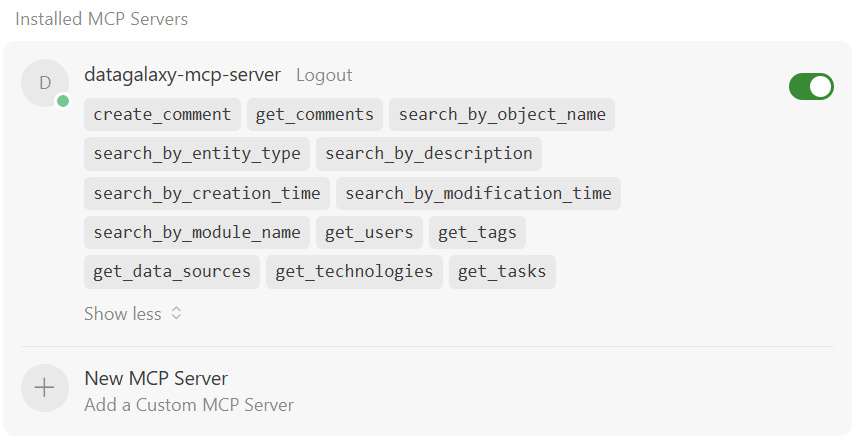
The DataGalaxy MCP Server is now available, allowing your AI agents to securely access and use catalog metadata anywhere. With a hosted endpoint and ready-to-use tools, teams can search objects, create comments, and power data discovery without opening the web app.
Contact your Account Manager for launching DataGalaxy MCP Server.
Enhanced Search Experience
We’ve improved the way you search! Now, when you use the search bar, you can easily access Advanced Search by simply pressing Enter.
This change makes it faster and more intuitive to find exactly what you’re looking for.
Chatbot Access Made Easier
You can now launch the chatbot directly from the search bar!
Click the Open Blink button in the search results, or
Use the keyboard shortcut Ctrl + B (Windows) or Cmd + B (Mac).
