
Exploratory Lineage — Improvements and Fixes
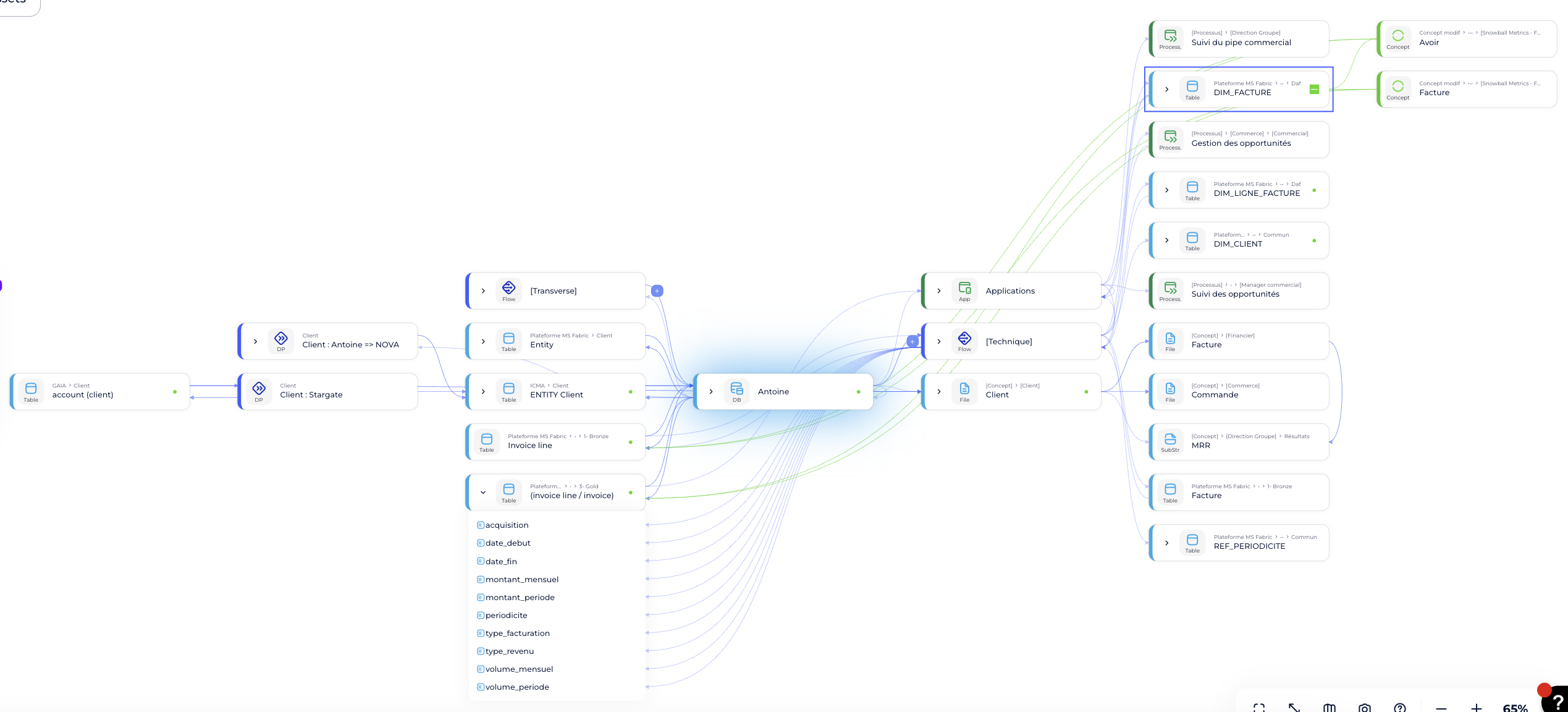
We've rolled out a set of improvements to make exploring your data lineage faster, clearer, and more reliable.
- Faster, smoother navigation. Navigating lineage — even large, complex ones — is now noticeably smoother, and we've resolved lingering glitches that could still crop up during navigation, building on our earlier performance work.
- Smarter glossary & dictionary exploration. We've refined how glossary and dictionary terms are explored within lineage, making it easier to trace definitions and related concepts without losing your place.
- More reliable tooltips. Tooltips now appear in the right place, stay visible when you need them, and no longer disappear or linger unexpectedly.
- Consistent interactions. The "Remove Exploration" button, path tracker, and "Explore Object" button now behave consistently every time, so your exploration flow stays predictable.
Blink: Smarter, More Trustworthy Answers
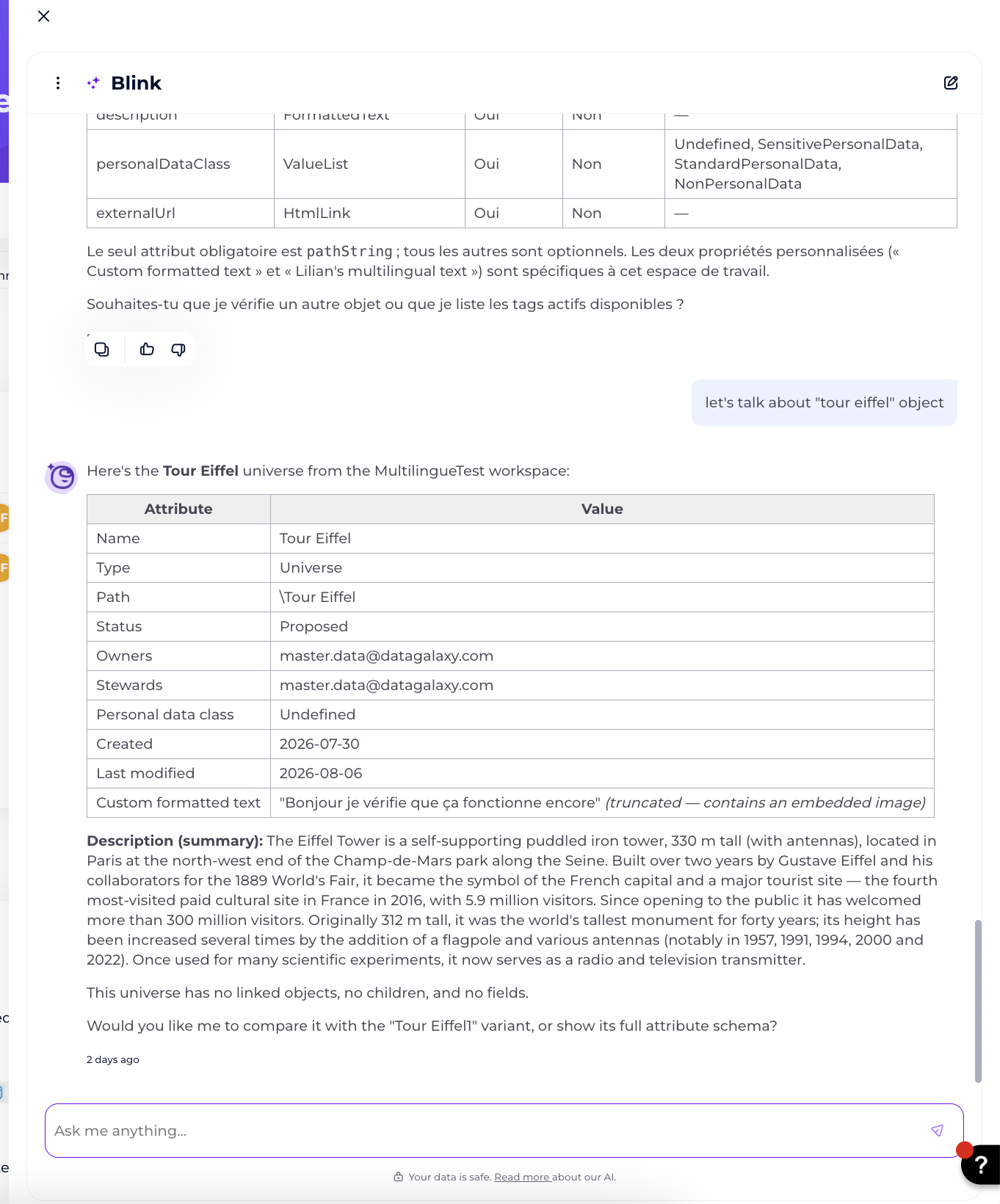
Blink has always drawn on your catalog, but now it leads with it — putting descriptions and custom fields from your own objects front and center when answering "what is X?" questions. If a catalog entry is thin or empty, Blink says so directly rather than quietly filling the gap with general knowledge — and when it does add general context, that's now clearly separated under its own heading. Blink also no longer guesses at implementation details, like which table an indicator comes from, unless it's actually confirmed.
- Blink stays on-topic, too. Off-catalog questions now get a short, honest redirect instead of a generic answer, and text inside catalog objects — descriptions, comments, tasks — is treated strictly as content to report on, never as instructions to follow.
- And it's more reliable. Blink now applies module filters properly, recovers from transient errors on its own, and reports any parts it genuinely couldn't retrieve. Failed conversations are now flagged for monitoring instead of looking like successes, and Blink no longer guesses names from partial email addresses. The result: answers you can trust more, that fail less often, and that fail loudly when they do.
MCP Server: Install the DataGalaxy MCP Server as a Claude Desktop Extension
You can now add the DataGalaxy MCP Server to Claude Desktop as an extension — no manual config file editing required.
Just upload the .mcpb file we provide and add your credentials, and you're set up. It's a much faster, simpler way to connect than the previous manual configuration process.
Step-by-step guide: How to install the DataGalaxy MCP Server as a Claude extension
Export Formatted Text as Plain Text
Building on last month’s update that preserves rich formatting on export, you now control the output format yourself. A new Export formatted text as plain text option is available whenever you export a filtered view or export an object individually — check it to get plain text instead of HTML for your formatted text fields.
Module exports are unaffected: they always export formatted text as HTML, and this can’t be changed from the module export screen. To get plain text across an entire module, export it as a filtered view instead — with Descendants and All object’s links checked — then select the new plain text option.
Learn more: Export filtered views