
The purpose of this article is to explain how to move an object within a module.
Definition
Moving an object is like changing its parent.
This option is available for objects in all modules that can have a parent:
- In list view,
- In the children section of the service panel.
How it works
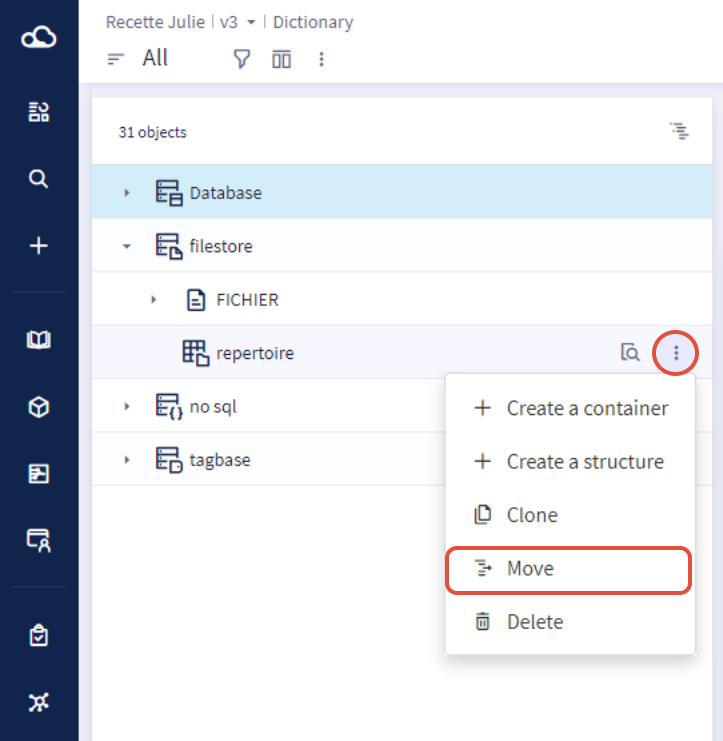
To perform this action you need to :
- Click on the contextual menu of an object which opens a drop-down list
- Select Move
- A modal is opened with the type, the label, and the parent of the object
- You can then edit the parent by modifying or deleting it.
- Click Update.