
The purpose of this article is to explain how to "manually" create an object in the platform.
How to create an object?
There are several ways to create an object:
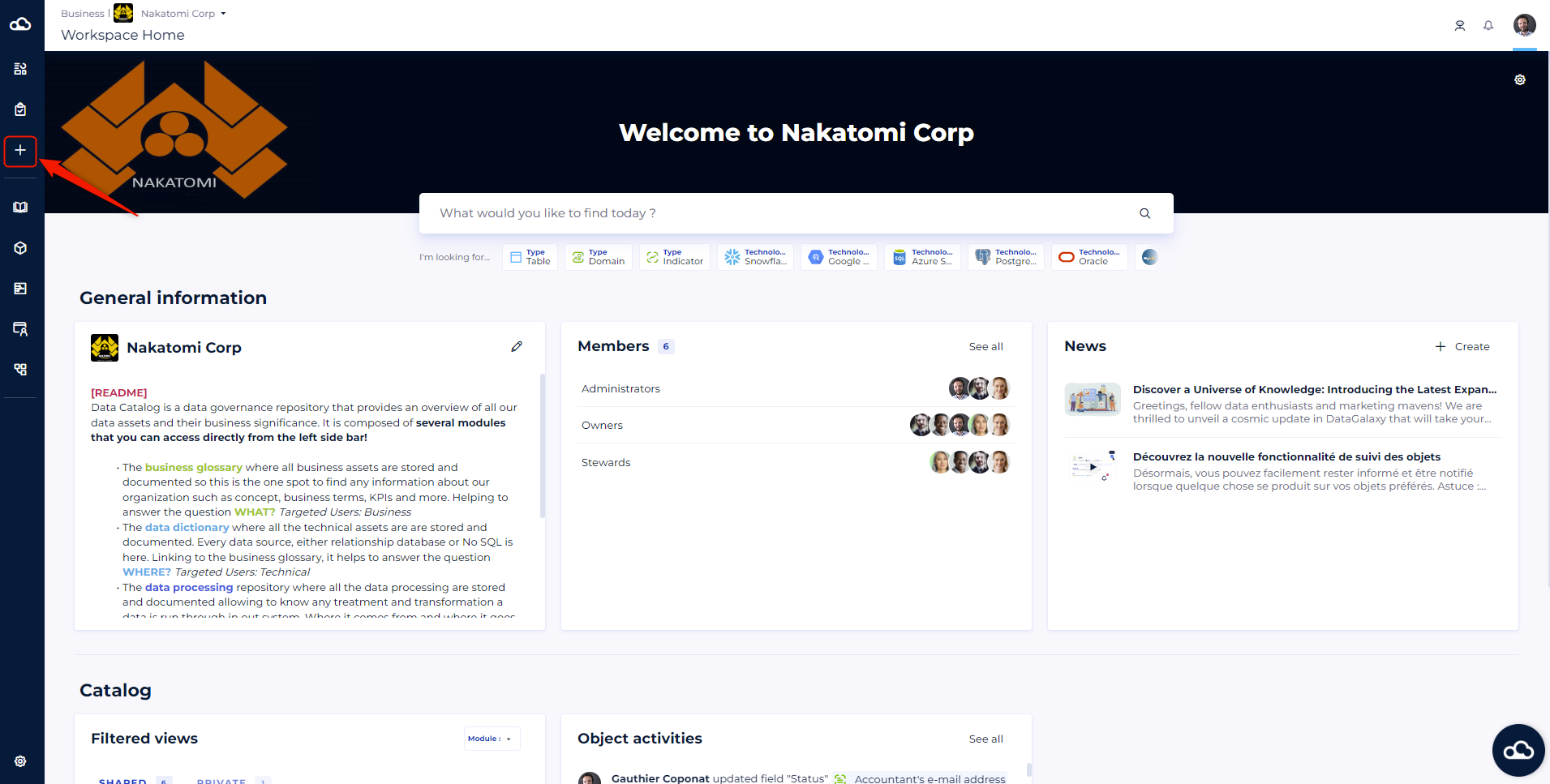
- From the "+" button on the sidebar
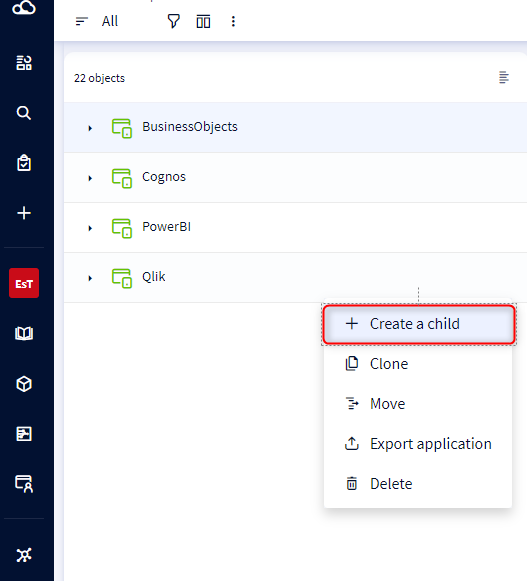
- From the "+ create a child" button in the burger menu
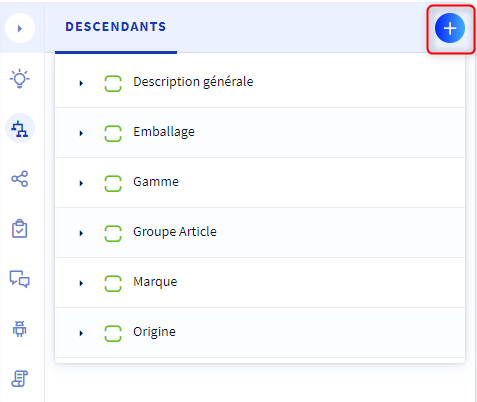
- From the "descendants" tab of the service panel
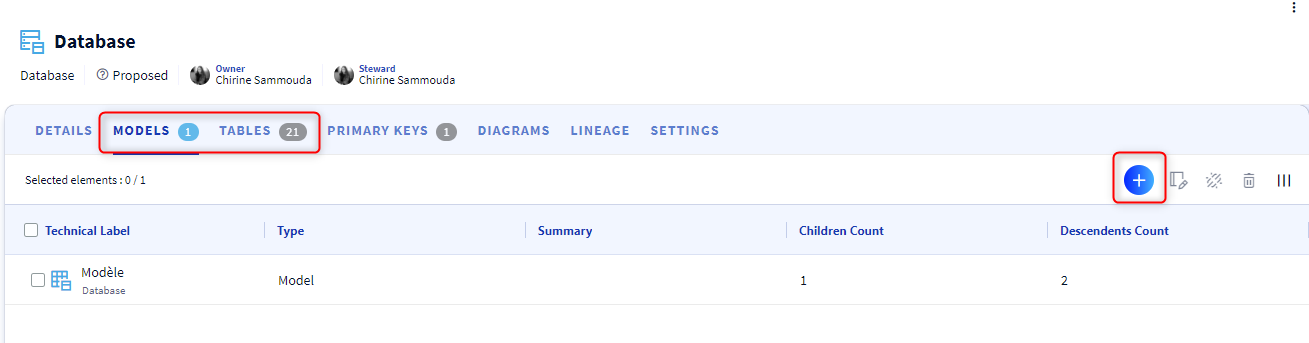
- From the " Models " or " Tables " tab in the Dictionary module
Composition of the creation object modal
When creating an object, we propose the following fields in a " mandatory " mode:
- The workspace (if you create an object from the client space)
- The module
- The type of the object
- The functional label
- The owner(s)
- The steward(s)
The following fields are also proposed, but in "optional" mode:
- The parent
- The summary
- Technology (if you create a " source " object in the dictionary, Data processing or uses)
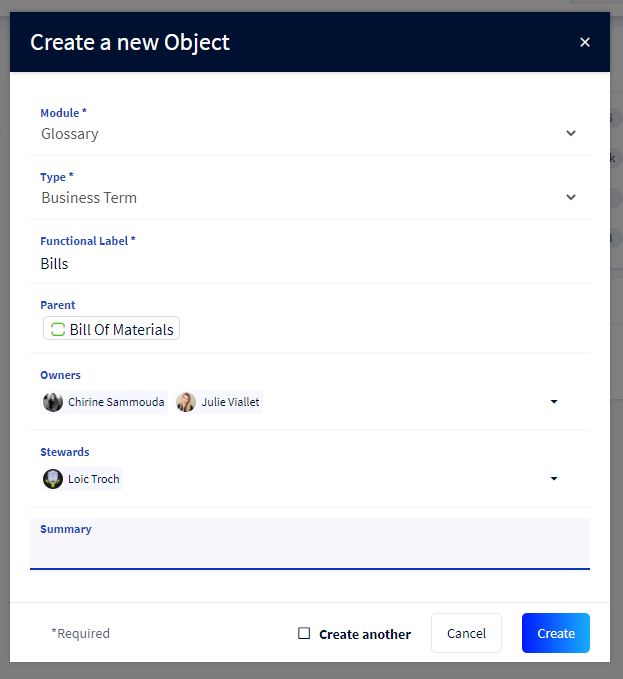
In the "Owners" and "Stewards" fields, we display all the lists of owners and stewards defined in the workspace role settings.
To learn more about the management of governance roles, we invite you to consult this article.
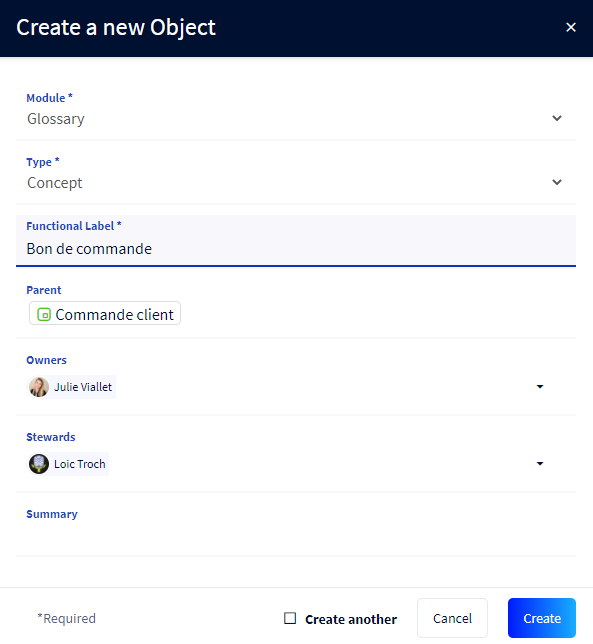
If you enter a parent for the object to be created, by default :
- It is the owner of the parent object that is pre-selected as the owner by default.
- Otherwise it is the workspace owner that is pre-selected as the owner by default.
We apply the same rule for the steward(s).
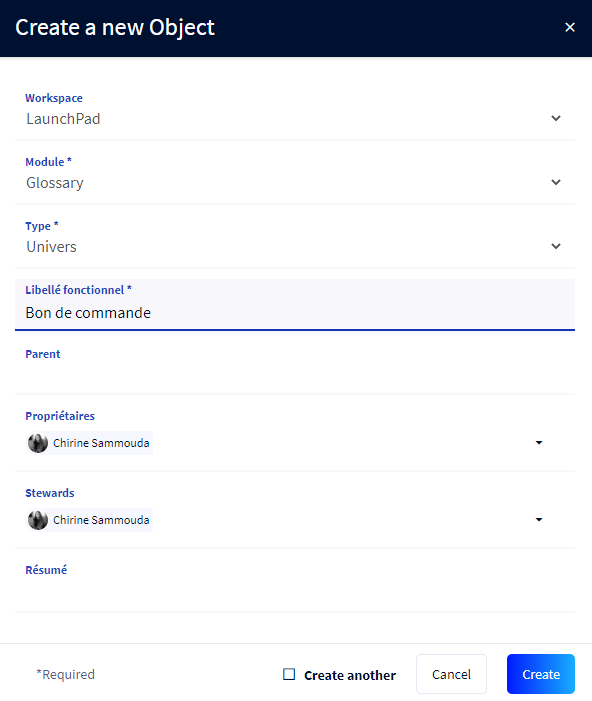
If you do not enter a parent for the object to be created, by default :
- If you are defined as an authorized owner in the official roles of the chosen workspace, you will be preselected.
- Otherwise the workspace owner will be preselected by default.
We apply the same rule for the steward(s).
When you create a source in the Dictionary, a data flow in the Data Processing or an application in the Usages, the technology field is shown in the creation mode. You can then choose the technology of the object you are creating.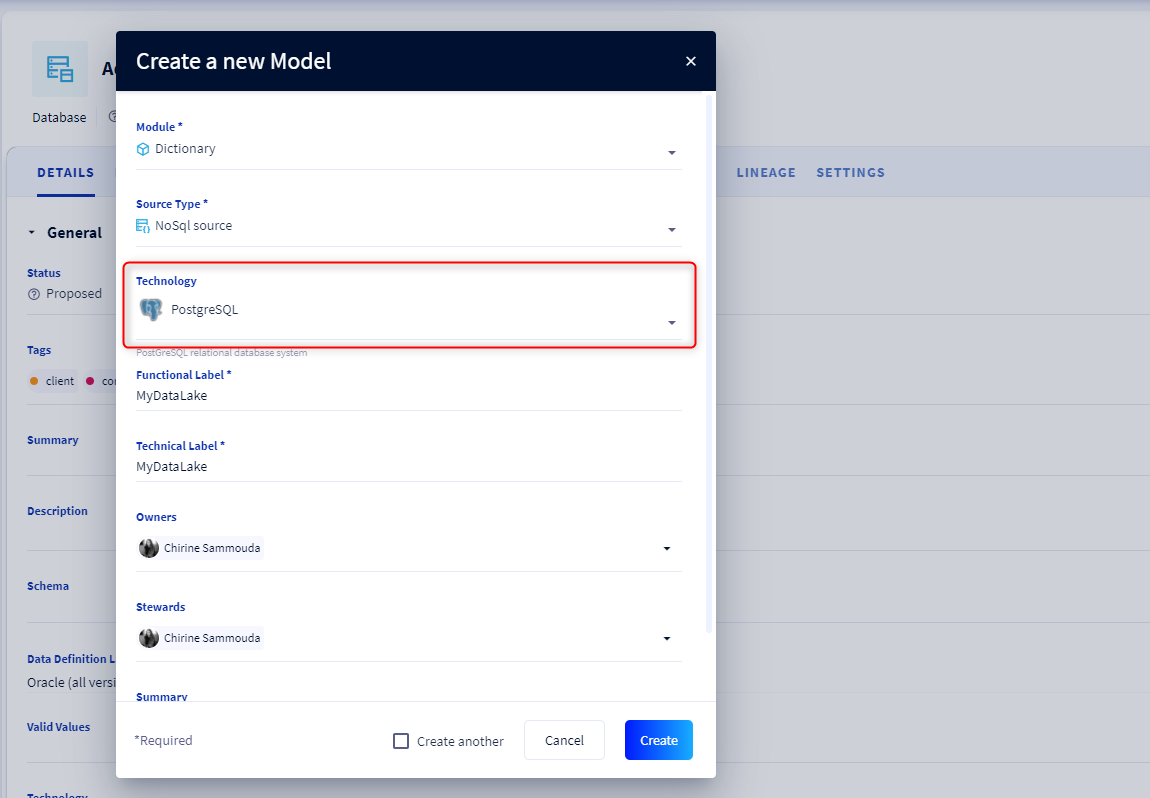
In case you decide to create a child object whose parent's technology is set, then in the child creation mode, the parent's technology is automatically displayed in read-only mode. It is not possible to change the technology of the child object. The child object is created with the technology of its parent.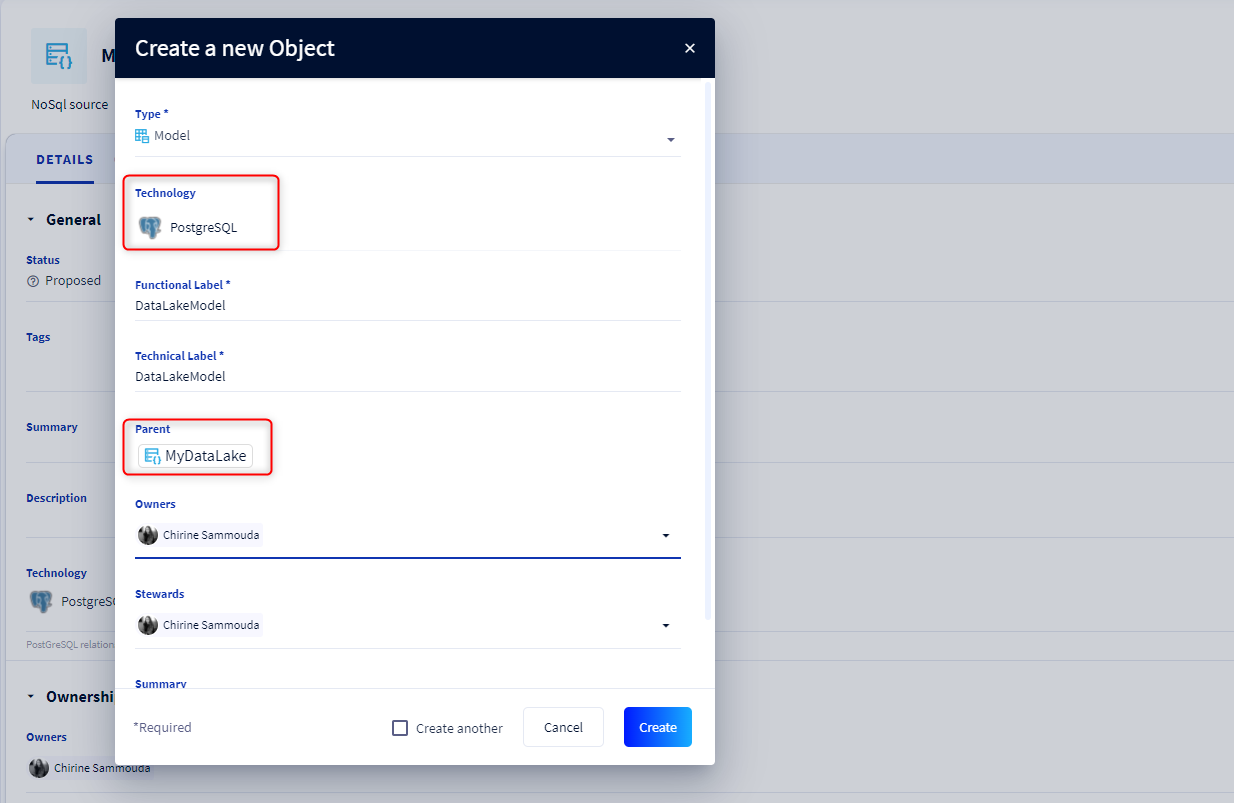
To learn more about technologies, please consult this article.