
This article describes how DataGalaxy Amazon AWS Glue connector works.
This connector is available in the following modes:
| Desktop mode ✅ | SaaS Online mode ✅ |
Connector scope
The connector allows you to import the following metadata from AWS Glue into a Database source:
- All Amazon Glue databases
- The content of the database : tables, partitions and columns
The extracted objects and their correspondences are detailed in the following table:
AWS Glue Object | DataGalaxy Object | Comments |
| Database | Model (Container) | |
| Table | Table (Structure) | |
| Column | Column (Field) | |
| Partition | Column (Field) | Partition keys are represented as columns, the information "Partition" is written in the technical comment attribute of the column in such case. |
Configuration of a connection
Amazon AWS Glue connector uses Amazon Web Services REST API.
The procedure for generating an access key and a secret associated with a user is available here.
For the Desktop connector, to prevent having to manage IAM secrets, you can use the authentication mode by instance profile (if the connector is hosted on AWS EC2) or Web Identity Token (several possible configurations depending on where the connector is deployed, for instance providing the AWS_WEB_IDENTITY_TOKEN_FILE et AWS_ROLE_ARN environment variables).
The following information is required to set up a connection:
Parameter | Mandatory | Description |
| Database | No | Filter to select a specific Glue database |
| Authentication | Yes | Authentication can be performed either with an access key (key and secret), using the Amazon EC2 instance profile on which the connector is running or by using the credentials of the environment's or container's web identity tokens (Working with AWS Credentials). For the Online connector, authentication is only available via the access key. |
| Region | Yes | AWS region identifier |
| VPC Endpoint | No | VPC endpoint identifier to be used to communicate with the AWS resource (example value: vpce-1a2b3c4d-5e6f.s3.us-east-1.vpce.amazonaws.com) |
| IAM Role (ARN) | No | Overrides the role to use to access the resource. The specified role must be in ARN (Amazon Resource Name) format, example: arn:partition:service:region:account:resource |
| Access Key | Yes for access key authentication mode | Access Key AWS |
| Secret Key | Yes for access key authentication mode | Secret Key AWS |
| STS Token | No for access key authentication mode | AWS Security Token Service |
Execution of the connector
To create a connection to Amazon Glue via the Online connector, the entry points are as follows:
From the Import button of the "Shortcuts" widget on the home screen of a client space or workspace
From the Import button of one of the modules when it is empty
From the Import button in the contextual menu of one of the modules, on the right side of the filtered views
From the Add a connection button in the Connector tab available in the workspace setup screen
You can optionally filter (by module, connector type or by using the search bar), then click on the desired technology: 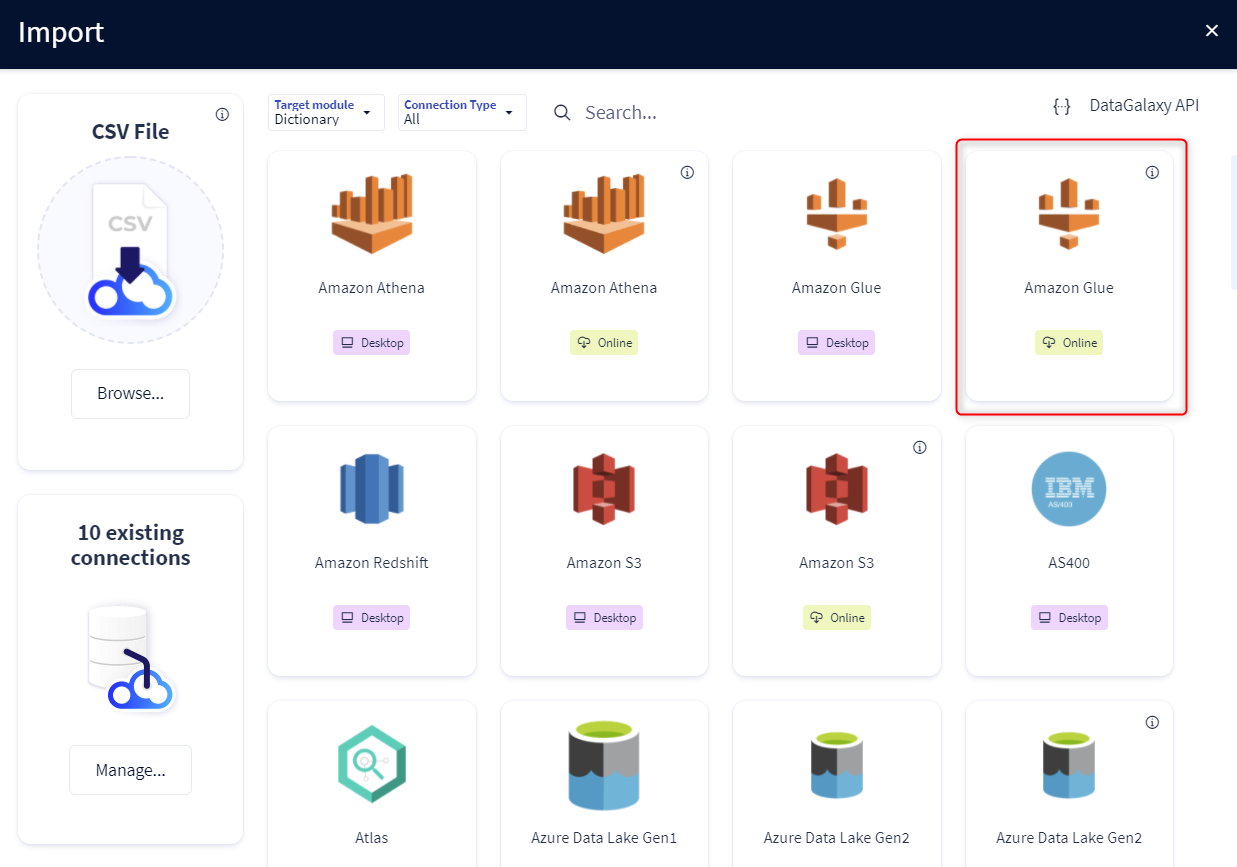
You then need to complete the login form using the login information described above to perform an import. For more details on the steps involved in running the Online connector, you can consult the following article: [HowTo] Running the Online Connector.
This technology is also available via the Desktop Connector, you can find more information on the procedure here: [How to] How to use the connector.
Running the connector from the command line (CLI)
To execute the connection through the command line, ensure that the value of the --password option follows the correct format based on your configuration:
- With an STS token:
--password "{\"password\":\"secretKeyValue",\"sts-token\":\"stsTokenValue\"}"Without an STS Token
--password "secretKeyValue"
Releases
Date | Plugin | DataGalaxy | Desktop Connector | Description |
| 18/06/2026 | 4.0.5 | v3.358.0 | 5.16.1 | Fixed some security vulnerabilities |
| 19/09/2024 | 4.0.2 | v3.77.0 | 5.2.11 | Fixed a bug where online connections were systematically failing |
16/07/2024 | 4.0.1 | v3.59.0 | 5.0.1 | Migrated from java 11 to java 17 |
