
Customize object cards, manage your communication settings, extract information from new tools…
— User profile
Choose the news you want to receive
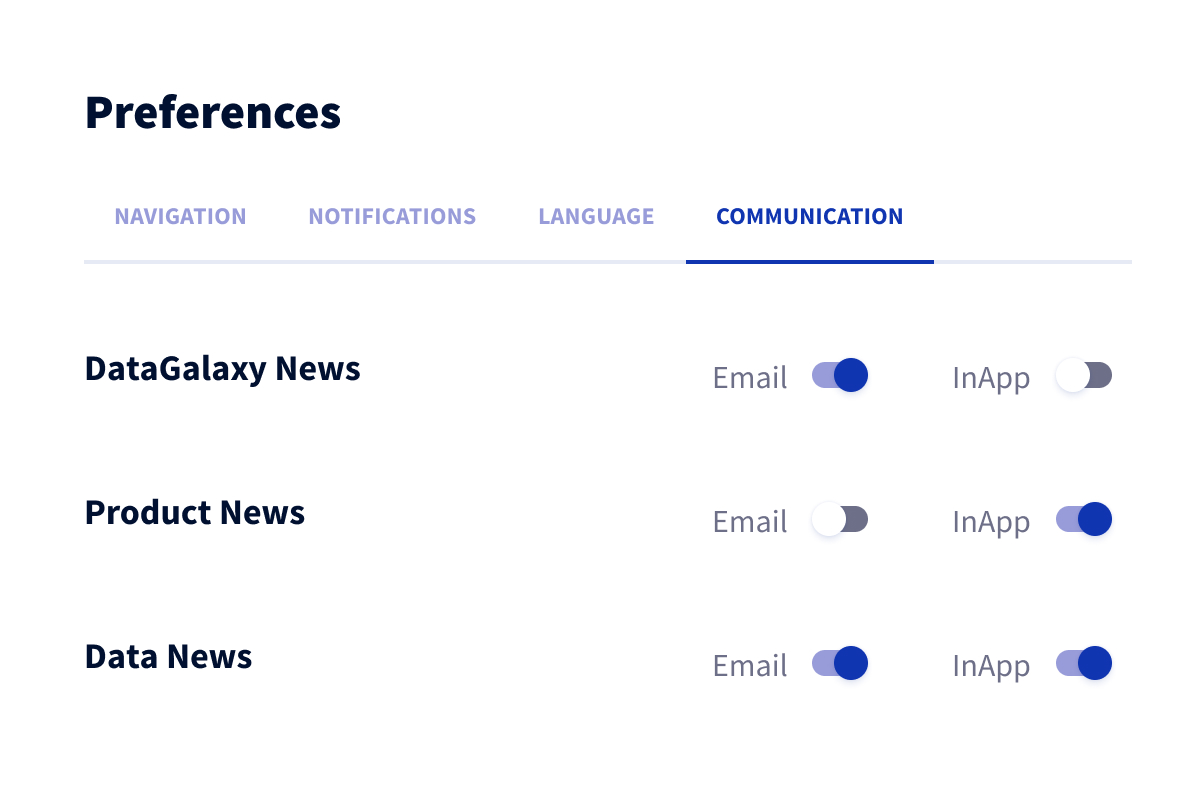
Easily stay up to date on DataGalaxy news and the data world. Configure the topics you want us to contact you about and choose to receive them in-app or by e-mail.*
— Diagrams
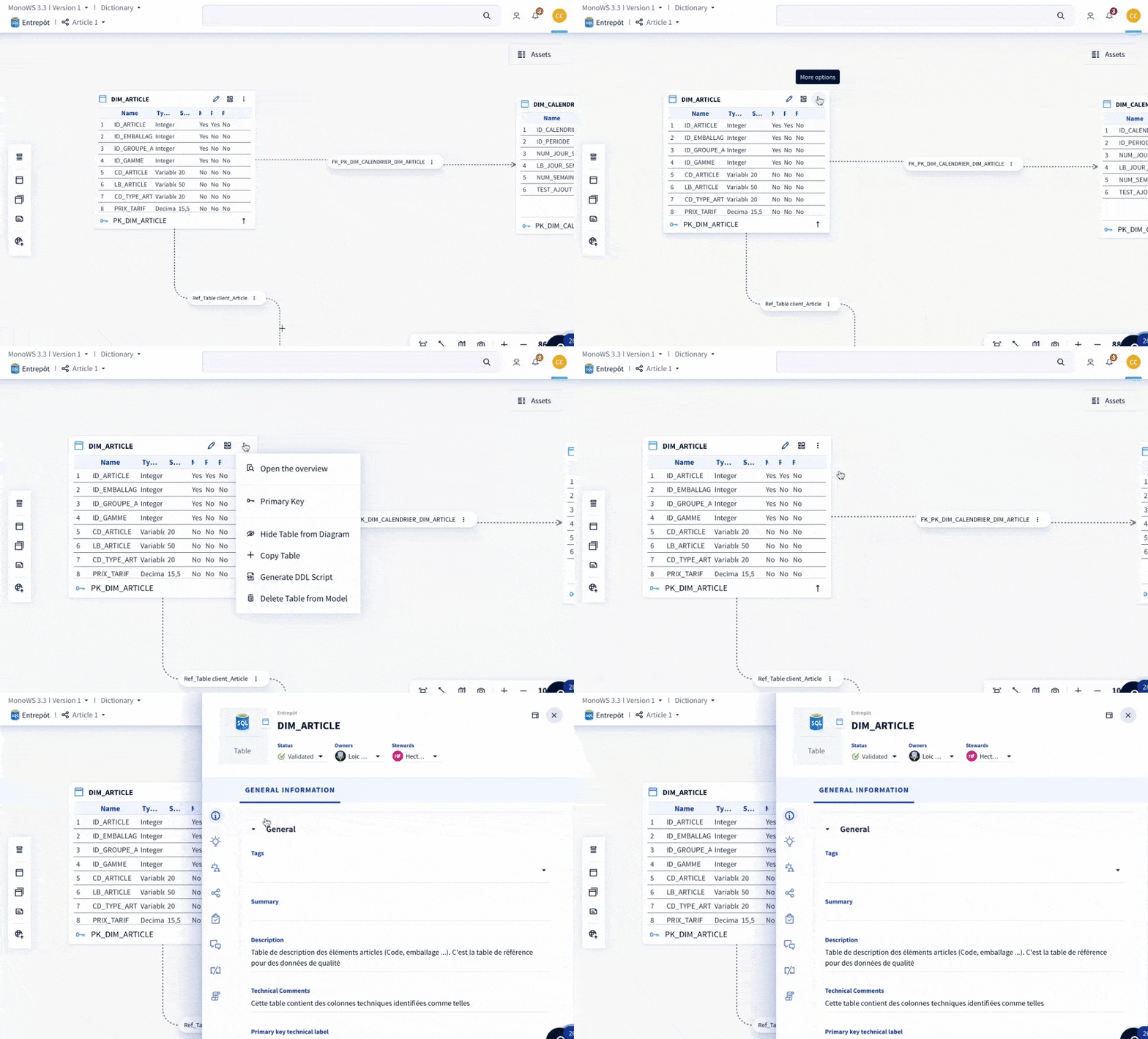
Model faster with object preview
No need to go back and forth, all the information you need is now directly accessible and editable thanks to the navigation panel visible from the diagrams.
— Object card
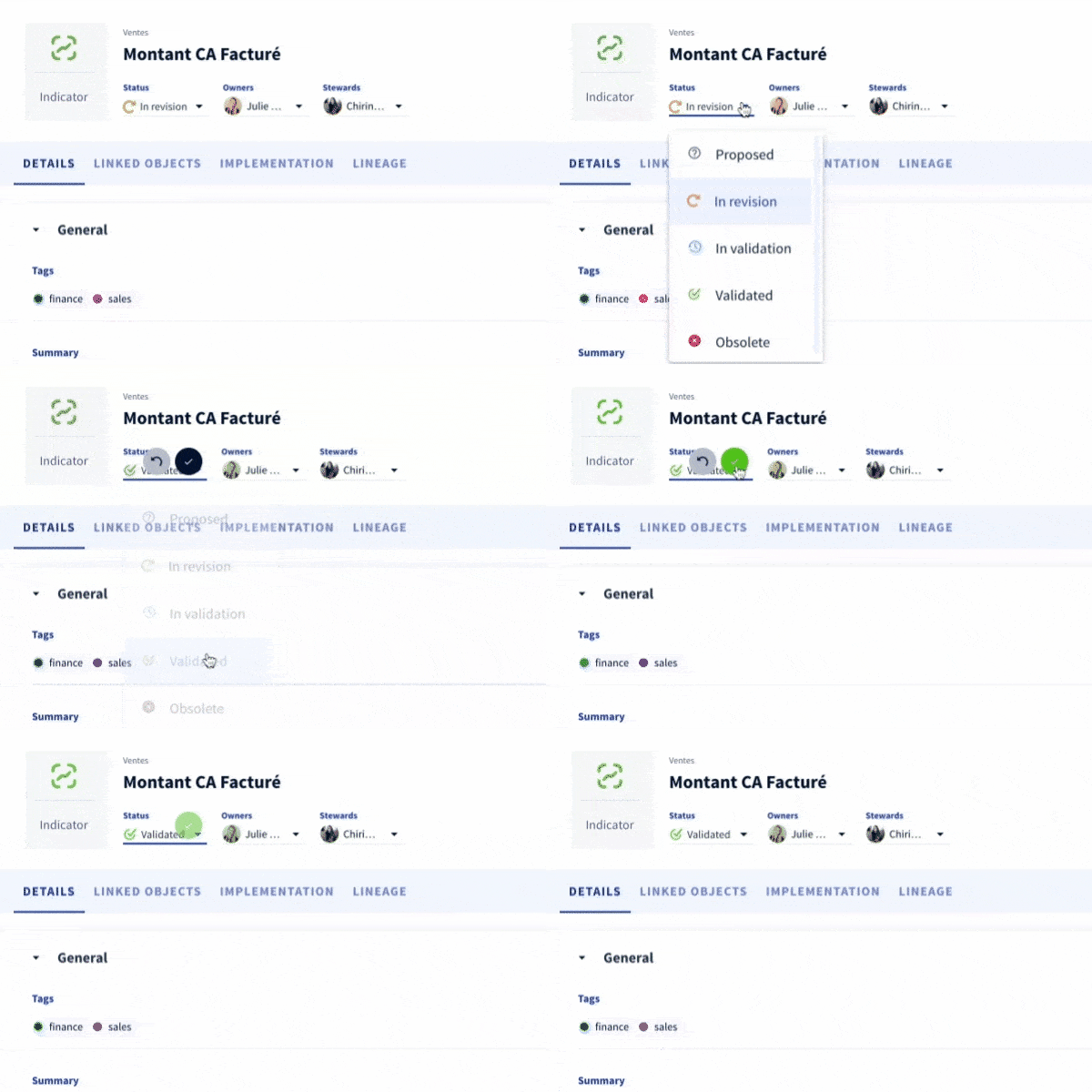
Highlight the essential
You can further adjust the object card to your use cases by focusing the most important information on the header of the object card. This makes it easier to read. This key information can be edited directly from the header. You benefit from greater productivity.
— Teams
Manage teams and teams members in bulk
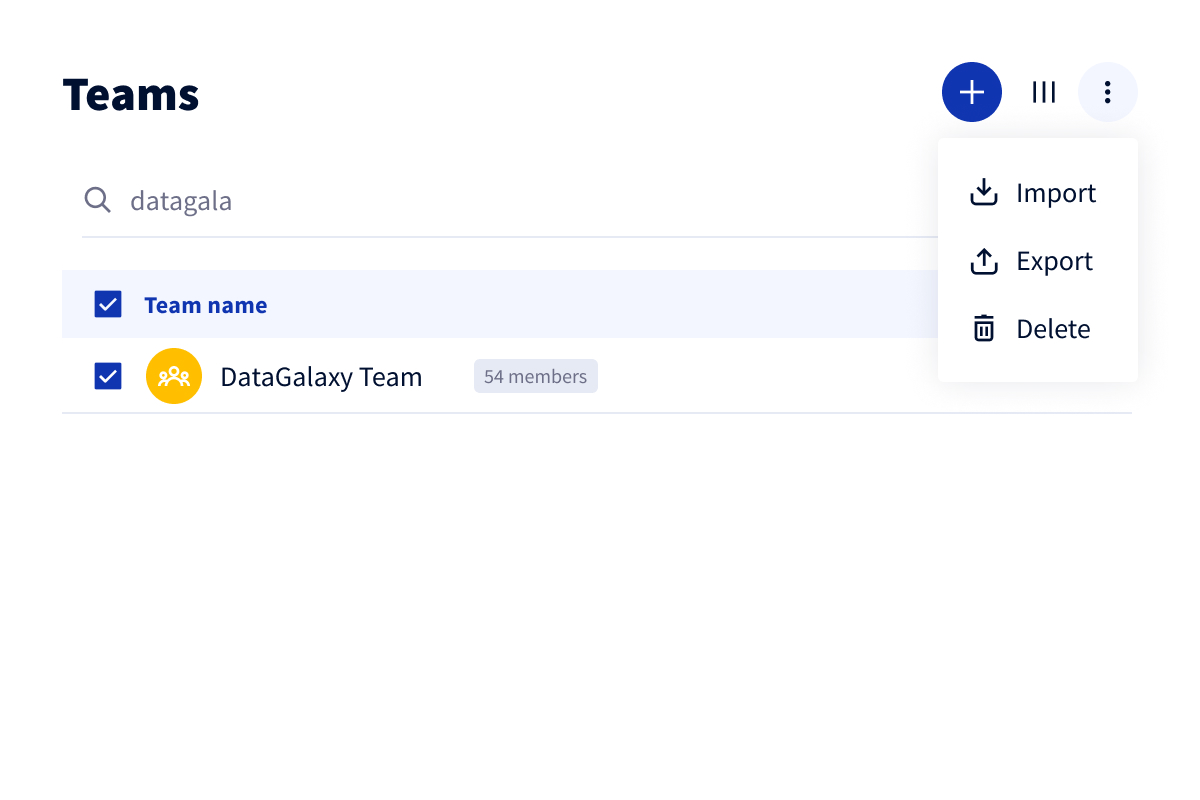
Save time and increase efficiency with new import/export capabilities to manage teams in bulk. You can now export and import all information about your teams and their members.
— API
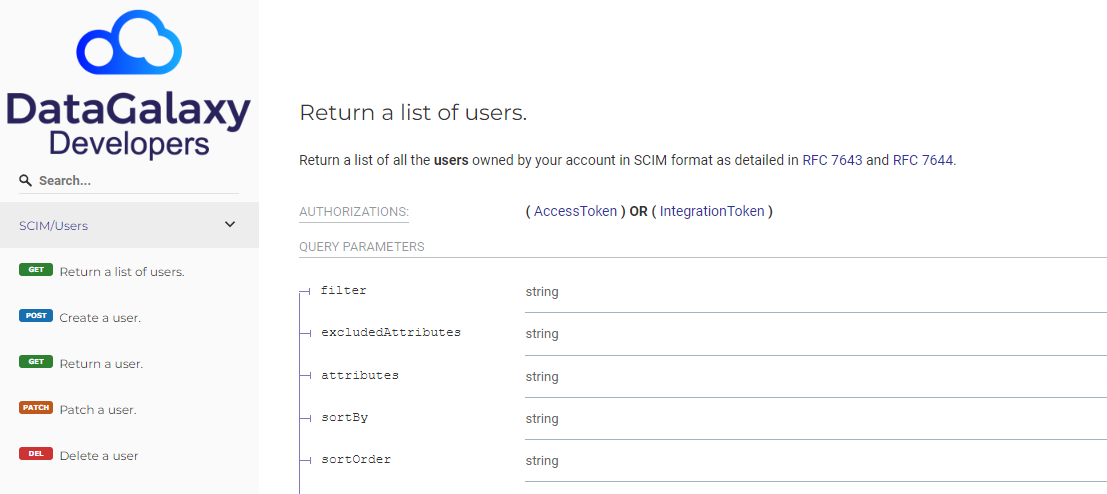
Simplified user synchronization with SCIM
DataGalaxy APIs now include routes that respect SCIM 2.0 specifications. With this evolution, the synchronization of your users from your enterprise directories is done in a few clicks!
— Connectors
New Connectors
Catalog data from the world's leading CRM company, Salesforce. Extend the scope of your Power BI catalog with the new connector for Report Server.
It's corrected
Processings
 The problems identified in the processing mapping have been corrected.
Governance
The default Steward and Owner of a workspace can be readers or non-licensed users.
Dashboard
The problem of choosing a favourite dashboard in the preferences has been corrected.
Diagrams
Diagrams in which a table has been positioned appear in the list.
Search
Quicks filters can be configured to set a link with a defined value.