
Easier extension setting up, automatic glossary generation and exciting previews
— Extension
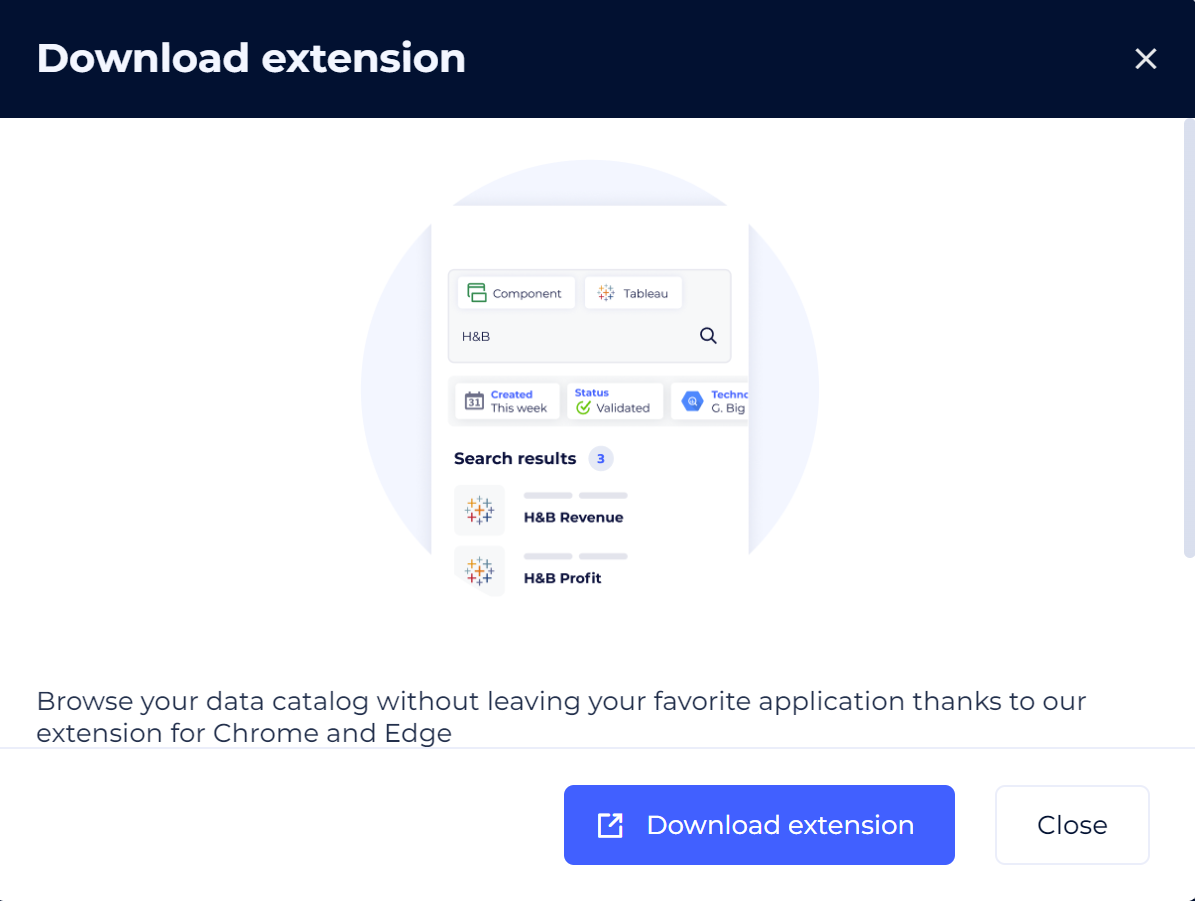
Simplify extension deployment: effortless integration for instant accessibility!
Deploying the DataGalaxy extension for Chrome/Edge is easier than ever, thanks to direct access from the DataGalaxy menu.
Download and install it in just a few clicks, and access your personal access key in a flash: you're all set! The power of DataGalaxy from any web page has never been so easy.
— Metabot
 Bridge the semantic gap by creating your company's glossary.
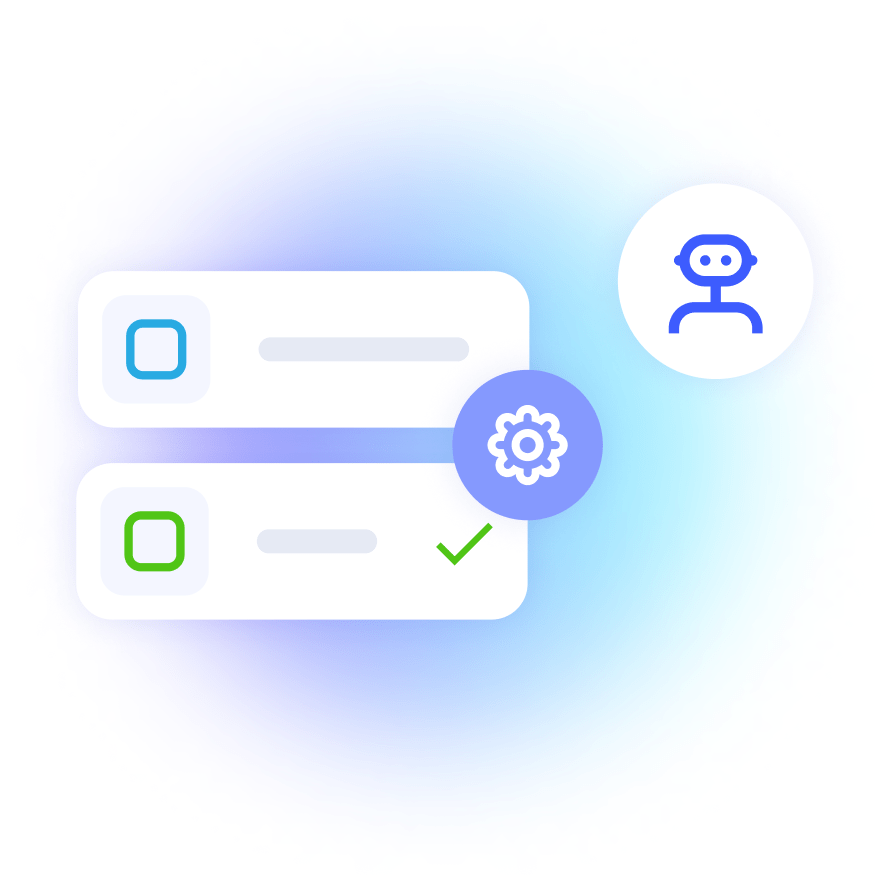
Metabot's new feature automatically generates your glossary.
MetaBot uses text analysis and natural language processing techniques to extract terms and definitions of technical data from objects already present in your dictionary or usage. It then classifies the extracted terms according to their relevant domain or category.
Trust your data.
This evolution is the result of the User Voice co-construction workshop.
— Workflow
Preview - Speed up your data governance initiatives with our new Campaign module.
Discover how to easily manage validation workflows and encourage the involvement of key players in your company's data transformation.
- Automate the validation process,
- Benefit from rigorous quality control thanks to clearly defined validation steps,
- Facilitate collaboration by involving all relevant players in the validation process.
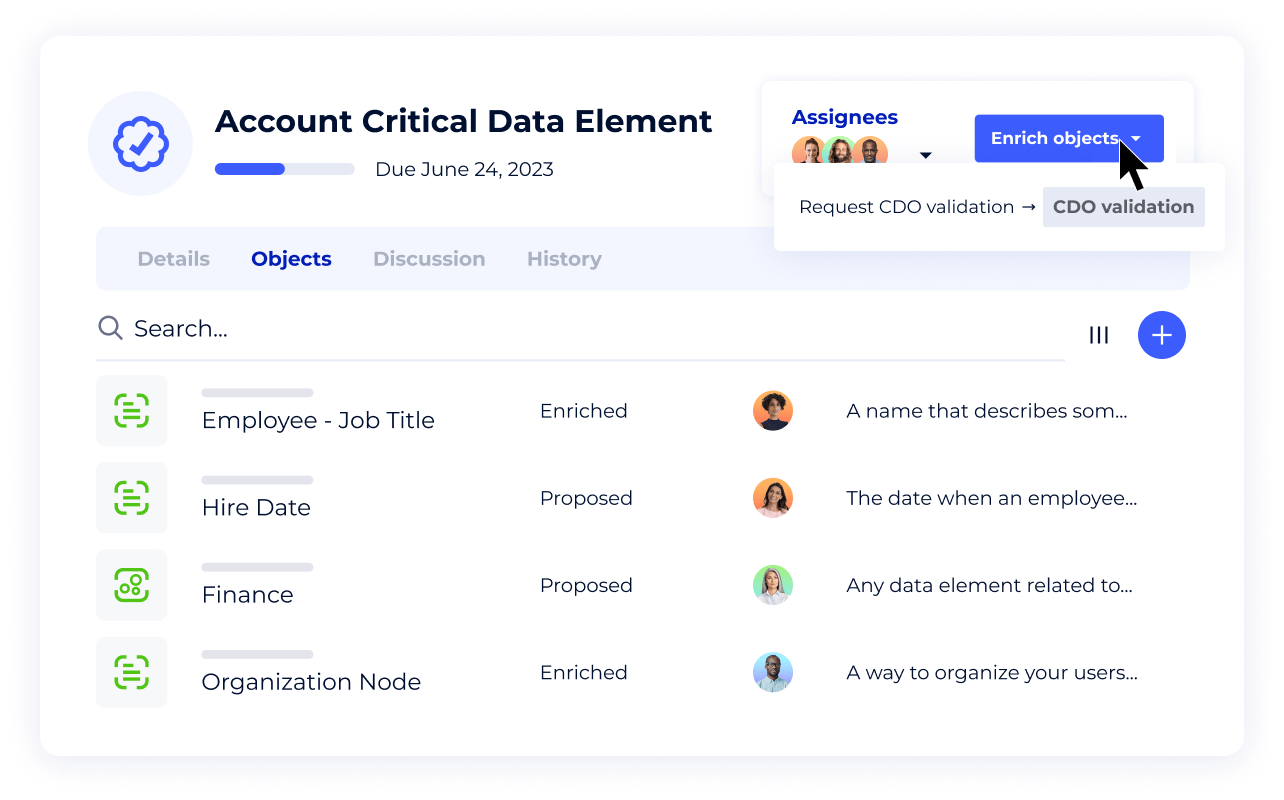
This feature can be activated after registering for the User Voice program. Register for the User Voice program and asking for it through the announcement in the ressource center (in the application).
— Data Quality
Preview - Optimize your data quality with integrated data quality monitoring.
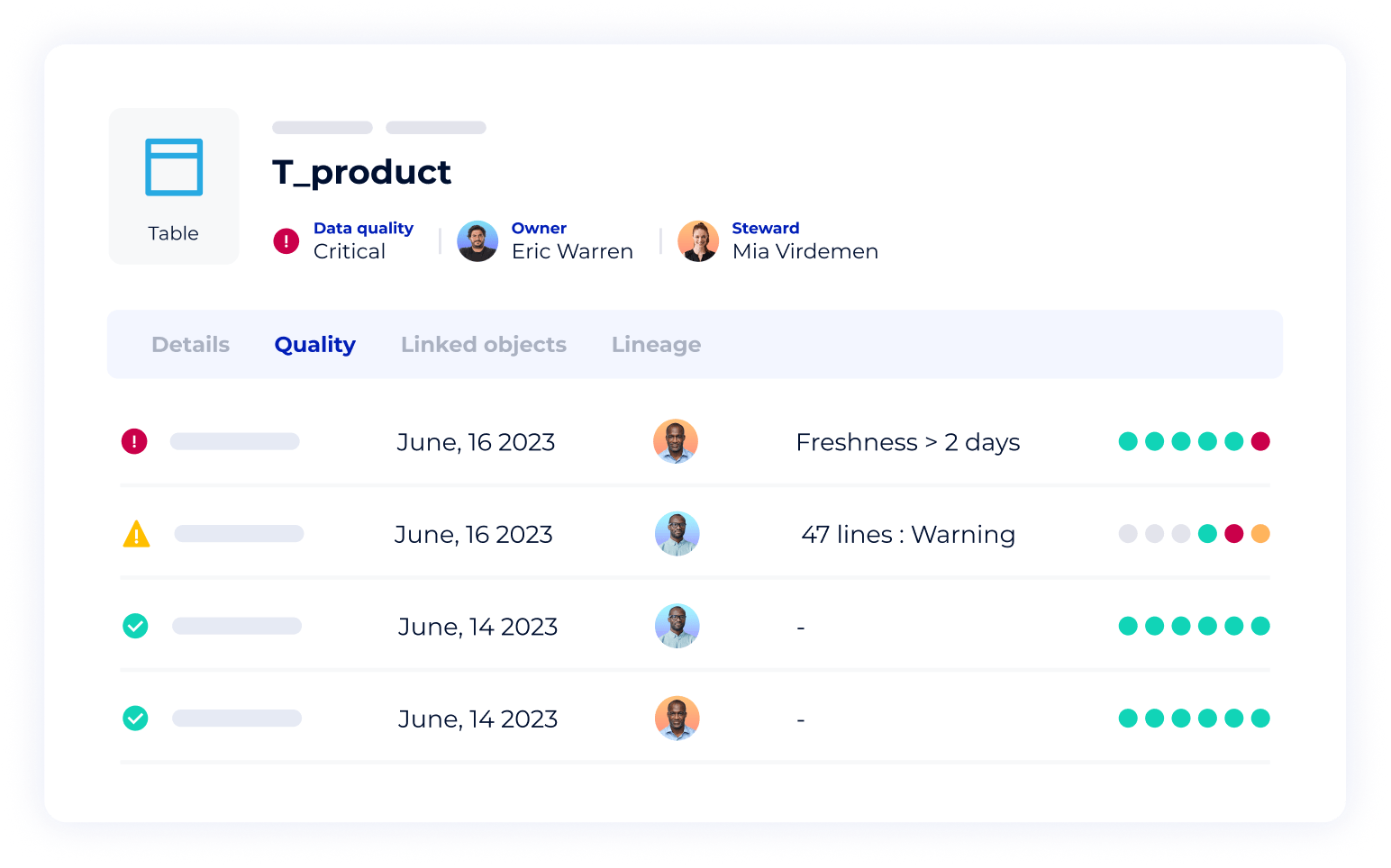
A KPI in a dashboard that doesn't seem right?
DataGalaxy gives you the status of your data quality in real-time. Spot the problem across the line in a single click. Empower the right people to solve the problem faster. Get notified when it's done.
Trust your data.
This feature can be activated after registering for the User Voice program. Register for the User Voice program and asking for it through the announcement in the ressource center (in the application)
— Administration
 Adapt DataGalaxy to your use cases by customizing the "Component" object sheet!

You can now configure the "component" object sheet to suit your specific use cases. Modify attributes and create categories to adapt perfectly to your needs.
This development is the result of the many votes we received in the User Voice program.