
DKS - Link Explorer and Asset Panel, Object tracking
— Object tracking
Discover the new “watch” feature
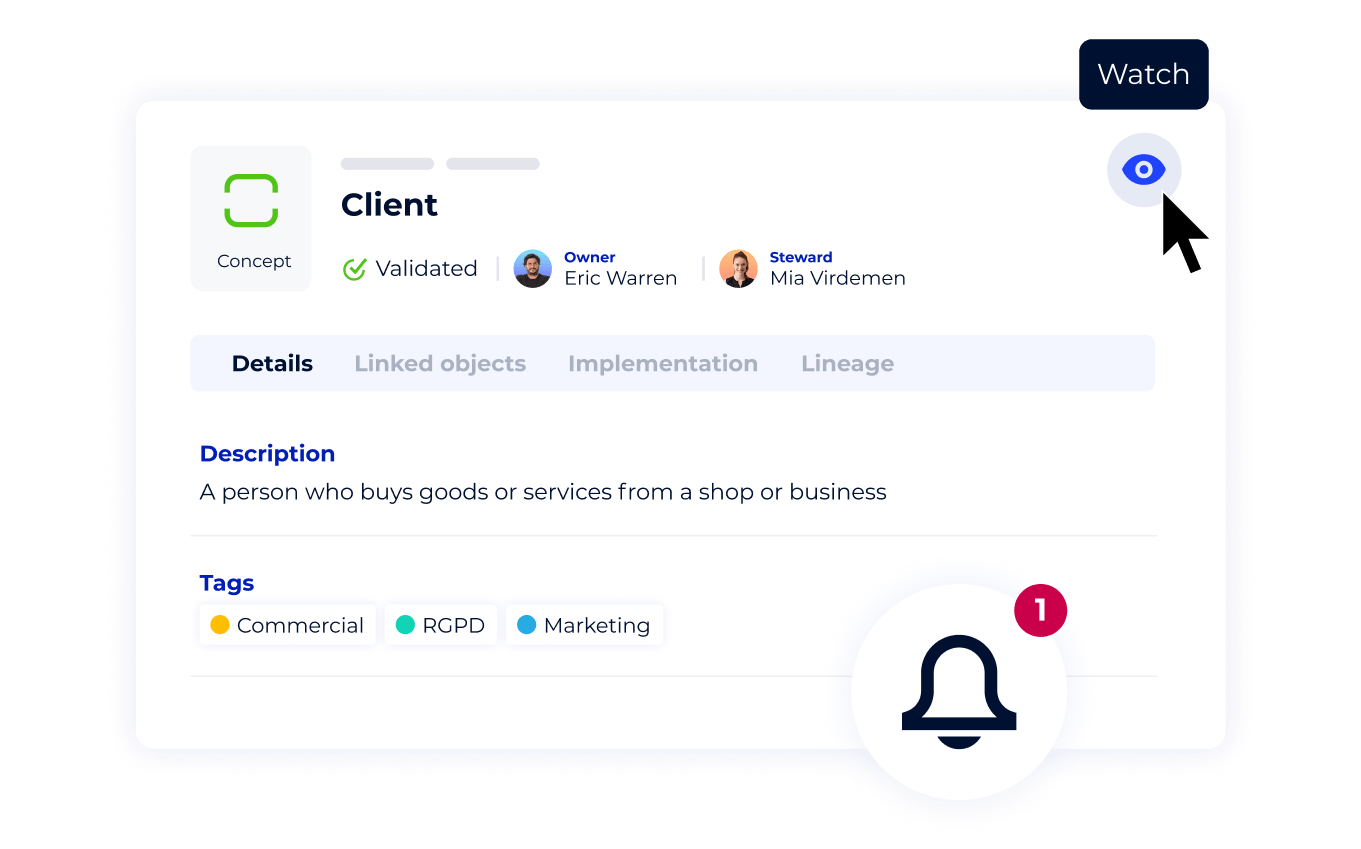
Now, you can easily stay informed about your favorite assets and be notified whenever something important happens.
Tip: create a filtered view to show a synthetic table of all your watched objects.
— Data Knowledge Studio
Draw faster with the new link explorer!
Access linked objects in one click! Thanks to our new link explorer, you can immediately identify the existence of links from an object and add them to the diagram even more easily thanks to the highlighting of upstream and downstream objects. You gain in productivity on the construction and navigation of your diagrams.
— Data Knowledge Studio
Never lost again in a diagram thank to the Asset panel
This panel contains two lists
- All the assets from the catalog that you can add to the scene, are organized by module and presented in hierarchical view.
- The assets present on the scene, this list is very useful to search, select or locate assets in the diagram.
Improvements
Dictionary \ Export
the linked objects of a database are exportable / importable