Creating an implementation is the same as specified for a data definition where the elements that make it up are stored. It is, therefore, a question of linking one object of the glossary module to one or many objects of the dictionary module.
The following table specifies which objects can be connected and at which level of granularity:
| Glossary object | Can it be linked? | To which granularity? |
|---|---|---|
| Universe | No | N/A |
| Reference data | Yes | Database, table, field |
| Concept | Yes | Database, table, field |
| Business terms | Yes | Database, table, field |
| Indicators | Yes | Database, table, field |
| Dimension | Yes | Database, table, field |
| Domain | No | N/A |
Create an implementation
- Go to the Business "Glossary".
- Click on the object of your choice
- Click on the tab "Implementation".
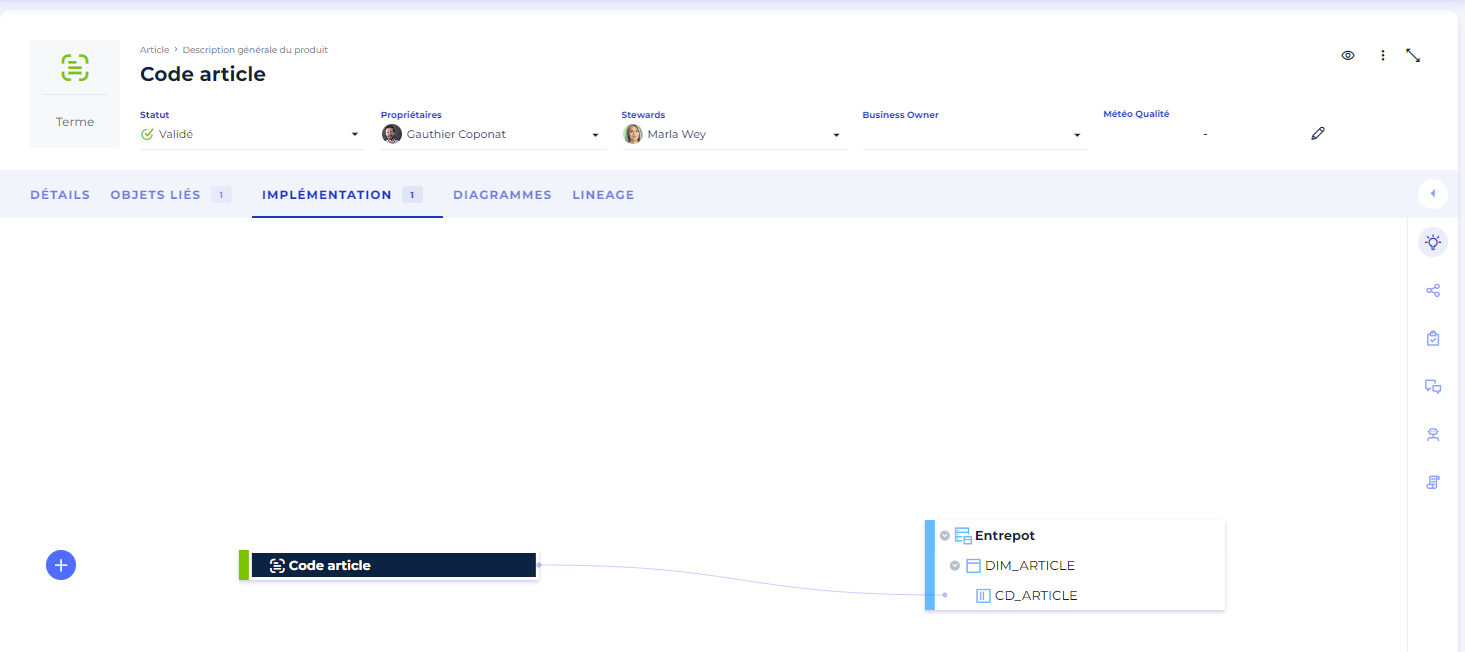
- On the left, click on the button "+" to add an implementation.
- A window opens, fill in the type and then search for your object.
- Validate, and you will see a link appear on the screen.
Note:
- The search only works on object types that can be implemented.
- It is possible to use the implementation suggestions proposed by DataGalaxy to facilitate the management of implementations.
Import implementations
You can bulk edit implementations:
- Through the import of sources
- Through the import of a CSV file
- The CSV file requires those mandatory fields:
- Property Path: the object path, which means to which object it's attached
- If it's not linked to other objects, the property path will look like this: \Employee
- If it's linked to one or many objects, then it's property path will look like this: \Parent object\child object: ex: \Employee\Address
- Property Type: object type: concept, universe, domain...
- Model Display Name: name of the implementation database
- Model Type: type of the implementation database: database, Filestore...
- table technical name
- Table type
- Property Path: the object path, which means to which object it's attached
- Implementation file example
- The CSV file requires those mandatory fields:
- Go to the "Glossary".
- Click on the "Import properties" button.
- In the drop-down menu, click on "From a CSV file".
- Click on "Implementation".
- Select the file to be imported
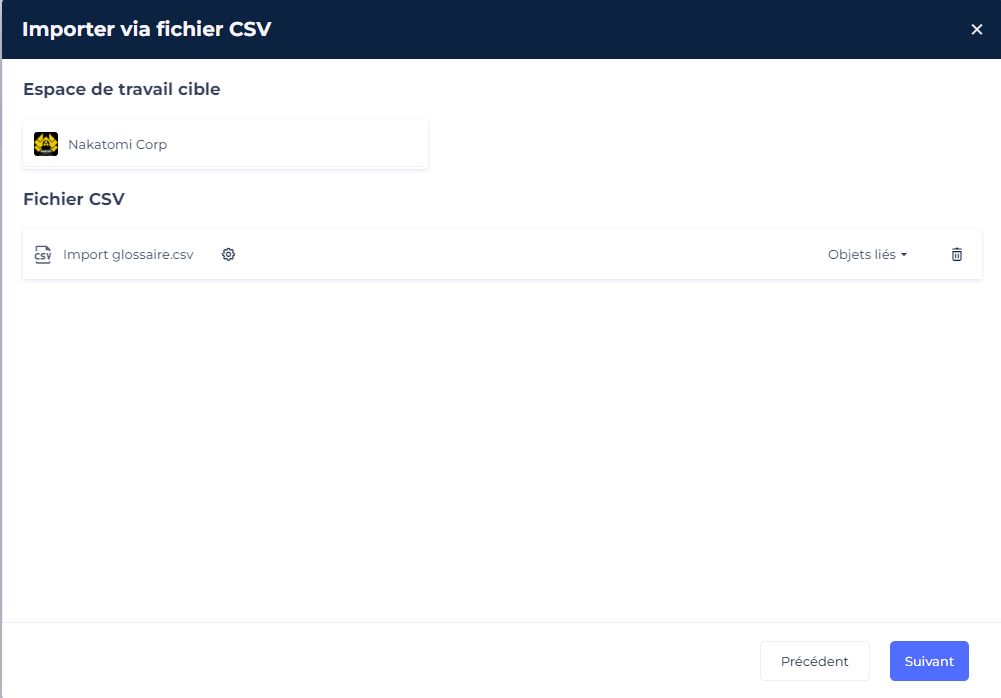
- Once the file is selected, check the field mapping.
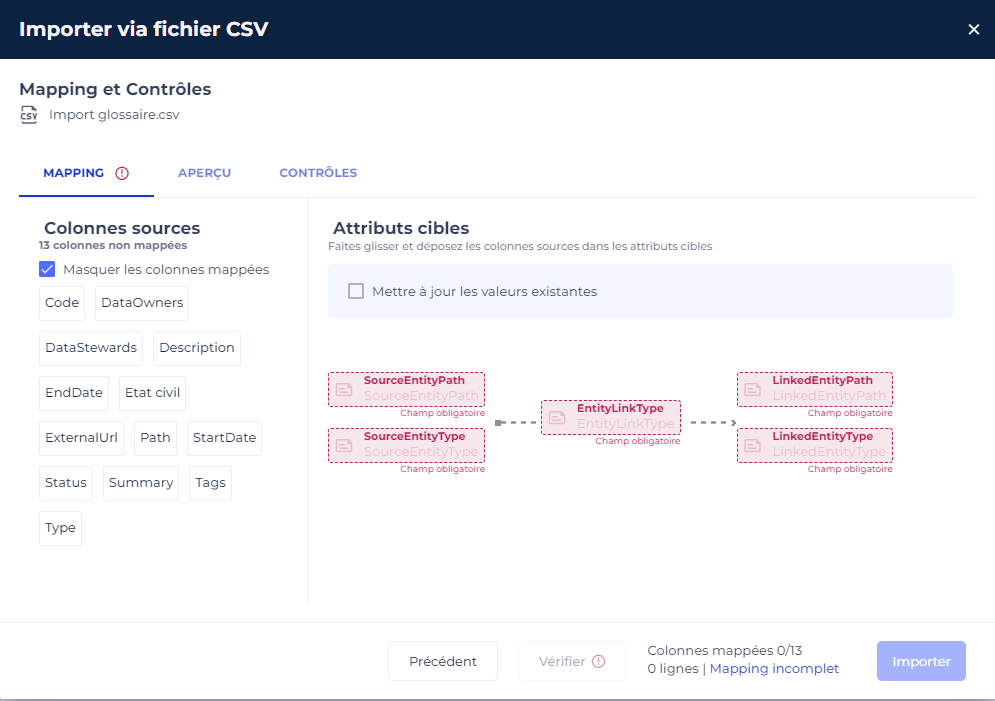
7. Click on the "Import" button to start the import.
Delete an implementation
You can delete the implementation of a property in a column.
- Click on the "Glossary".
- Click on the property for which you want to modify the implementation.
- Click on the "Implementation" tab.
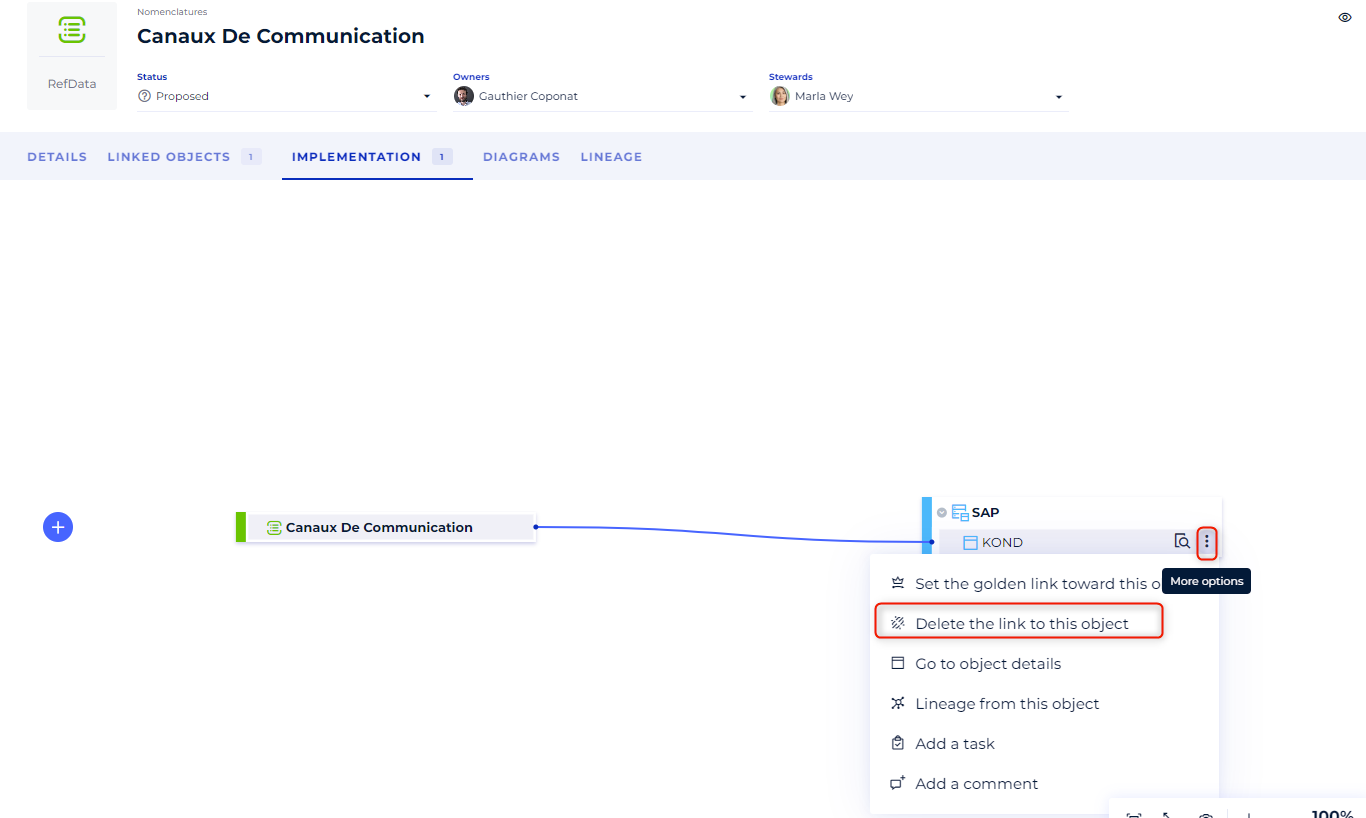
- On the workspace, hover over the column for which you want to delete the implementation and click on the contextual menu to the right of the object's label
- Select the option Remove the link to this object