The main goal of this article is to introduce the team concept. Why is this feature important? How is it used in DataGalaxy?
Introduction
Understanding how an organization operates often requires defining the different teams that are part of it. A knowledge of the different teams and their different characteristics (members, roles, scope of responsibilities) enables a more efficient and faster collaboration. This is why it is crucial to integrate this notion into a platform dedicated to data governance. In fact, identifying the perimeters of responsibilities, the knowledgeable people and other experts is essential in this kind of project.
The team is therefore a feature that allows you to gather a group of users, without any restriction of license levels or profiles, whether they are a Reader, a Steward, a business or technical user.
You can thus recognize and reproduce your organization's operations in the platform.
Team management at the administration
Teams are managed at the Client space administration. All users with administrator access can create teams, modify their information and edit their members.
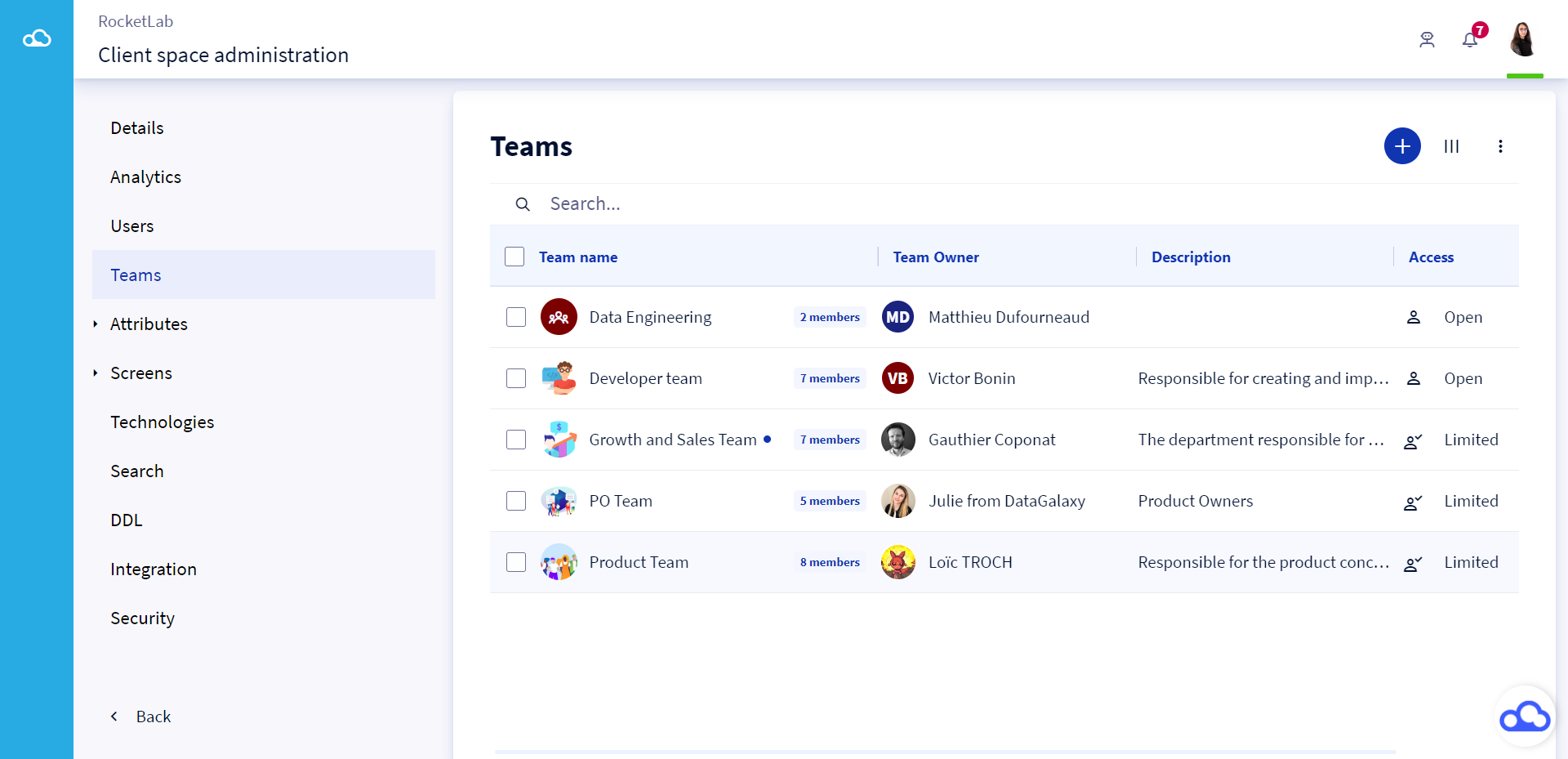
When creating a team, 3 types of access to the team are available:
- Private access: Only the members added to this team can consult its card.
- Limited access: All the users of the client space are allowed to consult the team's card and ask its owner to join it.
- Open access: All the users of the client space are allowed to consult the team's card and to join it without asking the team's owner.
The team owner acts as a referent and responsible member of the team. He can:
- Modify the information of the team,
- Add and delete its members,
- Process access requests
By default, the owner of the team is its creator. You can change the owner or add others. You can even have teams without owners... but we don't recommend it.
To learn more about managing teams from the client space administration, you can read this article Manage teams.
Team management in the Profile
Users who own a team but do not have administrative licenses can manage it at their profile. They can :
- Modify the team's information
- Add and/or remove members
- Accept/refuse access requests to the team
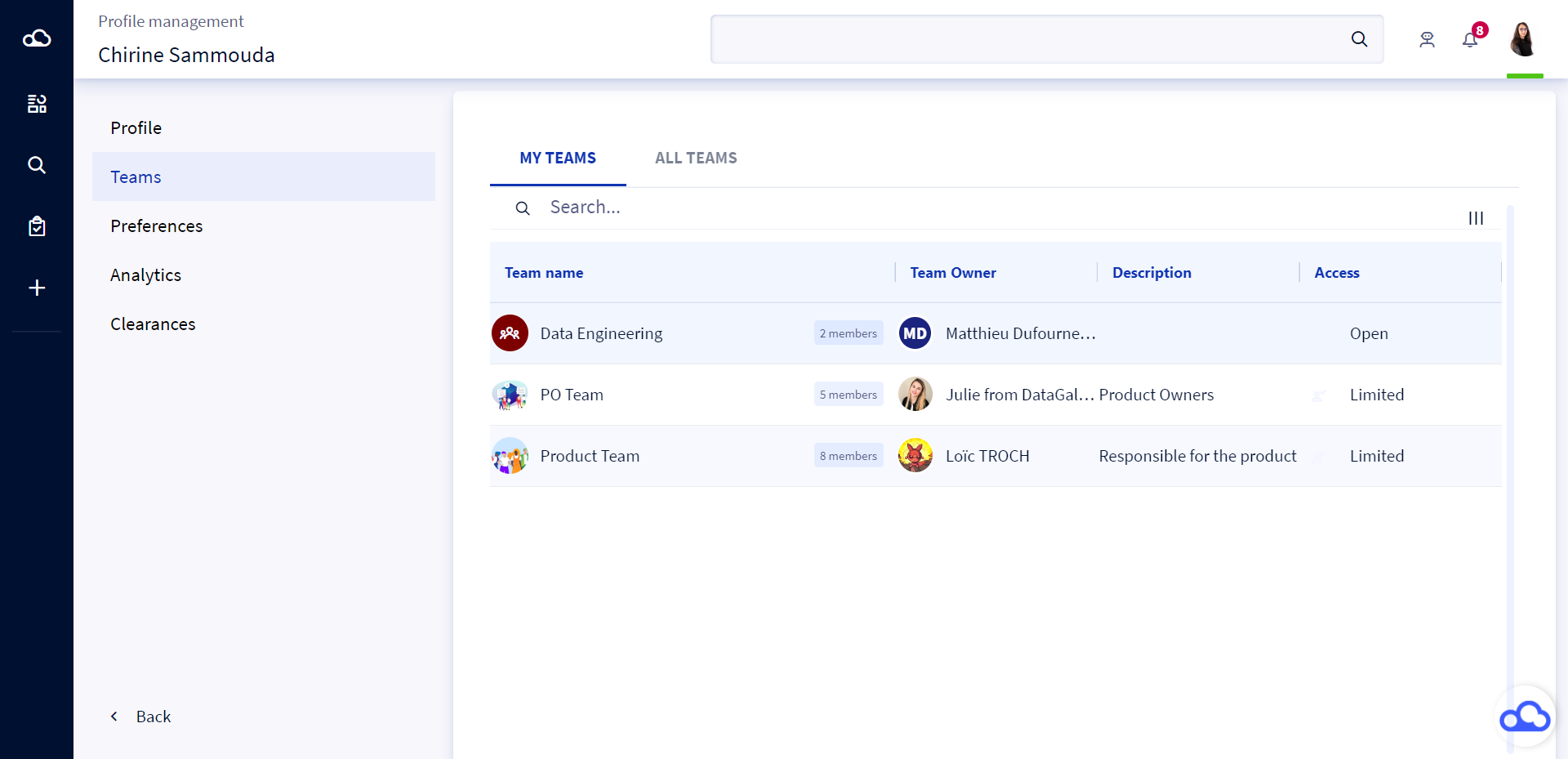
Depending on the type of access of the team:
- If the team is Open, any user can join it.
- If the team is Limited, any user can request to join it, his request will be sent to the team owner who will decide to accept or reject it.
- If the team is private, it is visible only to its members and therefore no other user can join it, if not added by the team owner.
To learn more about managing teams from the Profile, you can read this article: Managing your teams.
Team usage
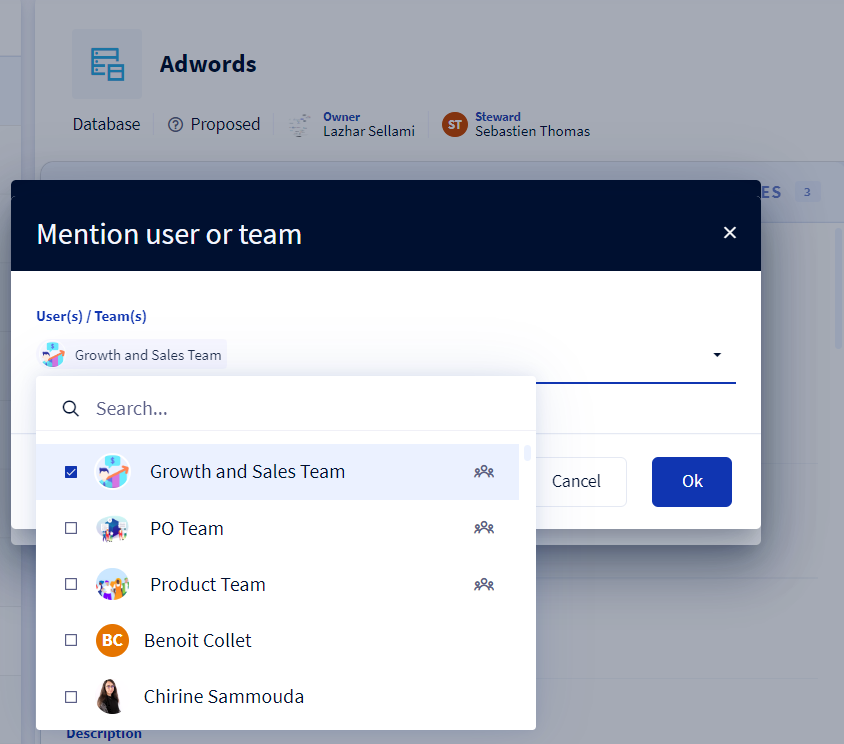
This new feature allows to improve communication between members of the same team but also towards members of other teams. In fact, teams can be useful in comments and tasks.
This way, the whole team can be informed easily via a notification that appears in the notification center.
The entire team shares the responsibility to process the task before the deadline. In case a user doesn't know who exactly to address, he can mention the whole team in the comment.