
You often use indicators or dashboards in your daily life, so it is important that you are informed of any updates made on these objects by the users.
This article explains how to watch an object and what it means.
Why watch an object?
The "watch" feature allows you to not miss any important information by receiving a notification for any modification on your favorite objects.
You can watch all objects in a workspace to which you have access, regardless of your rights and license.
Here is the list of events that generate a notification:
- Modification of an attribute of the watched object
- Creation, modification or deletion of a synonym of the watched object
- Creation or deletion of a link of the watched object
- Creation of a child of the watched object
- Creation, modification or deletion of a comment on the watched object
- Creation, modification or deletion of a task on the watched object
- Move the watched object
How to watch an object?
To watch an object, you have to click on the icon "eye" located in the top right corner of the header of an object card (also available in the preview of the object). The eye appears in blue when you watch an object.
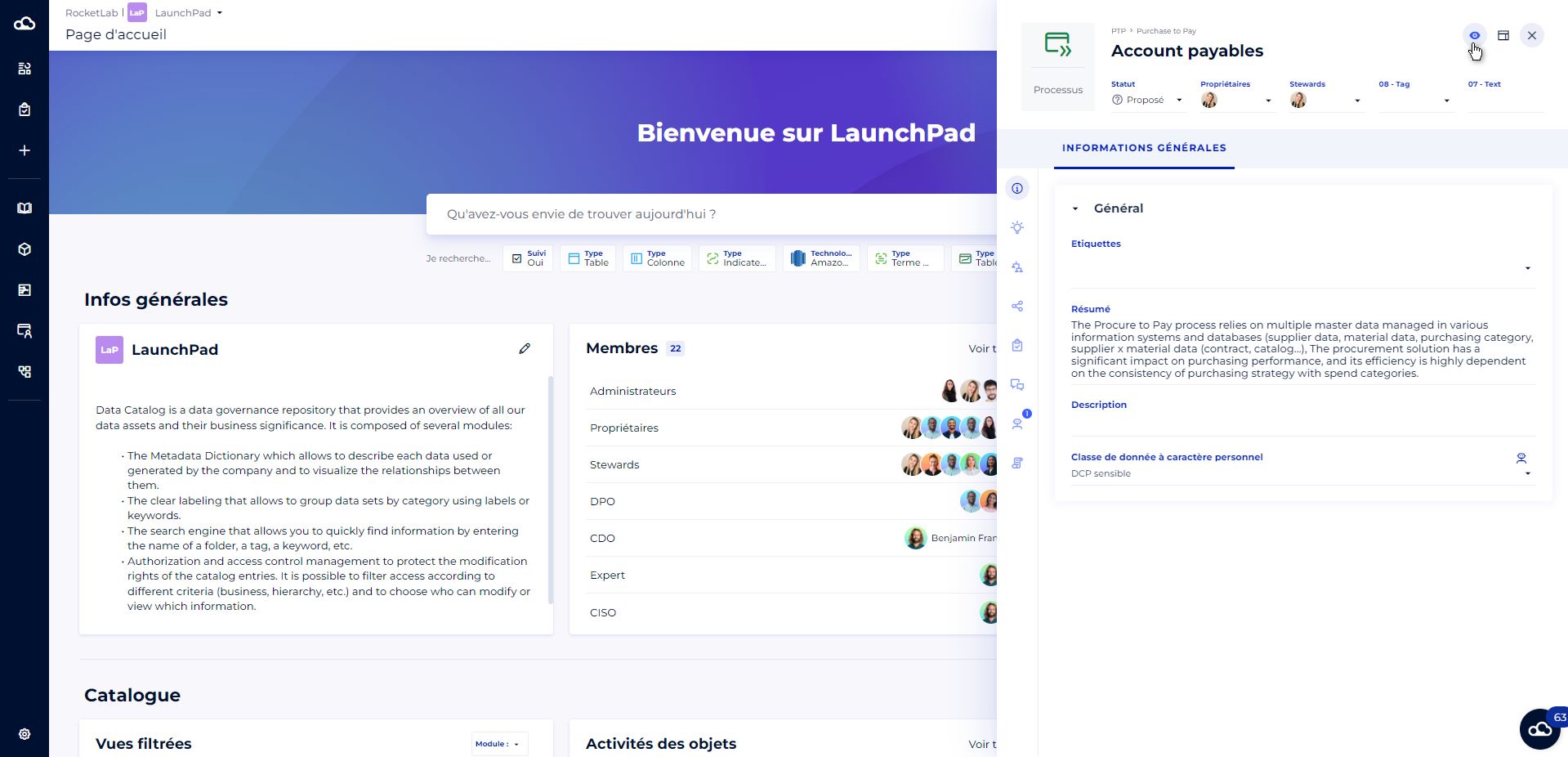
To stop watching an object, just click on the eye again. The eye appears in white when you do not watch the object.
How to find my watched objects?
You have the possibility to filter on the watched objects to find them easily from each module, and from the search.
To do this, you must
- Click on the "More filters" button in the filter bar
- Choose "watched" in the drop-down list
- Select "Yes"
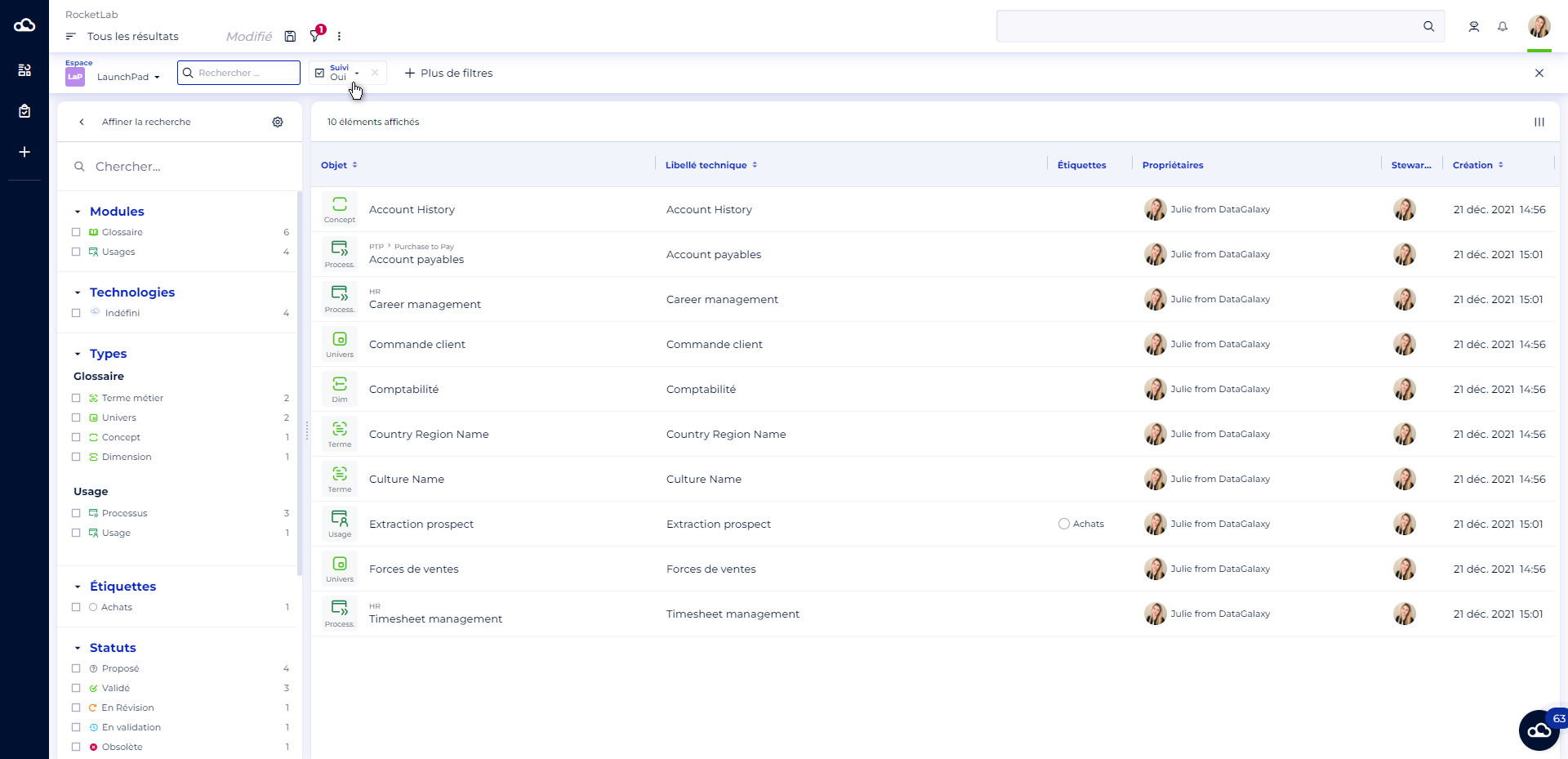
You can also use the quick filter on watched objects directly from the home page. If the filter does not appear on your screen, ask an administrator of the client space to add it from the search settings of the client space.