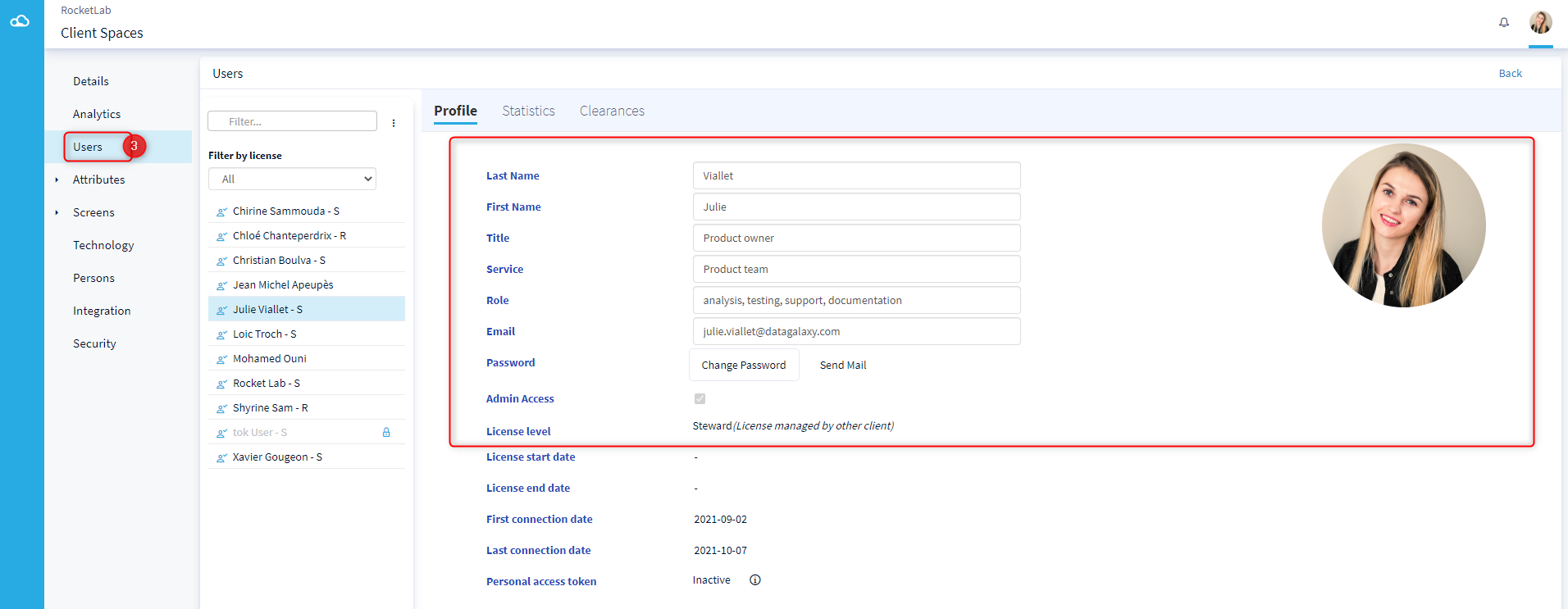
The purpose of this article is to explain how to modify the information of a user in the clientspace.
To do so, you need to be an administrator of the clientspace.
You have the possibility to change the following information of a user:
- The name
- The first name
- The title
- The service
- The role
- The email
- The license
- The avatar
To find out more about the licenses offered by DataGalaxy, you can read this article.
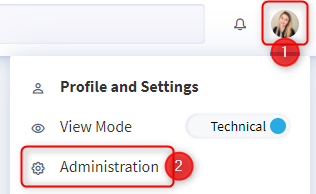
- Click on your avatar in the upper right corner
- Select Administration in the menu
- Click on the Users tab
- The list of users is displayed, click on the user of your choice