To understand the different type of license, read this article
How can I view and modify my team's licenses?
You can view and change the user license level only if you are an administrator at the Client Space level.
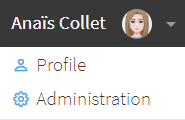
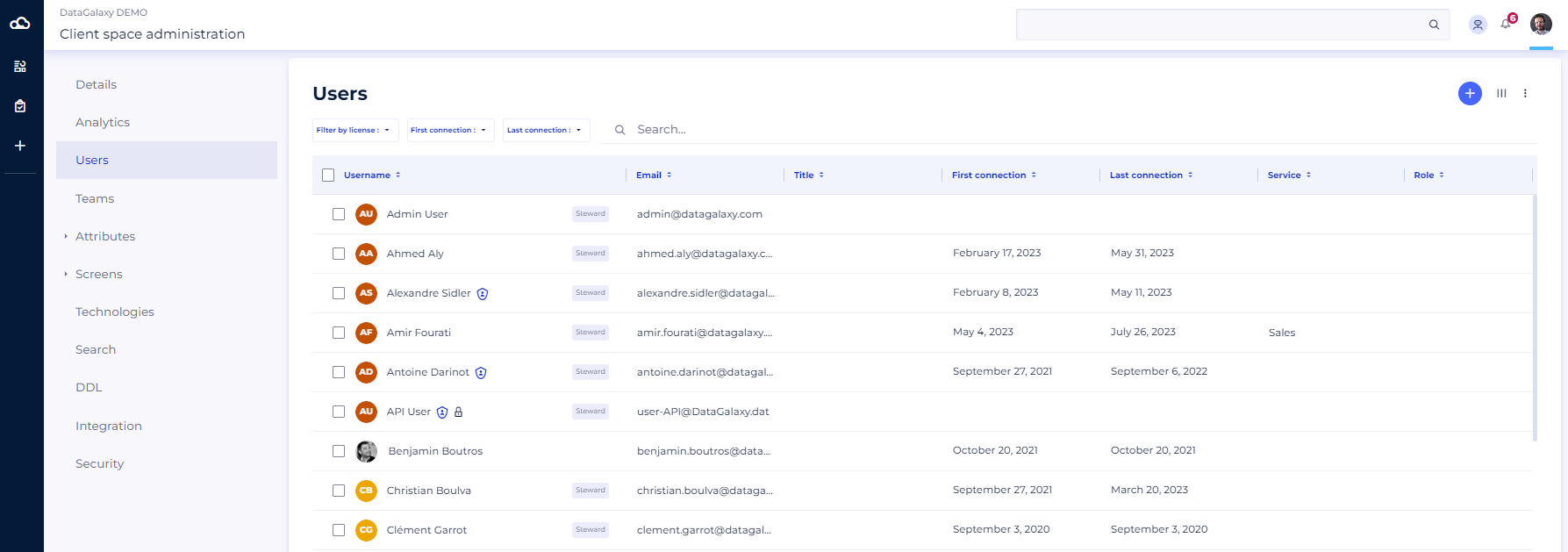
- Go to the administration area
- Select the Team tab
- On each user's profile is the line "license level".
Administrator status at Client Space level:
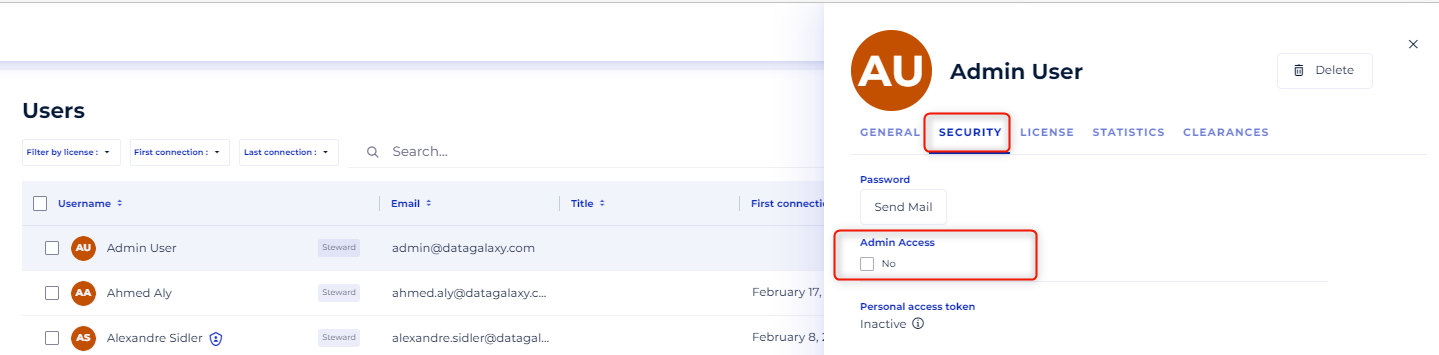
It is possible to check if you have access to the administration at Client Space level by looking at whether or not the "Admin Access" box is checked.
DataGalaxy does not impose limits on the number of administrators at the Client Space level. However, since changes at this level have an impact on the entire platform, it is strongly recommended to limit access to only 2 users.