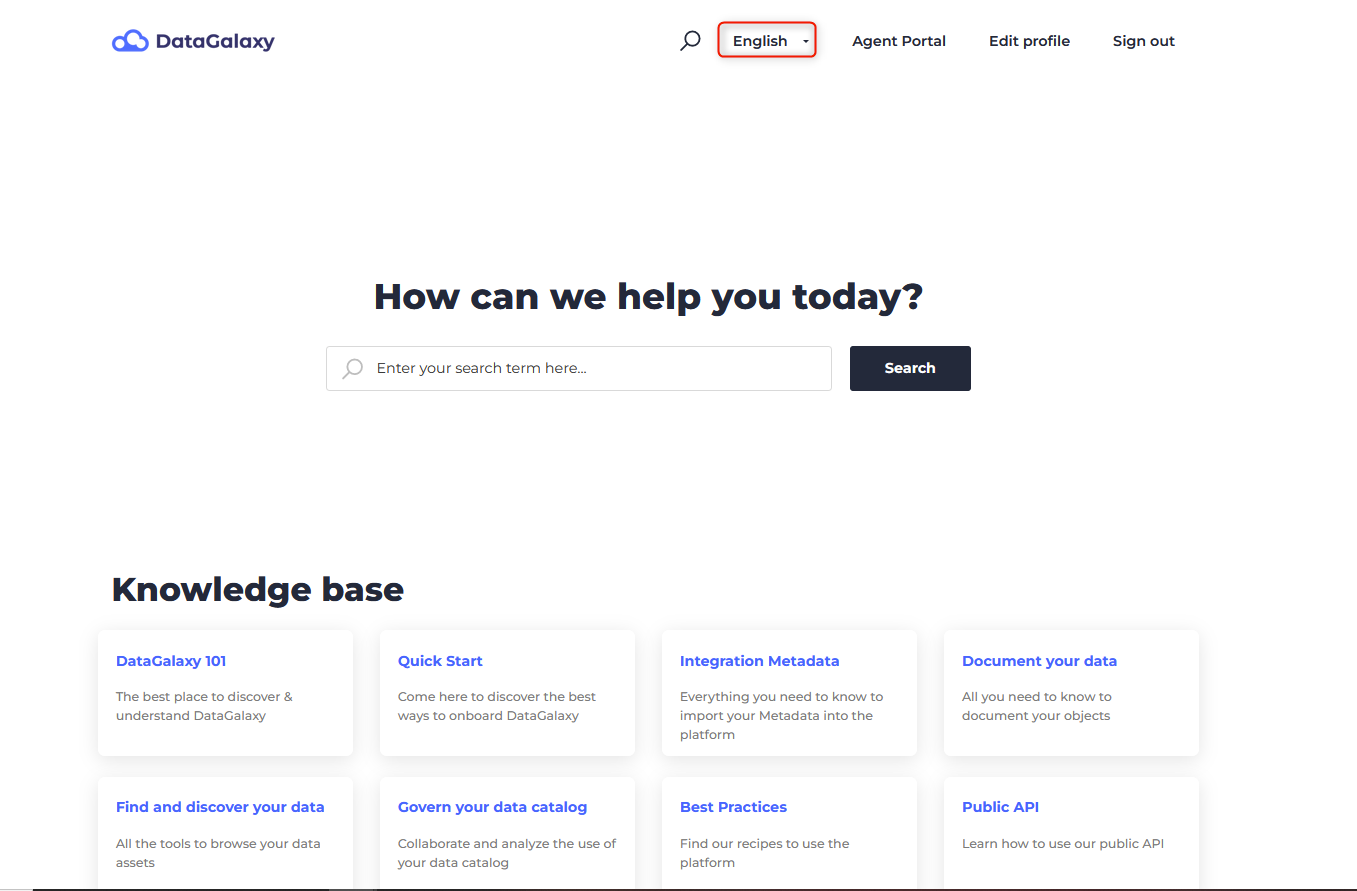
The purpose of this article is to explain how to change the language of the application and the online help.
In the platform
DataGalaxy is available in English and French.
The chosen language will concern the whole application, i.e. the clientspace and all workspaces.
To change the language of the DataGalaxy platform:
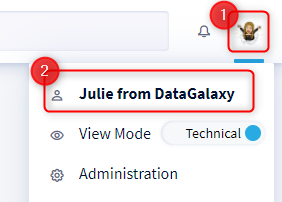
- Access your profile by clicking on your icon at the top right of the screen.
- Click on your name in the drop-down menu
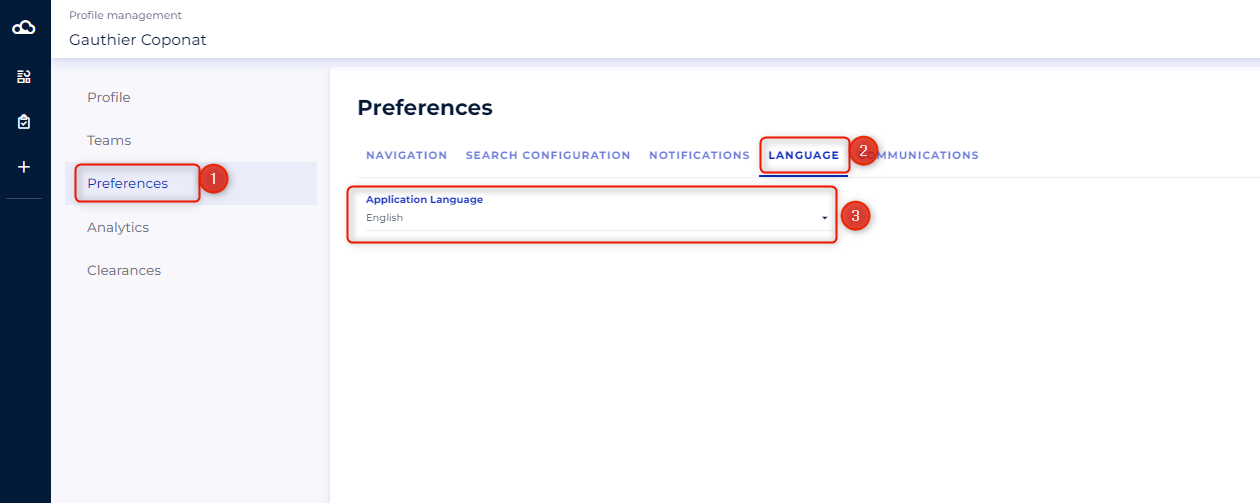
- Select the Preferences tab
- Scroll down the "Language" section and choose the language of your choice
In the online help panel in the platform
The language of the online help panel depends on the language of your browser.
Therefore, you need to change the language of your browser to change the language of the online help panel in the platform.
To activate it you must:
- Access your profile by clicking on your icon at the top right of the screen.
- Click on Online Help in the drop-down menu
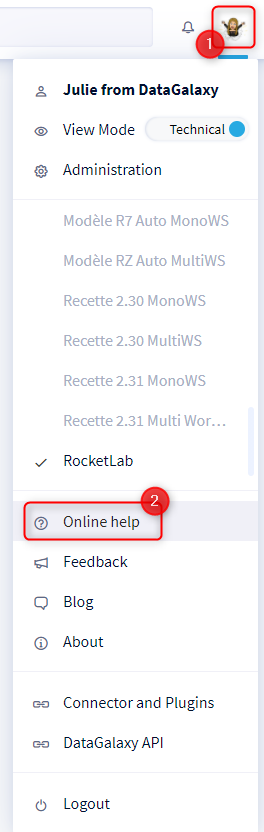
- The online help panel will open
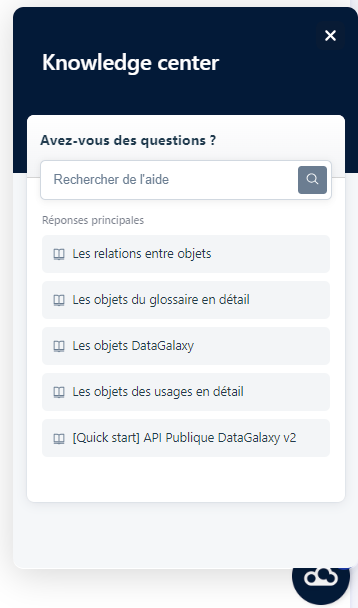
In the online help portal
The online help is accessible from DataGalaxy in French and English versions. The language of your browser when you first connect will determine which version will be displayed by default.
To change the language of the online help:
- Access the online help panel in the platform as described above.
- Click on Help Portal in the panel
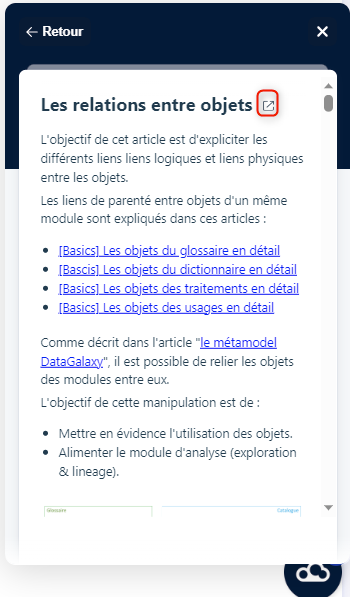
- The online help portal opens in a new tab
- Choose the language of your choice from the dropdown menu in the portal header