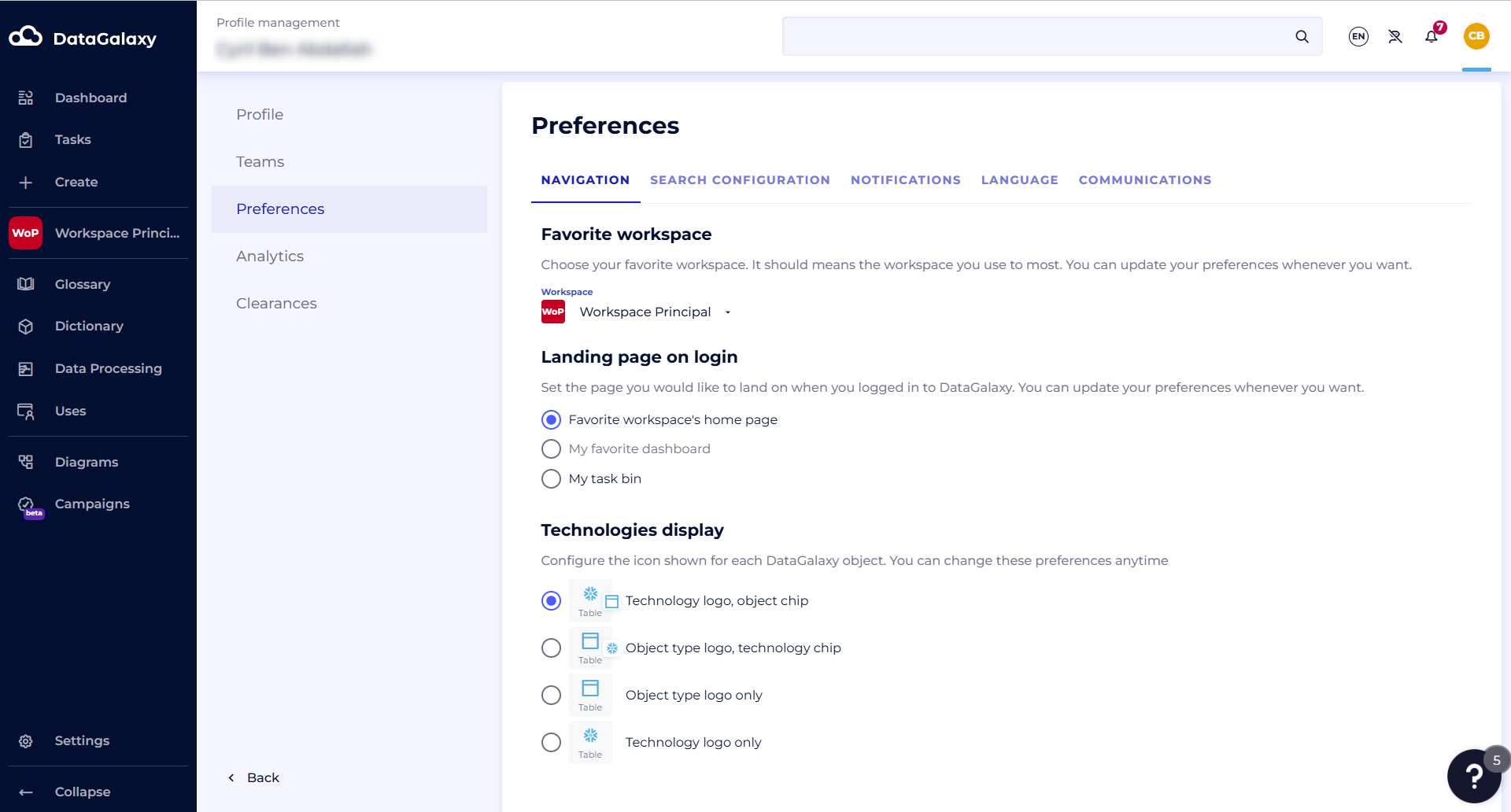
The purpose of this article is to explain how to set your navigation preferences.
Navigation settings allow you to:
- Define your favorite workspace
- Define the page you want to arrive on when you log in (this setting is not active in the case of reopening DataGalaxy)
- Define the display of technologies in the object files
To access these preferences:
- Access your profile by clicking on your icon at the top right of the screen.
- Click on your name in the drop-down menu
- Select the Preferences section,
- Click on the Navigation tab and choose the parameters of your choice