
This article aims to explain how to monitor your global activity.
To access this activity monitoring page :
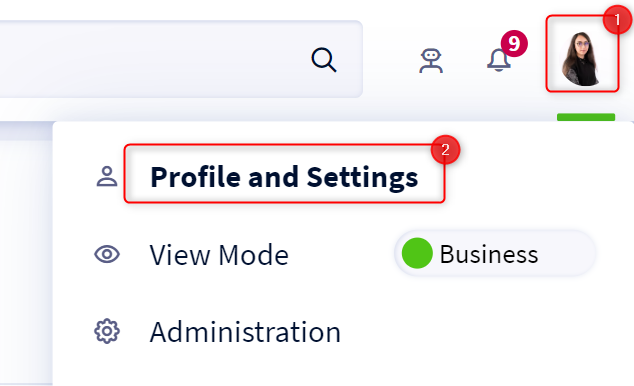
- Access your profile by clicking on your icon at the top right of the screen
- Click on Profile and Preferences in the drop-down menu
- Select the Analytics tab and then Global Activity
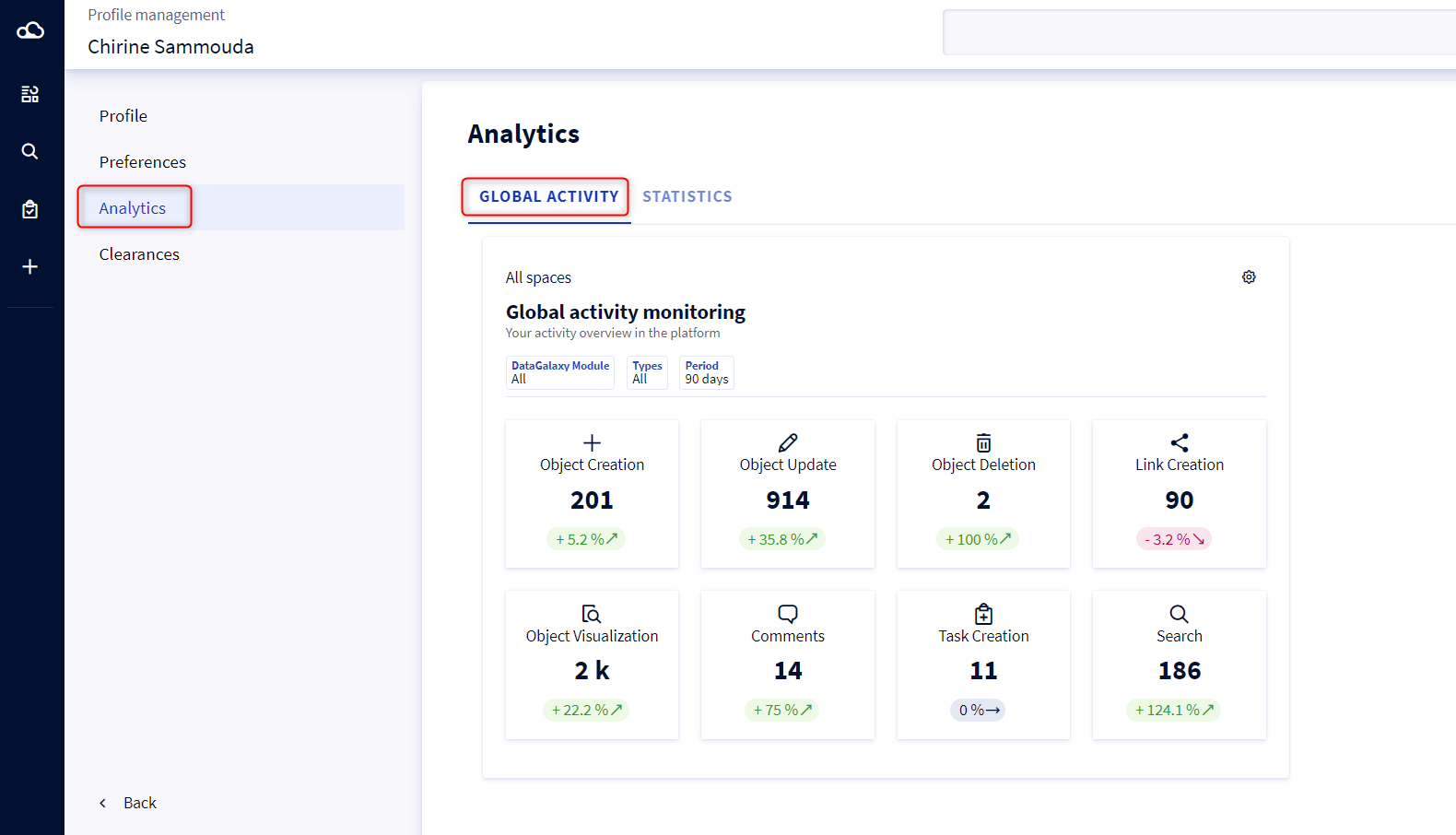
On this page, a widget displays 8 synthetic indicators which allow you to monitor your overall activity within the platform, as well as 3 analysis axes displayed as filters to be applied on the widget.
If you have the Reader license, only 4 indicators are displayed in the widget:
- Object Visualtzation
- Comments
- Task Creation
- Search
To find out more, please refer to these 2 articles: