This article discusses how to choose your technology display preferences.
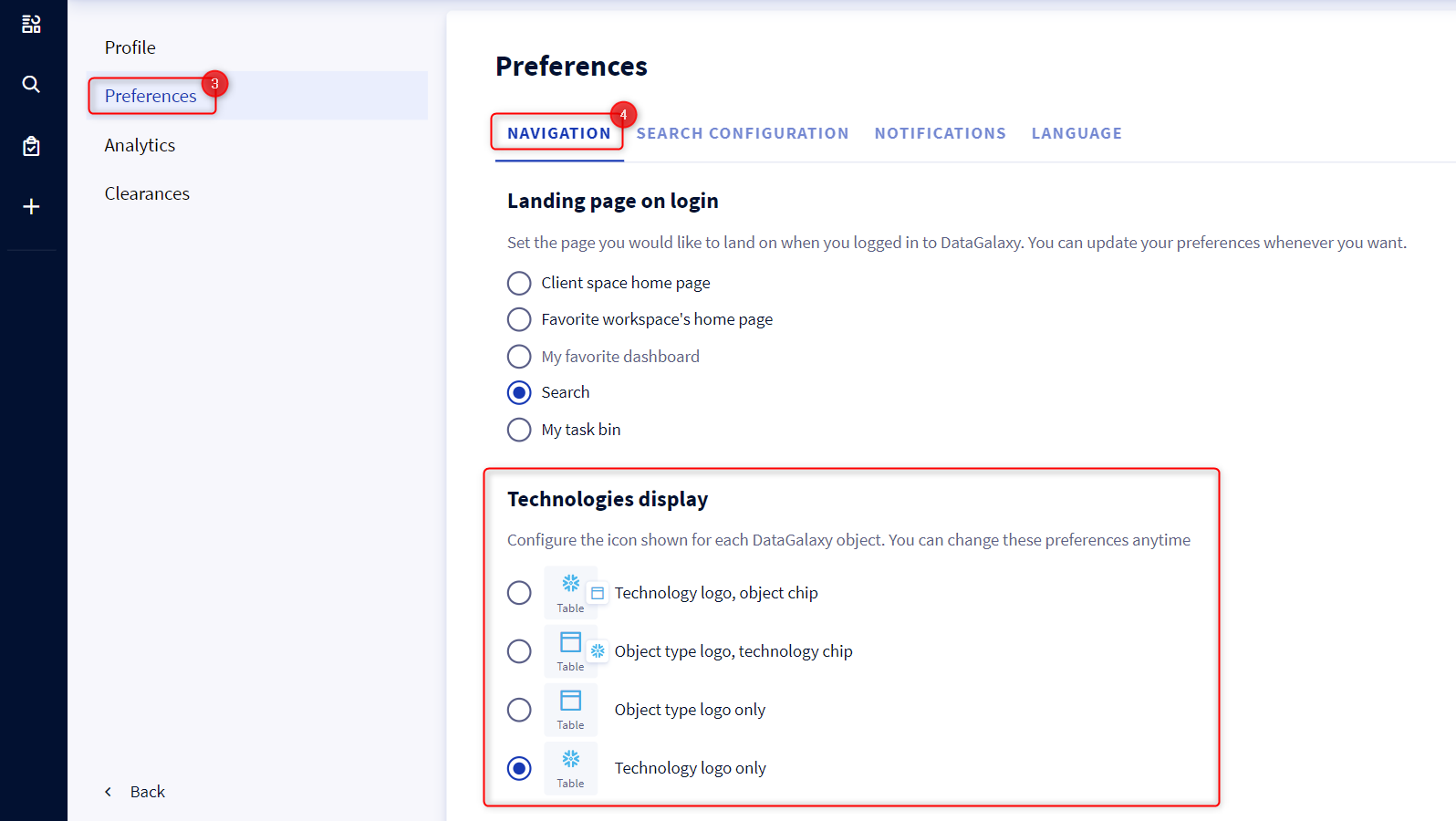
The technology display preferences allow you to choose the display mode of the technology icons in the platform. 4 display modes are available:
- Technology logo, object chip.
- Object type logo, technology chip.
- Object type logo only.
- Technology logo only
To access these preferences:
- Access your profile by clicking on your icon at the top right of the screen
- Click on Profile and settings in the drop-down menu
- Select the Preferences tab
- Scroll down to the Technologies display section and check the technology display mode of your choice