The purpose of this article is to explain how to modify your personal information.
To access this personal information management page:
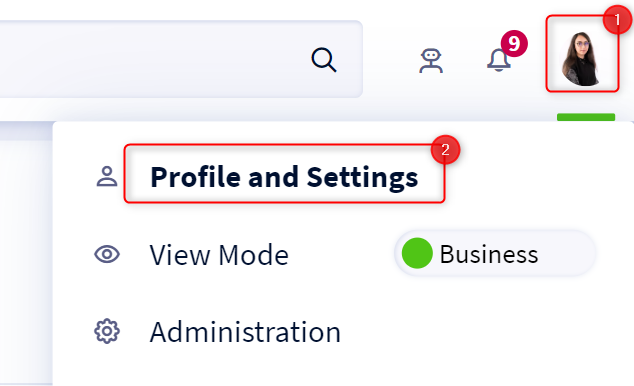
- Access your profile by clicking on your icon at the top right of the screen.
- Click on Profile and settings in the drop-down menu
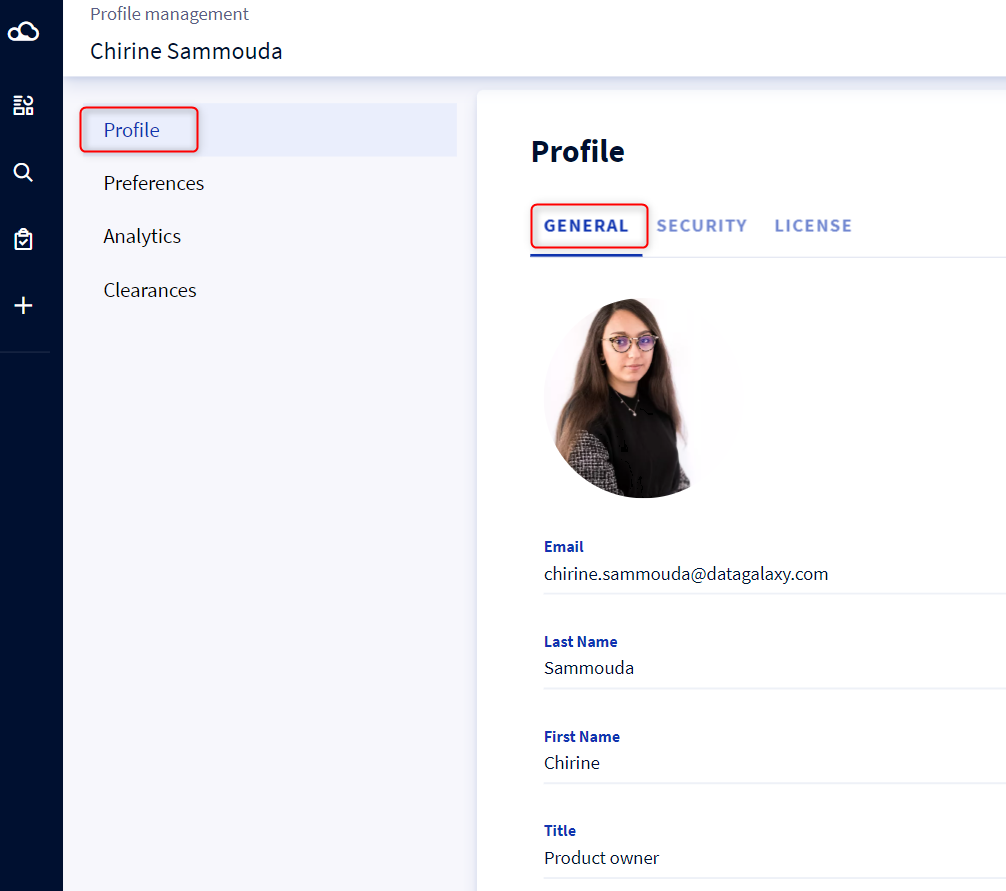
- Select the Profile tab
On this page, you have the possibility to fill in the following information:
- Your email
- Your first name
- Your name
- Your title
- Your service
- Your role
To update your profile picture, we invite you to read this article: [How to] Add a profile picture
To update your password or to access your personal access token (PAT), check the Security tab. 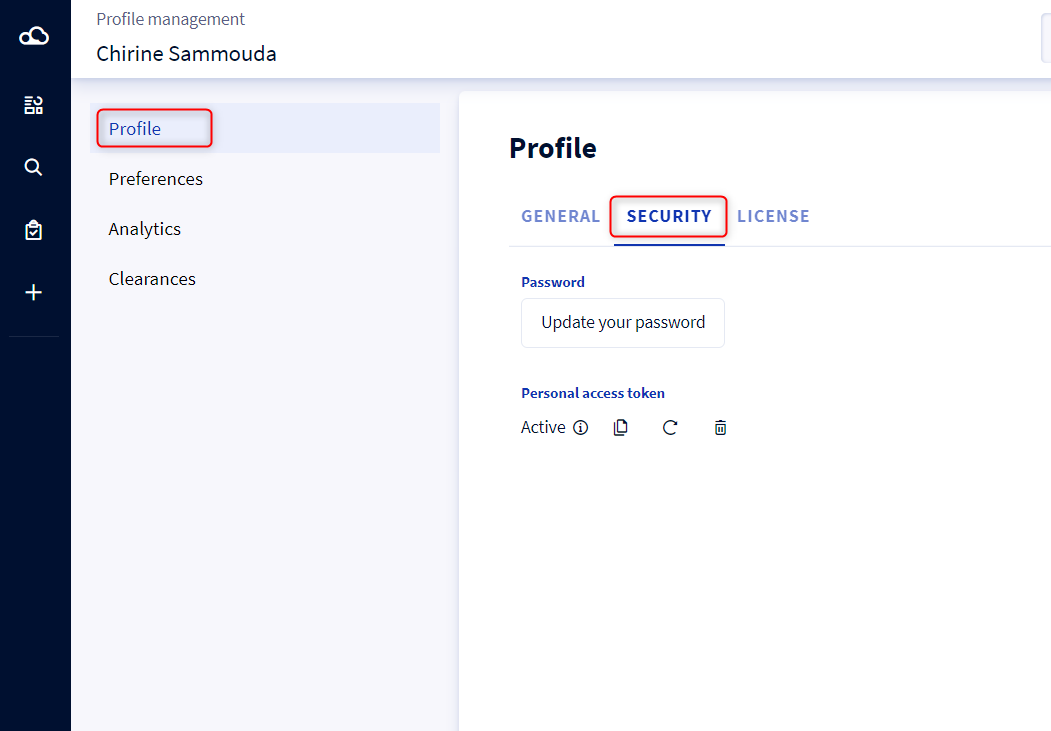
To update your password from this page, please see the following article: [How to] Change my password
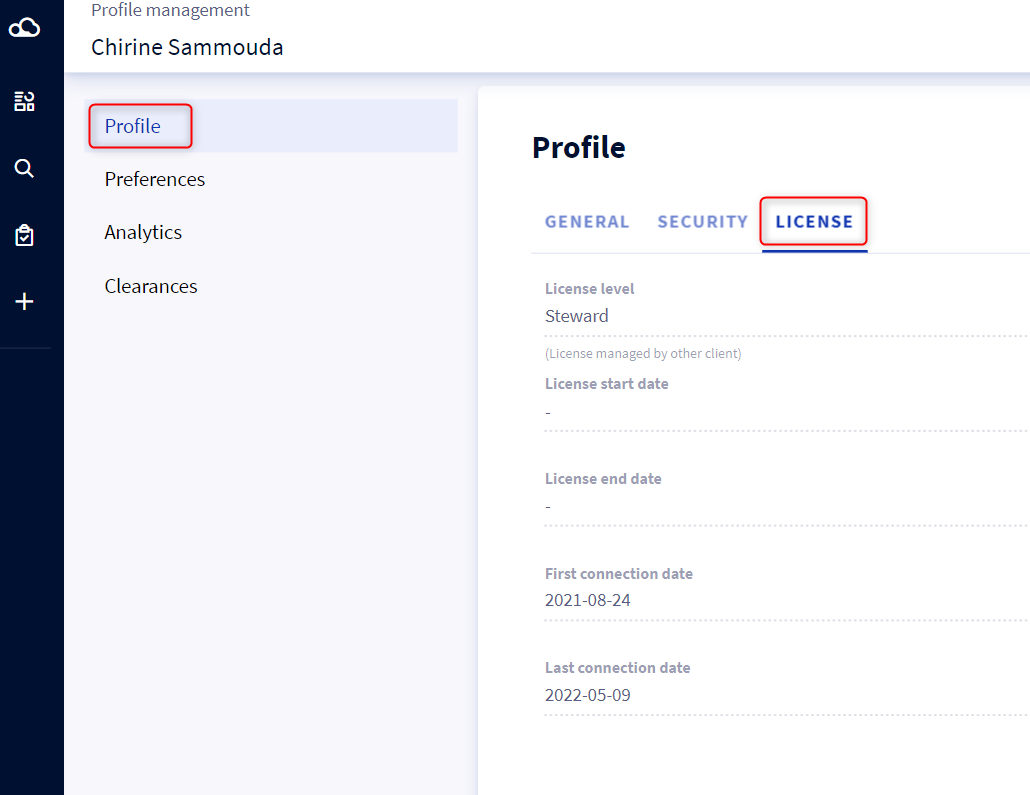
From Licence tab, you also have the possibility to consult the following information:
- Your license level
- Your license start date
- Your license end date
- Your first connection date
- Your last connection date