
This article describes how Tableau Server connector for DataGalaxy works.
This connector is available in the following modes:
| Desktop mode ✅ | SaaS Online mode ✅ |
Please be careful! Starting with version 6.0.0 of the Tableau plugin, the technical naming of objects changes and is not backward-compatible. Therefore, if you migrate from a previous version, the objects will be duplicated in DataGalaxy. If you have enriched these objects with custom fields or links, it will be necessary to carry over these modifications to the new objects (export/import). You can use the orphaned objects management feature to clean up old objects. Information on the release here.
Since May 2023, for Tableau Cloud, the authentication using a Personal Access Token (PAT) is mandatory, using a username and password is no longer supported. If you use the Online connector for Tableau Cloud, you have to create a PAT on your Tableau environment and update the configuration of the connector : set the name of the PAT as the Username and paste the PAT in the Password field.
Connector scope
The connector allows you to import the following metadata from Tableau server :
The set of projects, workbooks and shared data sources of a given site
The content of a workbook: worksheet, dashboards, stories and embedded data sources
Fields in shared and embedded data sources
Links between dashboards and worksheets, between shared and embedded data sources and between worksheets and data source fields
By default, the following attributes are populated for the entire scope:
- Functional and technical labels
Description of project and Datasource fields (if filled in the source)
Data Owner of projects and folders (if the e-mail address is present in the DataGalaxy platform)
Additional attributes are also filled in depending on the technology and by type of object. To make them appear in DataGalaxy screens, it may be necessary to adapt the screens of the concerned objects. See this article to learn more about screen customization.
The following table details the objects and attributes retrieved, and their correspondences in DataGalaxy :
| Source | DataGalaxy Object | DataGalaxy attributes | Comments |
| Project / Sub-project | Application | Creation date of the source object | Each project shared in the Tableau tool is imported as an application, within a root application (to be named during configuration ) in the Usage module. |
| Shared Data Source | Data Set | URL, Creation date of the source object | |
| Embedded Data Source | Data Set | ||
| Data Source Field | Field | Technical type | |
| Workbook | Application | URL, Creation date of the source object | |
| Worksheet | Report | Creation date of the source object | |
| Dashboard and stories | Dashboard | Creation date of the source object |
Configuration of a connection
Tableau Server Connector uses the Tableau REST API, compatible with Tableau Server and Tableau Online. Authentication is performed using a user's Personal Access Token (Authentication Methods - Sign In).
The following information is required to set up a connection:
| Parameter | Mandatory | Description | Example |
| Protocol | Yes | Choice of protocol: https or http | https |
| Server | Yes | Tableau server name | prod-uk-a.online.tableau.com |
| Port | No | Tableau server port (default protocol port will be used when empty) | |
| Site | No | The name of the site (do not enter a complete URL) Example: datagalaxy | datagalaxy |
| API version | Yes | Version of the Tableau API used This version is dependent on the version of the Tableau server, more information available here | 3.12 |
| Root application name | Yes | Name of the "parent" application in the DataGalaxy Usage module, which will be used to store all the workbooks of the Tableau tool. If the application does not exist, it will be created during the import. | |
| Project names | No | List of project names you want to filter on when retrieving metadata, separated by a comma. | Samples, Your project |
| User | Yes | User name (PAT name) | |
| Password | Yes | User password (PAT token) |
Execution of the connector
To create a connection to Tableau via the Online connector, the entry points are as follows:
From the Import button of the "Shortcuts" widget on the home screen of a client space or workspace
From the Import button of one of the modules when it is empty
From the Import button in the contextual menu of one of the modules, on the right side of the filtered views
From the Add a connection button in the Connector tab available in the workspace setup screen
You can optionally filter (by module, connector type or by using the search bar), then click on the desired technology: 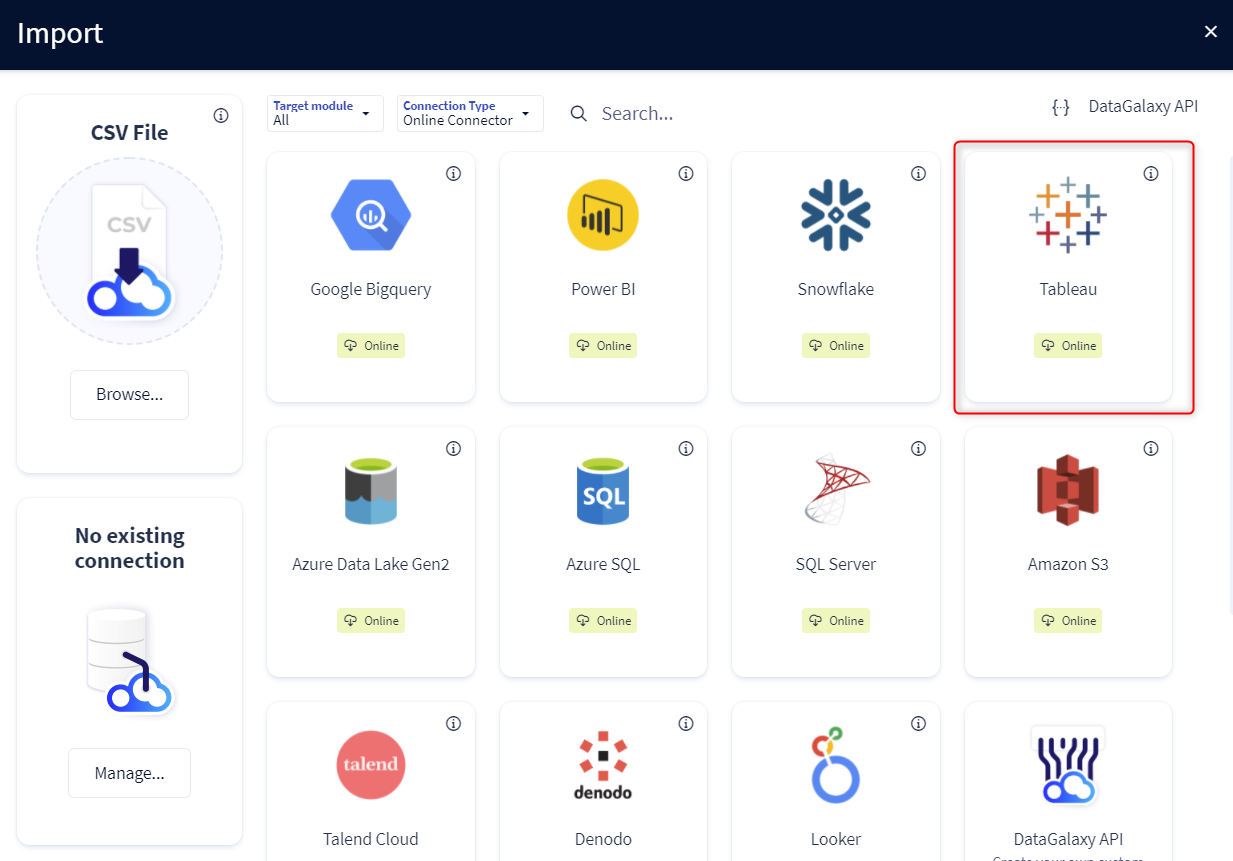
You then need to complete the login form using the login information described above to perform an import. For more details on the steps involved in running the Online connector, you can consult the following article: [HowTo] Running the Online Connector.
This technology is also available via the Desktop Connector, you can find more information on the procedure here: [How to] How to use the connector.
Releases
| Date | Plugin Version | DataGalaxy release | release Desktop Connector version (minimum) | Description |
| 11/08/2026 | 7.0.1 | v3.396.0 | 6.1.1 | Incomplete metadata retrieval fixed and import time optimized |
| 09/07/2026 | 6.8.5 | v3.378.0 | 5.18.2 | Import time optimization and fixed filtering issue |
| 28/05/2026 | 6.8.1 | v3.345.0 | 5.15.7 | Fixed filtering issues on projects for certain api versions |
| 19/03/2026 | 6.8.0 | 5.15.7 | Added the possibility to filter by project | |
| 10/02/2026 | 6.7.1 | v3.306.4 | 5.15.4 | Fixed some bugs related to lineage generation |
| 03/12/2025 | 6.7.0 | v3.286.4 | 5.15.3 | Added best-effort error handling strategy for link generation failures |
| 02/12/2025 | 6.6.0 | v3.285.3 | 5.15.3 | Added retry mechanism for GraphQL queries on timeout errors |
| 28/11/2025 | 6.5.0 | v3.284.1 | 5.15.2 | Added best-effort error handling strategy for Tableau API failures |
| 24/11/2025 | 6.4.1 | v3.282.3 | 5.15.2 | Added hidden technical parameters to customize the batch size of the GraphQL queries sent by the connector to Tableau |
| 21/11/2025 | 6.3.2 | v3.282.2 | 5.15.2 | Fixed the token renewal mechanism |
| 14/11/2025 | 6.3.0 | v3.280.2 | 5.15.1 | Reduced the required number of network calls to fetch workbooks |
| 30/07/2025 | 6.2.1 | v3.219.1 | 5.7.7 | Fixed a bug related to the renewal of the token |
| 20/09/2024 | 6.1.0 | v3.77.1 | 5.2.6 | Improved pagination system for graphQL queries (warning: makes the connector slower but more scalable than before) |
| 28/08/2024 | 6.0.3 | v3.70.0 | 5.2.6 | Improved pagination system to retrieve metadata |
| 21/08/2024 | 6.0.2 | v3.68.0 | 5.2.2 | Logs made more explicit in verbose mode |
| 14/08/2024 | 6.0.1 | v3.67.0 | 5.1.1 | Logs made more explicit in verbose mode |
| 01/08/2024 | 6.0.0 | v3.64.0 | 5.0.4 | Update of technical name for datasets to avoid duplicates |
| 30/07/2024 | 5.0.0 | v3.63.0 | 5.0.4 | Migrated from java 11 to java 17 + CVE fixes |
| 06/06/2024 | 4.3.5 | v3.50.0 | Bugfix related to a volumetric problem | |
| 04/06/2024 | 4.3.4 | v3.49.0 | Bugfixes | |
| 17/04/2024 | 4.3.3 | v3.42.0 | Improve login process | |
| 07/12/2023 | 4.3.2 | v3.22.0 | Update for retrocompatibility with former python plugin |